LG dryer not heating, even though the drum still turns? It’s usually choking on its own exhaust. LG’s help page puts a blocked vent or a linty filter first, and its Flow Sense codes exist to warn you about exactly that.
The second most common cause isn’t a fault at all. On many LG models, Energy Saver is on by default for the Normal cycle. It adds an air-dry stretch to the start of the cycle, so you won’t feel heat at first.
Rule those two out before you order a heating element. Then check power on an electric dryer, or the gas valve on a gas one.
Electric or gas? It changes the checks
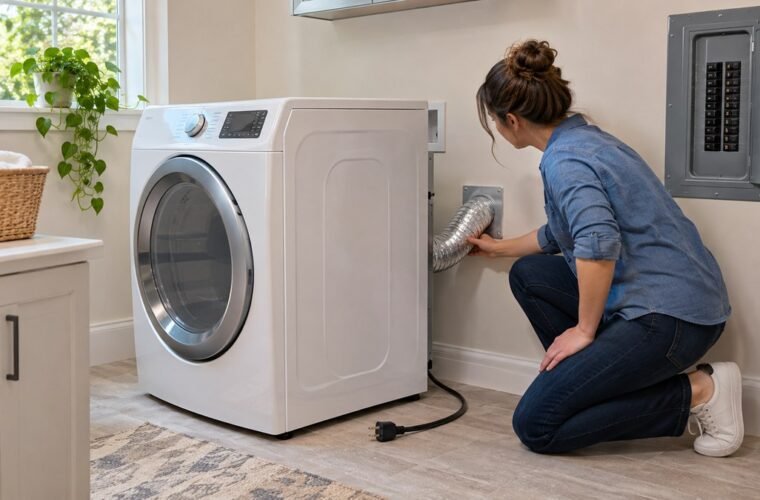
Look at the back of your dryer. A thick cord on a large plug means electric. A yellow or steel gas line with a shutoff valve means gas.
An electric LG dryer heats on 240 volts. The owner’s manual for the DLE3400 series calls for its own circuit, fused at 30 amps on both sides of the line.
Here’s the catch. LG’s manual warns that, because of how electric dryers are built, a circuit problem can let one run without heat. So reset your dryer’s breaker even if the drum still turns.
A gas LG dryer plugs into a regular 120-volt outlet, and the heat comes from the burner. The manual says it will run with no gas and show no error code. So check that your other gas appliances work.
LG’s error list says a GAS or 9A5 code means the dryer isn’t receiving gas. Make sure both the house shutoff and the dryer’s own valve are fully open, and that the line isn’t kinked. On gas models, LG adds, a d80 code can mean a lack of gas supply instead of a blocked vent.
Energy Saver and sensor dry can look like no heat
Before you pull anything apart, check what the dryer was asked to do. LG’s not-heating help page covers three settings that fool people:
- Energy Saver. It’s on by default for Cotton/Normal and starts the cycle with air only. Press Energy Saver once to turn it off for one load. Hold the Energy Saver Default On/Off button for 3 seconds to change the default.
- Air Dry or a no-heat cycle. These never heat. Pick a timed or sensor cycle with heat.
- Sensor dry stopping early. Sensor cycles end when the clothes reach the dryness level, which LG sets at 80%, or Normal, by default. LG suggests Timed Dry for small loads, sheets, a single bulky blanket and mixed loads.
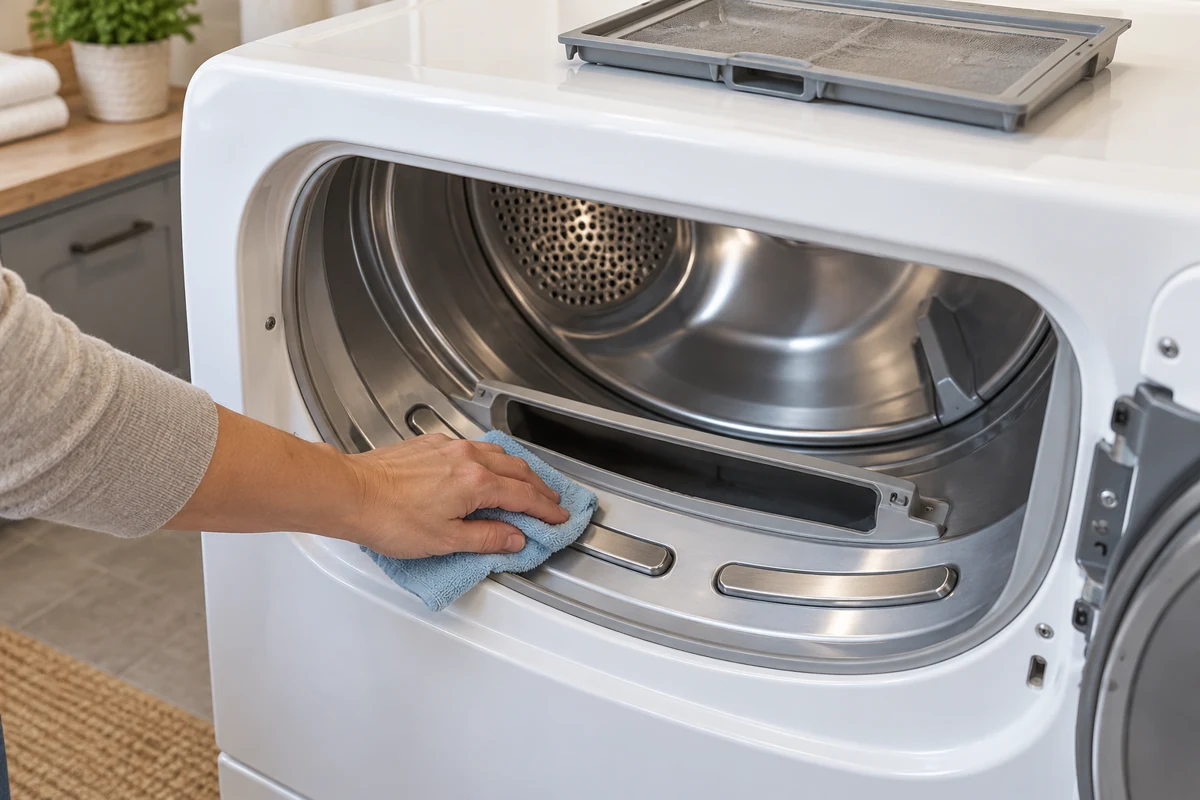
The sensor bars sit just below the lint filter. LG says to wipe each bar 4 to 5 times with a damp cloth once a month, then let them dry. Skip that, and coated bars can end your cycle early. Your towels come out damp.
Check the airflow before any part
A blocked vent is the cause you can fix for free. It’s also the one that comes back after you replace a part, if nobody cleared it.
When one homeowner’s new element quit after a month, a commenter on r/Appliances gave advice I’d agree with:
“Before replacing the element again, I’d have the entire vent run checked/cleaned and verify the airflow at the outside exhaust!”
– r/Appliances (3 upvotes)
Work from the dryer out to the wall:
- Wash the lint filter. LG says to clean off the lint and wash the filter with water.
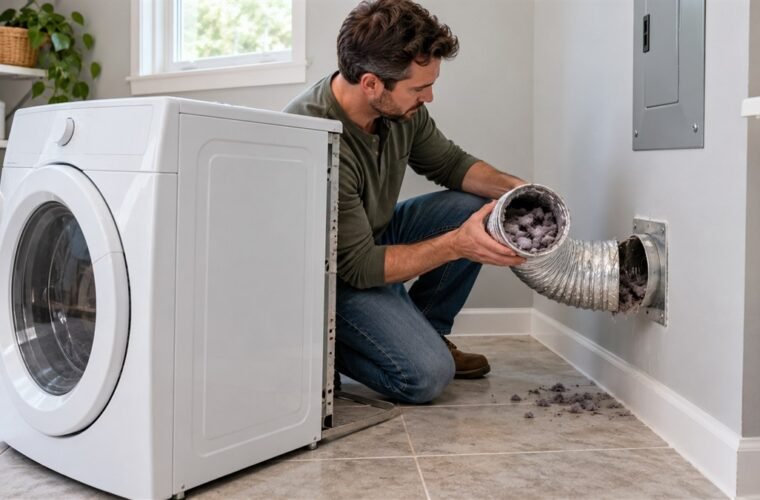
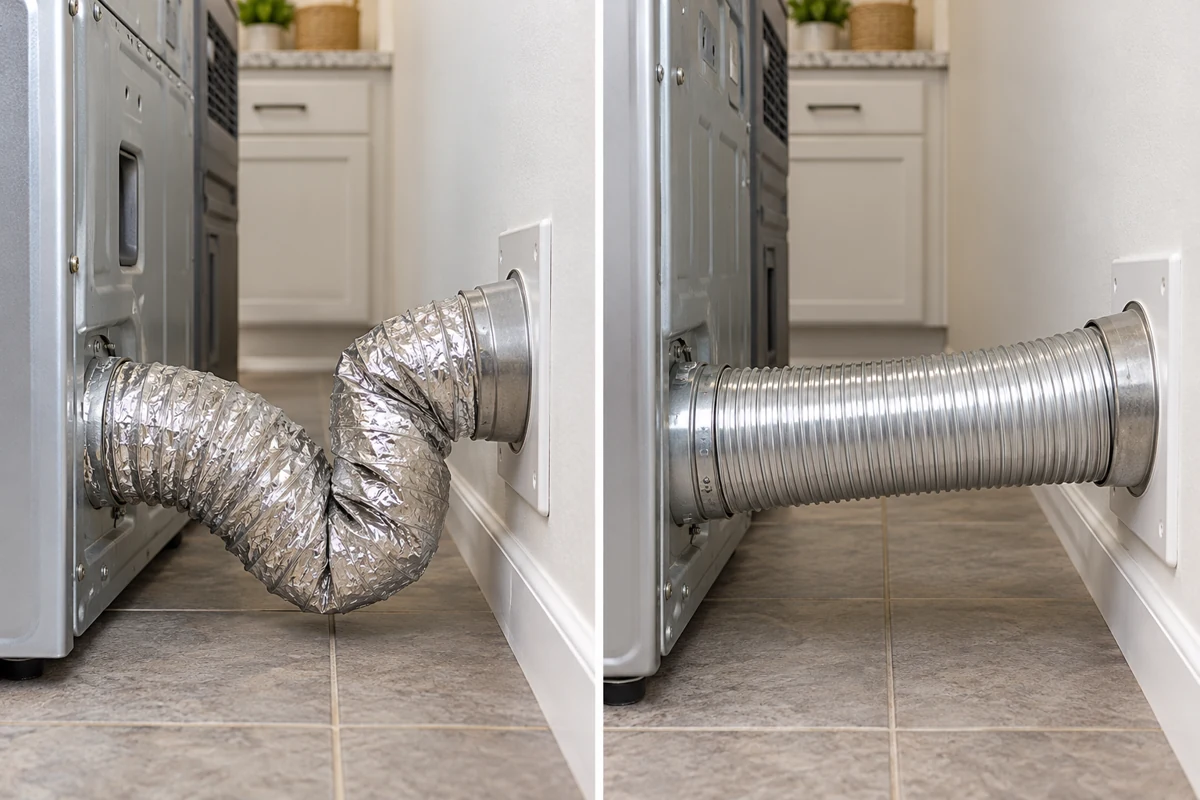
- Look at the hose behind the dryer. It shouldn’t be crushed, dented, kinked or compressed. LG wants it straight or in a gentle S curve.
- Check the duct type. LG recommends rigid or semi-rigid metal duct. The manual limits flexible metal duct to 8 feet in total, and rules out plastic and thin foil.
- Go outside and run Air Dry. The flaps on the wall cap should open fully. If they don’t, LG says to replace the exhaust cover and clear any lint you can see.
- Measure the run. Long runs with several elbows restrict airflow even when they’re clean.
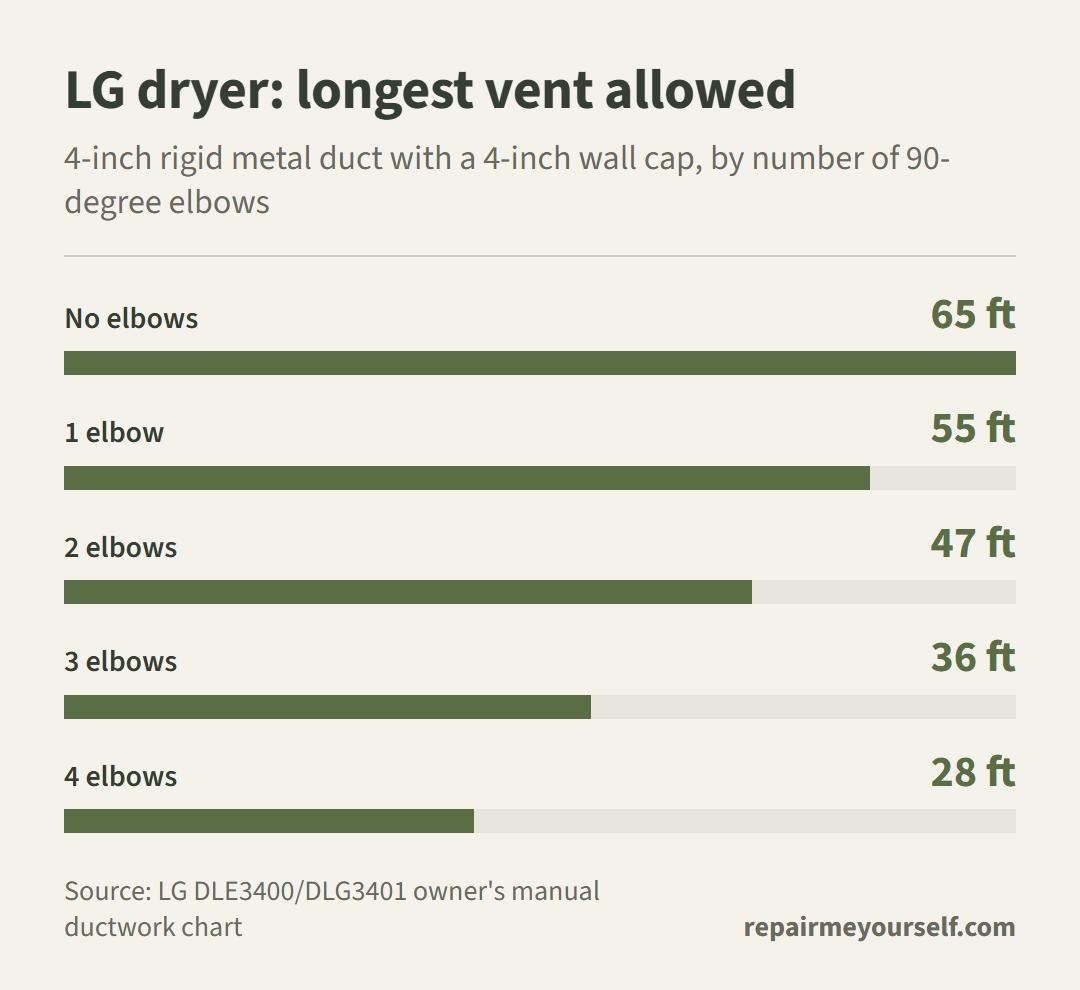
Each 90-degree elbow costs you a lot of length. LG’s chart drops from 65 feet with no elbows to 28 feet with four. The manual says not to use more than four.
Got a smaller 2.5-inch wall cap? Then your limits are shorter again, from 55 feet down to 22.
If your dryer shows a d75, d80, d90 or d95 code, it’s already told you what’s wrong. LG’s error code list reads those as the exhaust duct being 75%, 80%, 90% or 95% clogged. Two or four Flow Sense bars mean the exhaust is severely restricted. A code that won’t clear after a cleaning has its own guide: LG dryer d90 with no blockage.
Codes that point at the heat
Some LG codes point straight at a heat problem. Read the display before you take the back off. Our full LG dryer error code list covers the rest.
| Code | What LG says it means | What to check first |
|---|---|---|
| nP | No current detected at the heater, usually home wiring | Cord firmly in a grounded 240V outlet. Breaker off for at least 10 seconds, then on. An electrician checks the outlet voltage if it returns. |
| PS | Improper voltage in the power cord | LG says this can happen when the white and red wires are reversed on the terminal block. Have the cord installation checked. |
| GAS / 9A5 | The dryer isn’t receiving gas | Supply valve fully open, line not kinked. A brand-new dryer goes back to the installer. |
| tE1, tE3 | A problem with the thermistor, the temperature sensor | Unplug or trip the breaker, hold START/PAUSE for 5 seconds, restore power and run a cycle. |
| HS | Humidity sensor error | The dryer runs about 2 1/2 hours, so it seems not to dry. Clean the sensor bars below the lint filter. |
If you’re not sure what a light on the panel means, our LG dryer symbols guide decodes each one.
Not heating, or not drying?
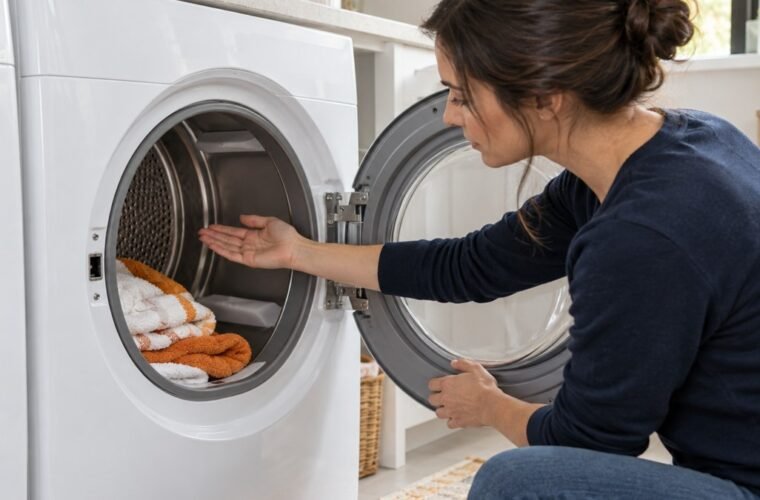
They sound alike, but they aren’t the same fault. Run Timed Dry for a few minutes, then open the door. Is the air in the drum warm?
If it’s warm and the clothes still come out damp, the heat is there but the moisture can’t leave. That’s airflow, an overloaded drum or a sensor cutting the cycle short. Go back to the vent and sensor checks above.
If it’s cold, the heat never started. Look at power, gas and the codes in the table.
LG’s help page also has an installation test you start from a button combination on the panel. It tells you whether the problem is airflow or the heating system. The buttons differ by model, so follow the page for yours.
If the drum turns with no heat at all after all of that, our guide to a dryer that spins but won’t heat walks through the parts and how to test them.
When it’s really a part
Once the vent is clean, the settings are right and the power or gas checks out, a part has failed. LG’s own page sends you to a repair at that point.
Test before you swap. One r/appliancerepair reply to a no-heat post went straight there: “Did you verify the heating element has continuity?”
On service calls, the dryers that lost heat twice weren’t unlucky with parts. They had a vent nobody had cleaned. Replace the part, then clean the vent, or you’ll be buying it again.
Stop and call a pro if you smell gas, if a gas connection needs to be undone, or if the outlet or terminal block needs work. Gas fittings and 240-volt wiring aren’t a weekend job.
LG dryer not heating: quick answers
How do I reset an LG dryer that won’t heat?
For tE1 and tE3, LG’s reset is to unplug the dryer or trip its breaker, hold START/PAUSE for 5 seconds, then restore power. For nP, switch the breaker off for at least 10 seconds. A reset won’t fix a blocked vent.
Why is my new LG dryer not heating?
Check Energy Saver first, since it’s on by default for Normal. On a gas model, make sure the supply valve is fully open. LG says a new dryer showing a gas code should go back to the installer.
Why is my LG dryer blowing cold air?
Cold air with no code usually means an air-only cycle, Energy Saver, a breaker on an electric model or a closed gas valve on a gas one, since the manual says a gas dryer runs without gas and shows no code. Our guide to a dryer blowing cold air covers the rest.