There’s no reset button on a KitchenAid dishwasher. You reboot one with three separate actions, and each clears a different thing. Cancel/Drain stops a running cycle, the padlock releases a locked panel, and cutting power for 60 seconds reboots the control board. Start with the cheapest action.
Most owners who look up how to reset KitchenAid dishwasher controls reach the breaker first. That wipes the fault code the board was holding. When your panel still has power, read the code before you touch anything.
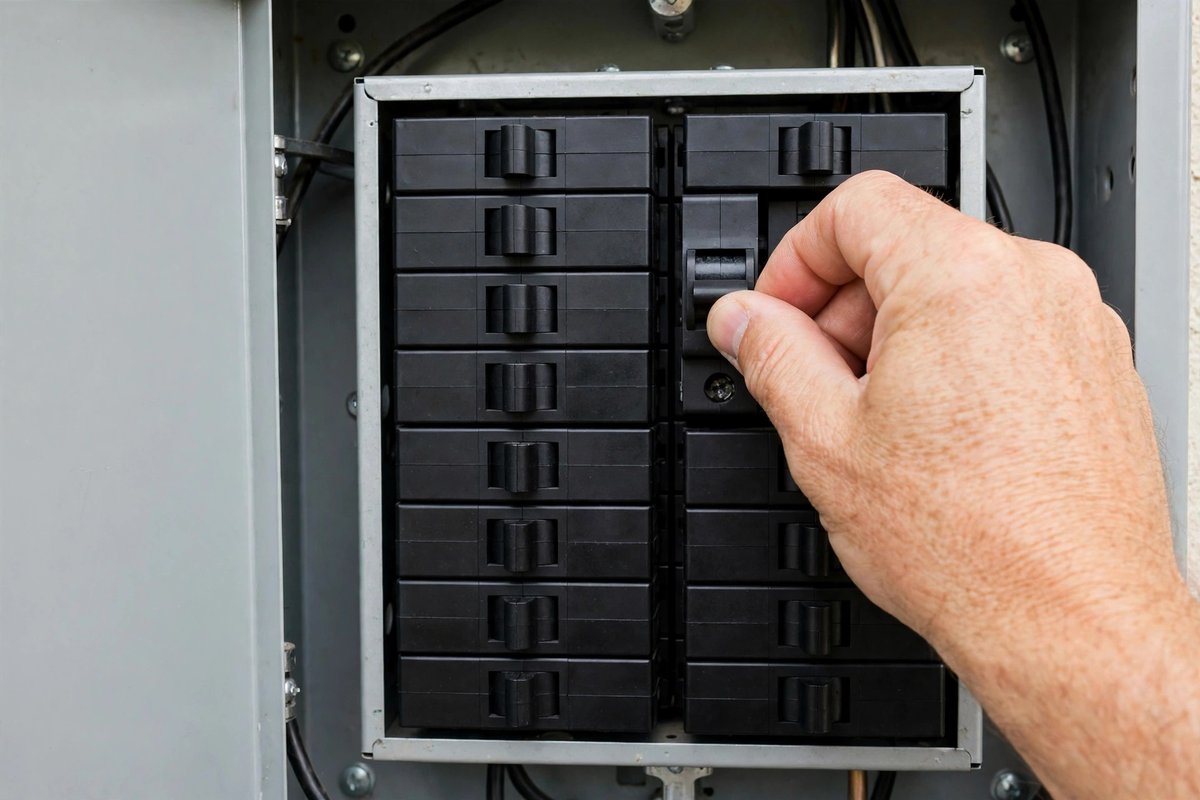
How to reset KitchenAid dishwasher controls, cheapest first
Order the three resets by what they cost you. A cancel costs 15 seconds and leaves the memory alone. A breaker cycle costs a minute and takes the stored code with it.
That’s the whole decision, so the table below runs from cheapest to most destructive.
| What you see | Reset to use | Time | What it clears |
|---|---|---|---|
| The cycle is stuck with water in the tub | Cancel/Drain | About 15 seconds | The cycle only, not the code |
| Panel dark, red padlock lit | Control Lock, held 3 seconds | 3 seconds | The lock only |
| Display frozen or flickering after an outage | Breaker off, then on | 60 seconds | Board memory, including codes |
| The same code returns after every reset | Service diagnostic cycle | About 20 minutes | Nothing. It reads the stored code |
KitchenAid has been part of Whirlpool since 1989, so these machines follow Whirlpool’s control logic rather than a KitchenAid-only sequence.
The sibling guides for the GE dishwasher and the Bosch dishwasher use the same cheap-first order with different pad names.
Step 1: Cancel/Drain ends the cycle without cutting power
Press Cancel/Drain once. On consoles where the two functions share one pad, hold it for about 3 seconds until the drain pump starts.
The pump runs for 2 to 3 minutes, then your display goes blank or shows the cycle as canceled. If it’s still running after that, press once more and hold longer.
This isn’t a board reset. It ends the cycle and empties the tub, and any stored fault stays exactly where it was. You’ll want that difference later, when you need to know what the machine was complaining about.
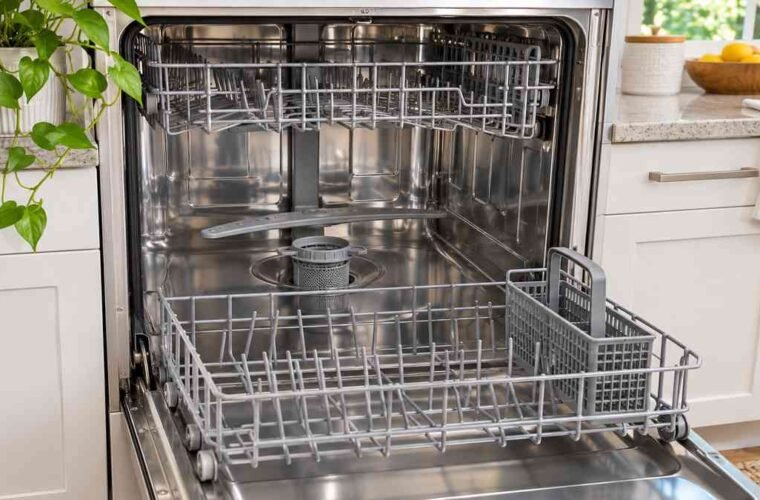
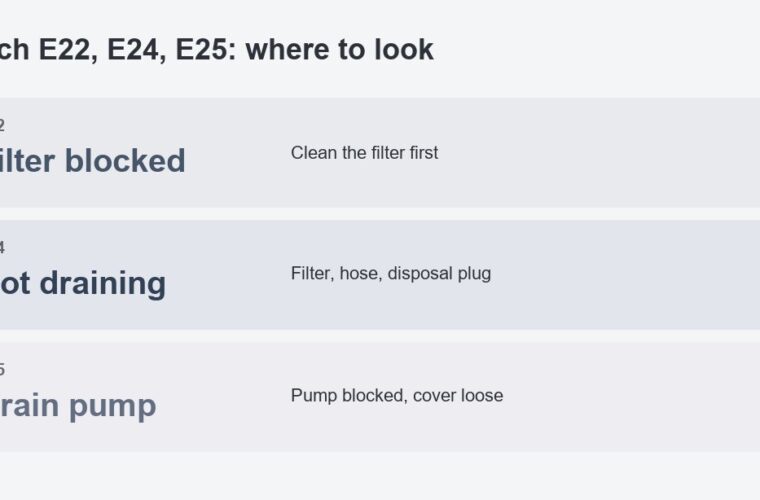
Standing water after the pump stops points downstream: filter basket, drain hose, or air gap.
Panel lights that stay on after a cancel mean a different fault than a tub that won’t empty, and the two need separate checks.
Step 2: Release Control Lock when the panel looks dead
A red padlock on the display means Control Lock is engaged, and every pad on the console is ignored until you release it. Hold the padlock pad, or the pad marked Control Lock, for 3 seconds. Four-pad consoles sometimes need 5.
That light is how you tell a locked panel from a dead one. Locked panels still show you the clock. A panel with no light at all has lost power, and your next step is the breaker, not another pad.
Owners call it a freeze. Why does the panel lock itself mid-cycle like that? It isn’t frozen. Someone leaned on the lock pad, or a wet cloth did while you wiped the console.
Step 3: Power cycle at the breaker
Switch your dishwasher’s breaker off, wait a full 60 seconds, then switch it back on. KitchenAid’s product help gives one minute as the wait for a control reset. Shorter waits are the usual reason a power cycle looks like it did nothing.
On a plug-in model, pull the plug instead. Expect your clock and any delay start to come back at zero.
Run one power cycle per fault. You’ll be tempted to skip the minute. Don’t.
Flipping the breaker three times in a row changes nothing and erases the same memory each time, so you lose the code without getting a second chance at it.
You’ll know the reboot took when the display comes up, the padlock clears, and the machine accepts a cycle selection. If your panel stays dark after a full minute with the breaker on, you’ve got a supply or board fault, and no further reset will change that.
Read the code before you reset (diagnostic mode)
Whirlpool-family dishwashers keep the last fault in memory until power is cut. The service cycle is a pad sequence: either two pads alternated ten times, or three pads pressed in order three times. It runs roughly 20 minutes and can’t be interrupted without starting over.
Codes appear on the display in the F1E1 or F4E1 pattern as the cycle moves through its tests. The meaning shifts between model lines, so the site keeps a separate KitchenAid dishwasher error code list with the part each code points at. The tech sheet taped behind the kick plate carries the same table for your exact model.
Write the code down while the panel is still lit. After a breaker cycle the board has no record of it, and the next person to look at your machine starts from nothing.
“Same thing happened to me with a 724. Stop draining, pump got clogged, unclogged it. And then the entire control board fried midcycle, and the dishwasher had to be replaced.”
– r/Appliances, October 2026 (3 upvotes)
A clogged pump can take the board with it. That owner lost a machine to a fault that started as a stopped drain, which is why you pull the filter before the breaker on anything involving water.
When three resets change nothing
Some faults never pass through the board, and no button sequence reaches them. Four checks, in the order they turn up on a call:
- Door latch. The cycle won’t start and the panel reads normal. Press the door closed and listen for the switch. A latch that no longer clicks needs the assembly, not a reset.
- Float switch. Water sits above the float in the tub base and your machine refuses to fill. A float held up by suds or debris mimics an overfill and stops every cycle.
- Drain pump. The pump hums, water stays, and the fault clears for one cycle before returning. Glass or a seed hull in the impeller produces that pattern.
- Heating circuit. Dishes come out cold and wet on a cycle that otherwise ran to the end. Did the element fail, or just its thermostat? You can’t reset either one back to life.
Stop and call a pro if the breaker trips again as soon as you reset it, if water is pooling under your machine, or if the harness connector at the board shows scorching. Those three sit outside what you should open up yourself.
If the same code returns within one cycle of a power reset, the part it names has failed. Another reset repeats the same 20-minute test and erases the record again.
FAQ
Is there a reset button on a KitchenAid dishwasher?
No. KitchenAid dishwashers have no dedicated reset button. Resetting means Cancel/Drain, then the Control Lock pad, then a 60-second power cut at the breaker.
How do I release Control Lock on a KitchenAid dishwasher?
Hold the padlock pad, or the pad marked Control Lock, for 3 seconds. On consoles with four pads in a row, hold up to 5 seconds. The red lock light goes out when it releases.
How to reset KitchenAid dishwasher when the panel is dead?
A dead panel is a power fault, not a lock. Switch the breaker off for 60 seconds and back on. If nothing lights up with power restored, the board or its supply needs a technician.
Does resetting clear the error code?
A power cycle does, which is why you read the code first. Cancel/Drain and the lock release leave stored faults in memory.
Will a reset fix a dishwasher that will not drain?
Only when the stoppage sat in the control logic. A clogged filter or a jammed impeller survives every reset and needs the filter pulled.