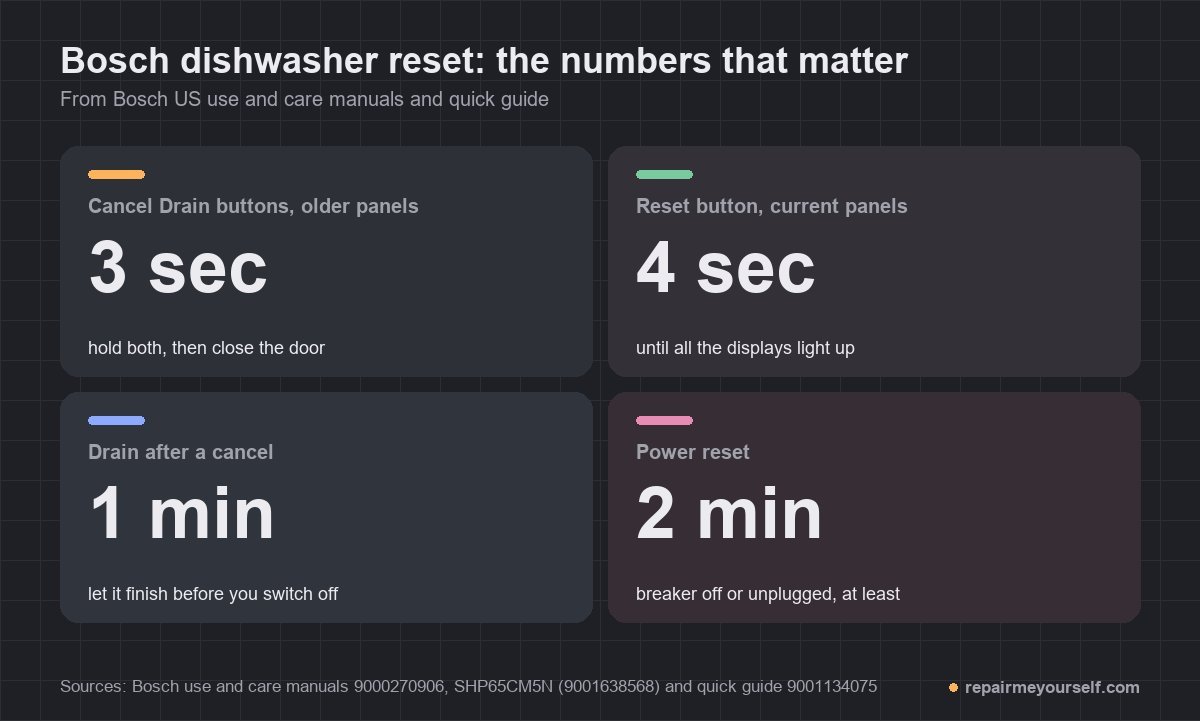
Here’s how to reset Bosch dishwasher models. Press and hold the reset button until the display changes, about 4 seconds on newer panels like the SHP65CM5N and 3 seconds on older two-button panels. That cancels the cycle, and the dishwasher drains for about a minute. If the panel is frozen, cut the power for at least 2 minutes instead.
Those are two different resets, and they fix different problems. The button reset ends a program. The power reset restarts the electronics.
Which button you hold depends on your panel. Bosch’s US manuals show three layouts, so find yours first.
Which reset button your Bosch has
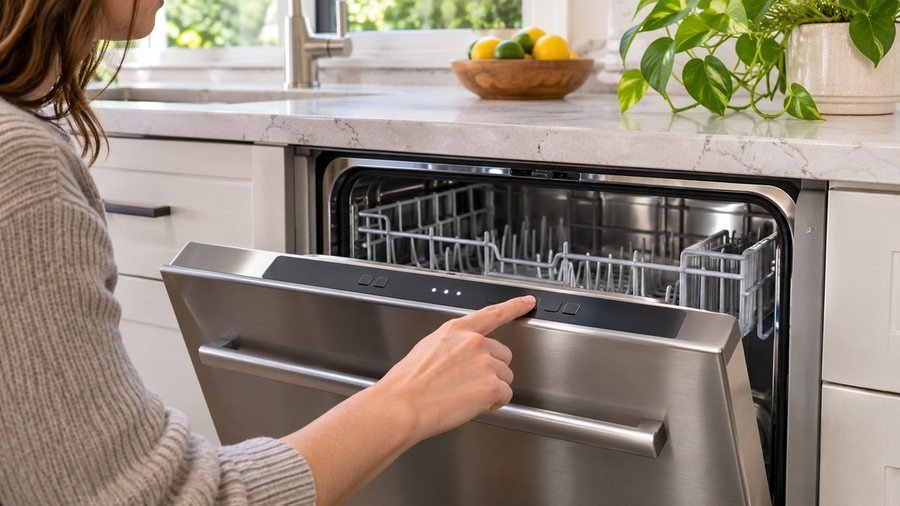
Look at the controls on the top edge or the front of the door. You’ll see one of three things, and each has its own hold:
- Two buttons marked “Cancel Drain.” Older models. Bosch’s use and care manual for the SHE44C, SHE45M, SHX46L and related lines says to hold both for three seconds.
- A Start/Resume button. Bosch’s quick guide says to hold it until the wash cycle LED or the “Active” LED goes out.
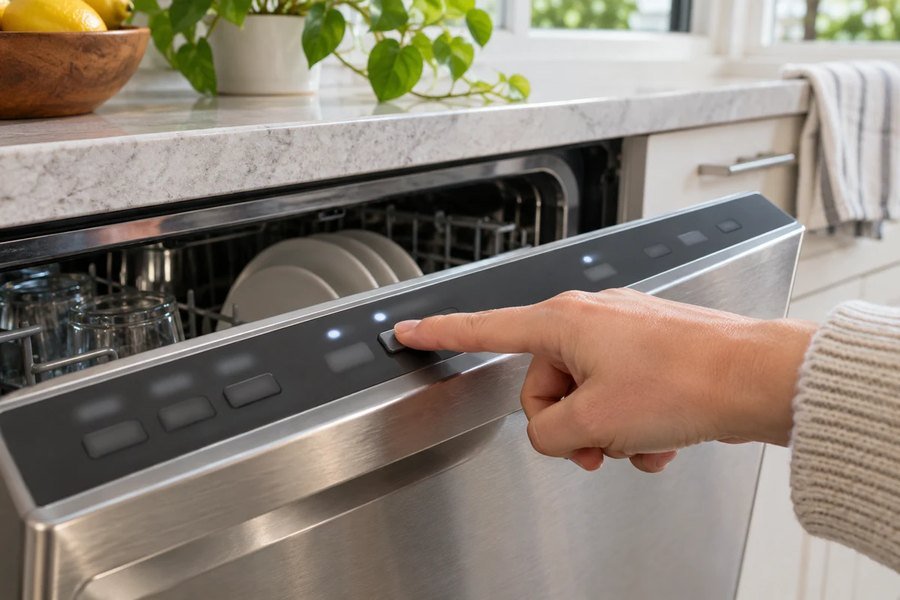
- An On/Off button that’s also the reset button. On the SHP65CM5N, Bosch labels one button “ON/OFF button and reset button” and says to hold it for about 4 seconds.
Not sure what you’ve got? Your model number is on the label inside the door. Bosch asks for it, along with the serial number, whenever you call customer service.
Cancel and drain: how to reset Bosch dishwasher programs
Use the button reset when you picked the wrong cycle, need to stop one, or find water sitting in the tub because the program never finished. Bosch’s manual says you can only change a running cycle after you cancel it.
Older panels with Cancel Drain
- Open the door far enough to reach the buttons.
- Press and hold the two “Cancel Drain” buttons together for three seconds.
- Close the door and wait about 1 minute while it drains.
- Open the door and press On/Off. You can start a new cycle now.
Panels with Start/Resume
- Press and hold Start/Resume until the wash cycle LED or the “Active” LED goes out.
- On top-control models, press Start/Resume again, then close the door within 4 seconds.
- Wait about 1 minute while it drains. The “Clean” LED lights when it’s done.
- Press On/Off. Turn it back on if you want a new cycle.
That 4-second door rule catches a lot of people. Bosch says that if the door stays open more than 4 seconds after you press Start/Resume, the dishwasher pauses. Press it again and close the door.
Current panels with a combined On/Off and reset button
- Hold the On/Off and reset button for about 4 seconds.
- All the displays light up. When they go off, the leftover water is pumped out.
- The cycle is cancelled and ends after about 1 minute.
Don’t confuse that with a quick press. On this panel, a short press of On/Off only pauses the cycle: Bosch says the program is saved and the dishwasher switches off. Press On/Off and Start again, and it picks up where it left off.
The same manual has a line for a cycle that “starts up automatically.” The cause it gives: you didn’t wait until the cancel had finished. Let the drain run out before you switch off.
When to cut the power instead
Cut the power when the panel itself has stopped responding: no button does anything, or every light is on or flashing. Bosch’s SHP65CM5N manual says that last one means the electronics have detected a fault.
Bosch lists the steps in this order:
- Hold the main On/Off button for about 4 seconds. The appliance resets and restarts.
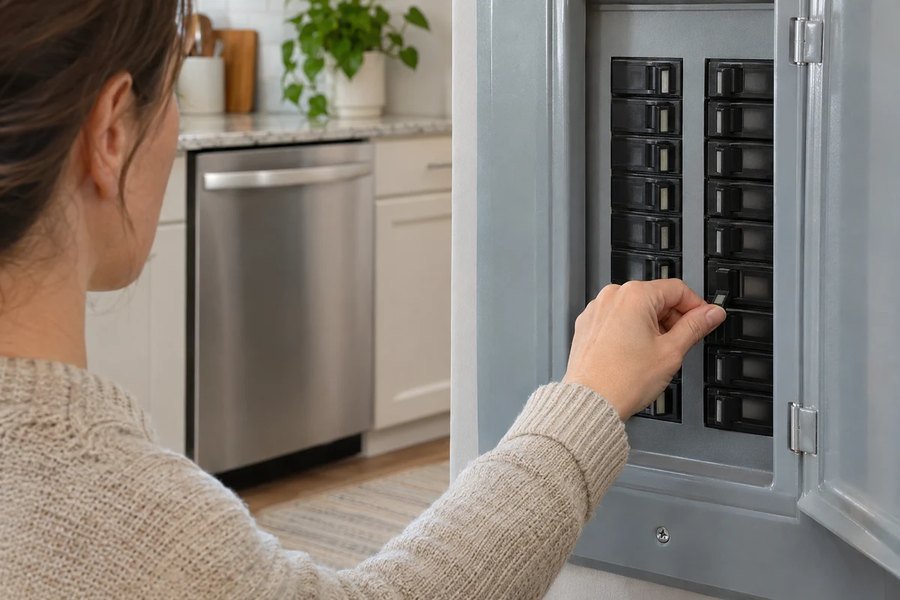
- If the fault comes back, switch the dishwasher off. Unplug it or switch off its circuit breaker in the fuse box.
- Wait at least 2 minutes.
- Switch the breaker back on or plug it back in, then switch the dishwasher on.
- If it happens again, call Bosch customer service.
Your dishwasher’s plug may be out of reach under the counter. The breaker does the same job. I unplug or flip the breaker before I touch anything on a dishwasher.
Tripped breaker or dead outlet? Then no reset will help. Bosch lists both under “appliance does not start,” along with a door that isn’t closed properly.
Factory settings: a different kind of reset
A factory reset doesn’t clear a fault. It puts your basic settings back: the rinse aid amount, intensive drying, signal volume and Wi-Fi. On the SHP65CM5N, you switch the dishwasher on, hold the settings button for 3 seconds, and step through until the Clean, Rinse Aid and Sanitize LEDs flash.
Confirm, and the LEDs flash as the settings reset. Bosch says you’ll need to configure the settings again afterward, the same as at first use.
When a reset won’t fix it
A reset clears a stuck program or a confused control. It won’t fix a part that’s failed. If the same problem comes back after both resets, look at what the dishwasher is telling you.
One owner of a three-year-old Bosch 800 that had gone completely dead described trying both:
“I’ve attempted a soft reset, turned the breaker off for 10 minutes and neither fixed the issue.” u/BrewmasterGreen on Reddit
A dead panel like that means you’re looking for a power problem, not a stuck program. Match your symptom to the page that covers it:
- An E code on the display. Write it down before you reset. The Bosch dishwasher error codes list says what each one means.
- No lights at all. Start with the breaker and the door, then read Bosch dishwasher no lights on control panel.
- It beeps but won’t start. That one has its own causes: Bosch dishwasher won’t start, just beeps.
- A symbol you don’t recognize. Check Bosch dishwasher symbols before you assume it’s a fault.
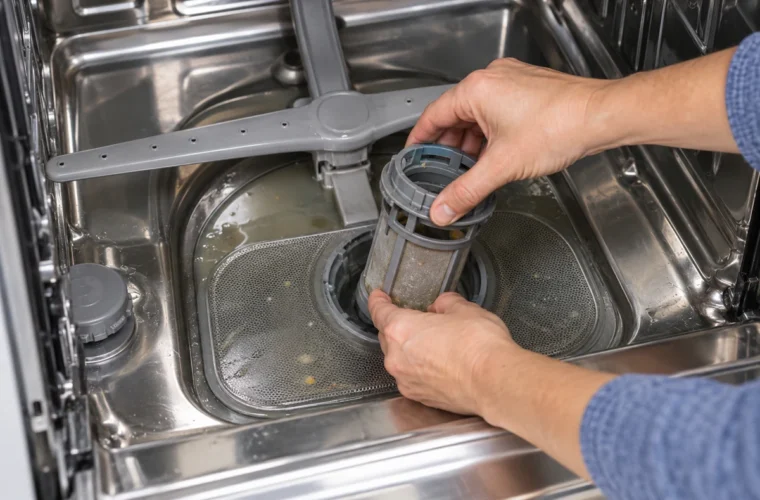
Water still in the tub after a full cancel? Bosch points to the filters or a blocked drain pump. A cycle that stops and restarts on its own can be the door too. One Bosch 300 owner found theirs would carry on “if you open the door, press start and close it again,” and the fix turned out to be at the door latch magnet.
Bosch dishwasher reset questions
How long do you hold the reset button on a Bosch dishwasher?
About 4 seconds on newer panels with a combined On/Off and reset button, and three seconds on older panels with two “Cancel Drain” buttons. On Start/Resume panels, hold until the cycle or “Active” LED goes out.
How do I reset a Bosch dishwasher when all the lights are on?
Hold the main On/Off button for about 4 seconds first. If the lights come back, unplug it or switch off the breaker for at least 2 minutes. Bosch says a repeat after that is a job for customer service.
Does turning it off cancel the cycle?
Not on a panel like the SHP65CM5N. A short press of On/Off pauses and saves the program. To cancel it, hold the reset button until the cycle ends and the water drains.
Bosch was a smaller share of my service calls than Whirlpool. The order is still the one Bosch prints: cancel first, and cut the power only when the panel won’t listen.