Here’s how to reset GE dishwasher controls: press the Start/Reset pad and wait two minutes. If the panel still acts up, turn the breaker off for 30 seconds, then switch it back on. Those are GE’s own numbers.
GE shows up on my service calls a lot, right behind the Whirlpool family and the Korean brands. The reset is easy. What trips you up is impatience. You press the pad, see a blinking light, and keep pressing.
That blink is the reset happening, so leave it alone and you’ll save yourself a lot of guessing.
Press Start/Reset, Then Wait Two Minutes
You press the Start/Reset pad once and give the dishwasher two full minutes. That’s the soft reset, and GE lists it first when lights blink or the unit beeps for no clear reason.
On some models your pad just says Start, but it’s the same pad doing the same job.
If a cycle was running, the dishwasher may pump out water during those two minutes. That’s normal. Let it finish before you pick a new cycle.
Once the two minutes pass, close the door until it latches, choose a cycle, and press Start. Does it fill, and can you hear the spray arms? Then the soft reset worked. If it ignores you, move to the breaker.
How to Reset GE Dishwasher at the Breaker
You cut power at the circuit breaker or fuse box for 30 seconds, then restore it. This hard reset makes the control board start over from zero, which the pad alone can’t always do.
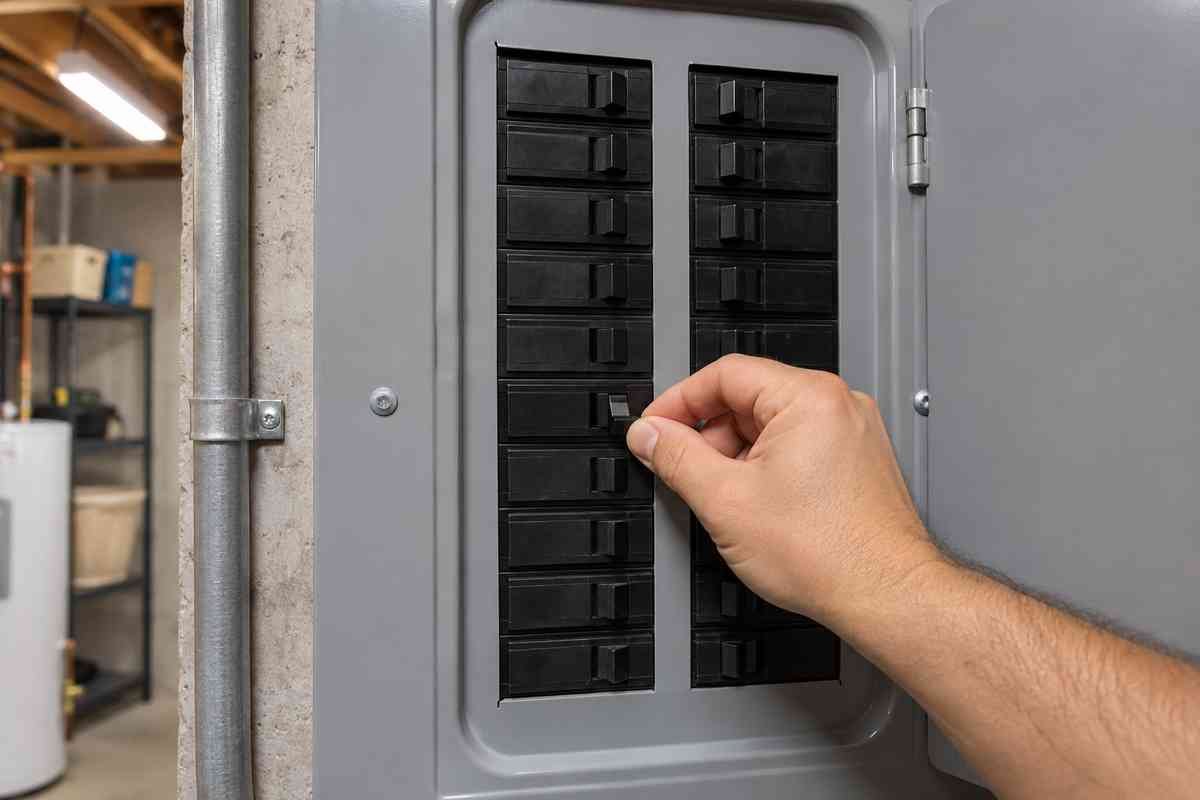
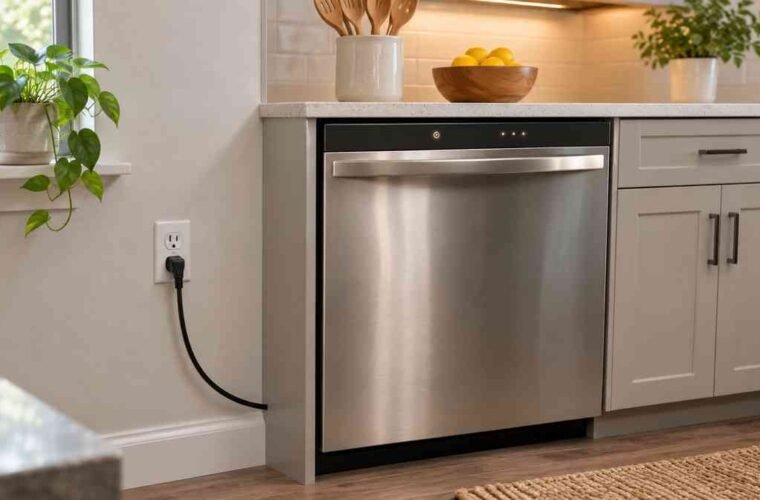
Most GE dishwashers are hard-wired under the counter, so you won’t find a plug to pull. Here’s the order I use:
- Find the model sticker on the inside edge of the tub, by the door, and snap a photo. You’ll want it if the problem comes back.
- At your panel, find the breaker labeled for the dishwasher and switch it off. If nothing is labeled, the kitchen breakers are the likely ones.
- Wait 30 seconds. GE’s support page gives that number for a reset at the breaker or fuse box.
- Switch the breaker back on.
- Close the door firmly, select a cycle, and press Start.
Thirty seconds is GE’s figure, but waiting longer won’t hurt anything. Plenty of owners leave it off much longer, like this one in r/appliancerepair:
“Throw the breaker at the panel wait 10 minutes then reset breaker.”
— r/appliancerepair, April 2026 (3 upvotes)
Ten minutes is overkill for a GE, though it does no harm. What matters is that the power is really off, not flickered for a second. Set a timer on your phone if you need one.
If the same breaker trips again as soon as you turn it on, stop resetting and call a pro. That’s an electrical fault, not a confused control.
Don’t keep flipping it.
What the Blinking and Beeping Are Telling You
A blinking Start or Start/Reset light usually means your dishwasher has already reset and is shutting down. According to GE’s support page, that blink runs 75 to 90 seconds depending on the model. Don’t press anything until it stops.
GE’s blinking lights and beeping page sorts the signals into a few cases. Here’s how I’d use them:
- Start/Reset light blinking for a minute or so: the reset is in progress. Wait it out, then start a fresh cycle.
- A beep every 30 seconds or every minute: the door came unlatched during a cycle. Push it shut and the cycle picks back up. You don’t need a reset.
- Other lights blinking or random beeps: GE points to a power surge. That’s when the two-tier reset above applies.
- Lights you can’t place: your owner’s manual lists the model-specific ones. Search it by the number on that sticker.
The door beep fools a lot of people. A kid bumps the handle, or a pan handle keeps the latch from catching, and the machine starts chirping like it’s broken.
It isn’t broken, and if your door won’t stay latched at all, see why a dishwasher door won’t latch closed.
If the Panel Won’t Answer at All
A panel with no lights isn’t frozen. It has no power, or the controls are locked. Look at your breaker first, then for a lock icon on the display.
Many GE panels have a control lock that kills every pad except the one that releases it. Your owner’s manual names that pad for your model, and you hold it for a few seconds.
If the Start pad itself seems dead while other lights work, GE dishwasher start button not working covers the switch and board checks. For a symbol you don’t recognize, GE dishwasher symbols lays out what each one means.
When a Reset Won’t Bring It Back
You’ll know the reset worked when the blinking stops, a new cycle fills, and the spray arms run. If you get a code again within the first cycle, the reset wasn’t the fix.
A reset clears a control that got confused by a surge or an interrupted cycle. It does nothing for a failed door switch, a blown thermal fuse, or a dead board.
My old boss Dale had a rule for this: reset once, maybe twice, then go find the part. Pressing pads for an hour never fixed a broken one, and he’d watched plenty of owners try before they finally called the shop and asked someone to bring a meter.
Write down any code that comes back and look it up in GE dishwasher error codes. If water sits in the tub after the reset, you’ve got a drain problem, so start with GE dishwasher not draining, because the filter and drain hose are where that water usually gets stuck and no amount of resetting will move it. Has your model been acting strange for a while? Run its number through the appliance recall lookup before you pay for a repair.
GE Dishwasher Reset FAQ
Does a GE dishwasher have a reset button?
Yes, on most models it’s the Start/Reset pad. Press it once and wait two minutes. If that doesn’t clear it, turn the breaker off for 30 seconds.
How long do you wait after resetting a GE dishwasher?
Two minutes after pressing Start/Reset, and 30 seconds with the breaker off for a hard reset. A blinking Start/Reset light can run 75 to 90 seconds while it shuts down.
How to reset GE dishwasher control board when the pad fails?
Use the breaker. That’s how to reset GE dishwasher control boards: power off at the breaker or fuse box for 30 seconds, power back on, then close the door and start a cycle.