You won’t find a reset button on a Whirlpool dishwasher. To reset yours, you cycle the power: cancel any running cycle, cut power for at least a minute, then turn it back on. Check the Control Lock first, before you try the power cycle. A locked panel is the most common reason a Whirlpool ignores every press.
I’ve worked on more Whirlpool-family machines than any other brand on service calls. A panel that looks dead is usually locked, and a panel that’s frozen usually just needs the power dropped. A reset clears a stuck or locked control. It won’t bring back a part that quit.
Check the Control Lock First
You press and hold the Control Lock button, or the button with “Hold 3 Sec” printed by it, for three seconds. The lock light goes out and the panel answers again.
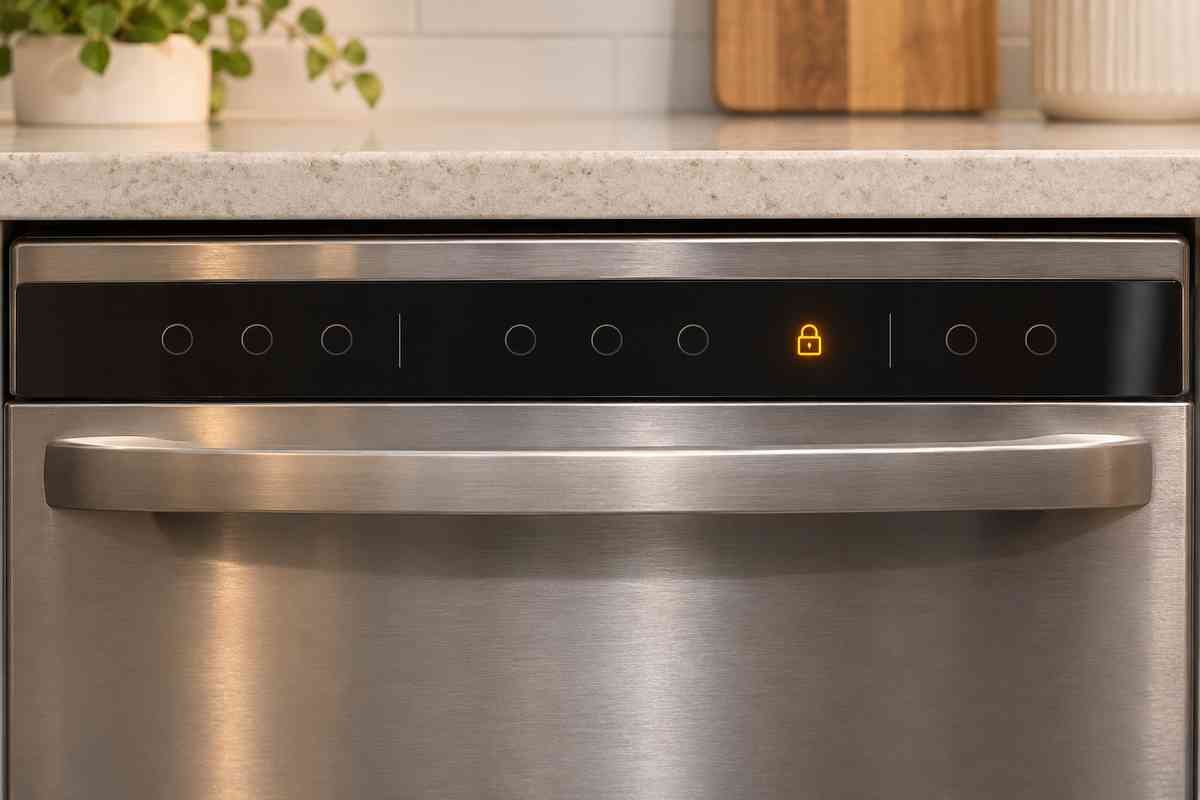
If a padlock or “lock” light flashes three times when you press a key, the panel is locked, not broken. Which button you hold changes with the model. Some have a dedicated Control Lock key. Others share it with Sani Rinse, 4-Hour Delay, ProScrub, Bottle Wash, or Air Dry. Press the actual button, not the printed “Hold 3 Sec” words.
Most of the locks I’ve cleared got switched on by accident. A hip against the panel while you load dishes, a grandkid poking buttons. A three-second hold usually undoes it.
If the panel shows no lights at all, that’s not a lock. Check the breaker, the GFCI outlet, and that the door is latched before you assume the control is dead.
Cancel the Cycle That’s Stuck
You press Cancel/Drain and let the pump finish draining for a minute or two. Then you can start over.
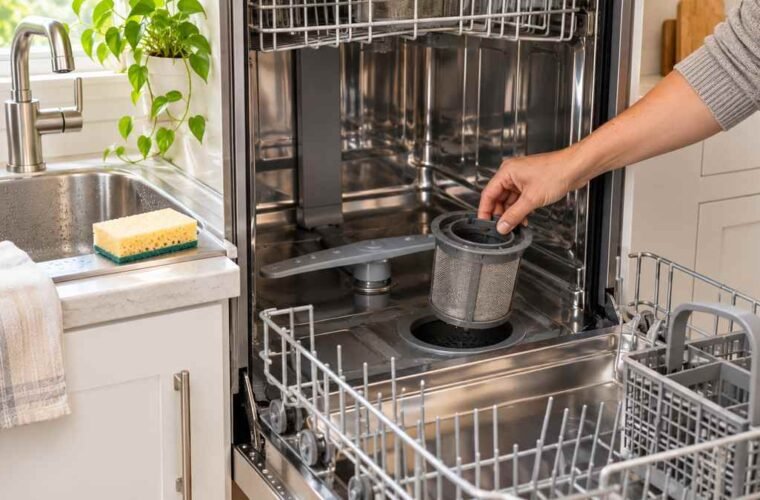
If it stopped mid-cycle, cancel it before you reset. Give the pump time to empty the tub. If it won’t drain, that’s a different problem, so start with the filter instead of a reset. A Whirlpool dishwasher that won’t drain needs the filter and pump checked, not the control.
How to Reset Whirlpool Dishwasher: Cycle the Power
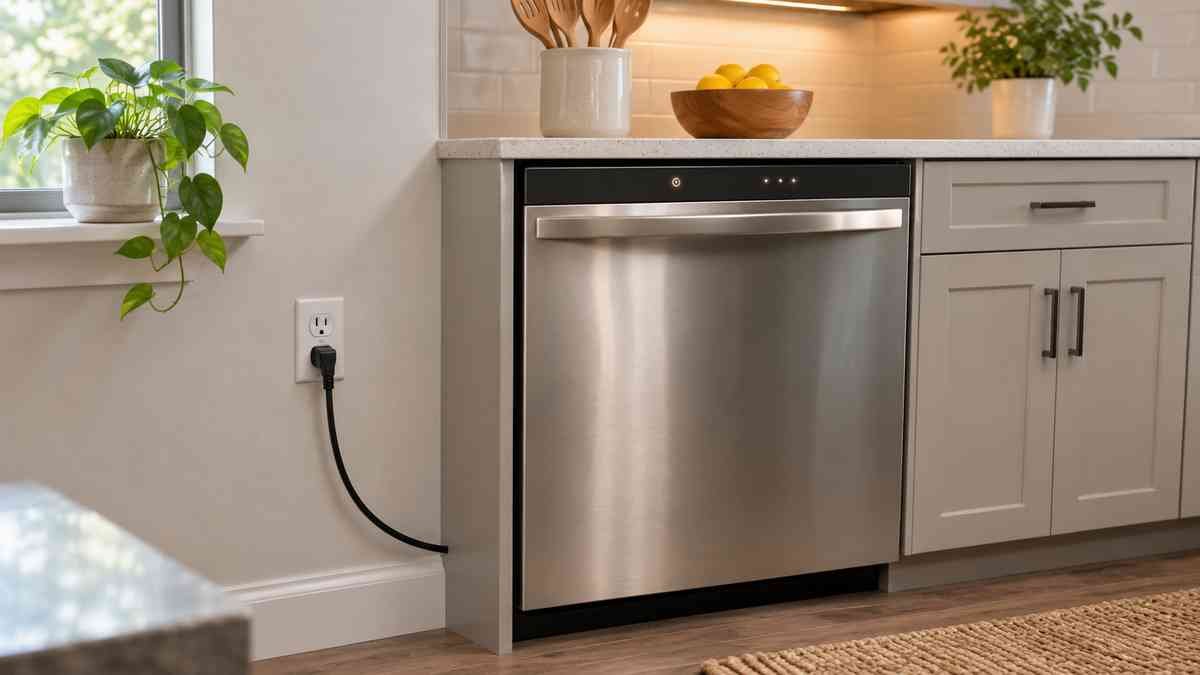
Resetting is a power cycle, not a button. You unplug the machine or flip its breaker off, wait at least one minute, then restore power.
Whirlpool’s own guide spells it out, and there’s no hidden key sequence. Here’s what you do, in order:
- Cancel any running cycle and let it drain.
- Cut the power. Unplug it, or flip the dedicated circuit breaker off if it’s hard-wired.
- Wait at least one minute. Whirlpool’s guide says a full minute so the control fully powers down.
- Restore power. Plug it back in or turn the breaker on.
- Close the door firmly, pick a cycle and options, then press Start.
A minute feels long when you stand there waiting, but it’s the difference between a real reboot and just blinking the lights. Sound familiar? An owner in r/appliancerepair said the same thing, with more patience:
“Throw the breaker at the panel wait 10 minutes then reset breaker.”
— r/appliancerepair, April 2026 (3 upvotes)
If you own a Bosch instead, the same idea applies: cancel the cycle, then cut the power. Both brands share the logic even though the buttons differ. See how to reset a Bosch dishwasher for that panel’s layout.
How to Tell the Reset Worked
You run a short cycle and confirm three things: the panel responds, the door locks, and the unit fills and sprays. If all three happen, the reset took.
A reset fixes a stuck or locked control. It doesn’t fix a fault code. If you reset to clear an error and the same code comes back, the code is real, and the control isn’t the problem.
When a Reset Won’t Fix It
You call a pro if the panel stays dead with power on, the breaker trips again, or a fault code returns right after a reset. Those point to a real part, not the control.
A dead control board, a failed door switch, a circulation pump that quit. None of these answer to a reset. One owner found that out the hard way:
“Circulation pump failures are way too common on these ‘Global Wash System’ Whirlpool-built units, and will cause the unit to fill with water normally, then do nothing, then drain at the end of the cycle.”
— r/appliancerepair, April 2026 (4 upvotes)
If you see a water-in-the-pan code like F8 E4, a reset won’t clear it. That’s a float-switch or seal problem, not a glitch. See Whirlpool dishwasher F8 E4 for what that code means and what to check.
Whirlpool Dishwasher Reset FAQ
How to reset Whirlpool dishwasher control board?
The control board reset is the same power cycle: cancel the cycle, cut power for at least one minute, then restore power and start a cycle.
How do I turn off the Control Lock on a Whirlpool dishwasher?
Press and hold the Control Lock button, or the button labeled “Hold 3 Sec,” for three seconds until the lock light goes out.