To set the clock on a Samsung microwave, press Clock, type the time and confirm with ENTER/START or OK. Panels without a Clock key use other buttons: hold Power Level for 3 seconds, or press Options or My Settings and then 9. Samsung’s US support page lists five panel types.
Here’s how to set clock on Samsung microwave panels without guessing. Read the labels on your keypad first, because the steps don’t carry over from one model to the next. Samsung’s own page says the same.
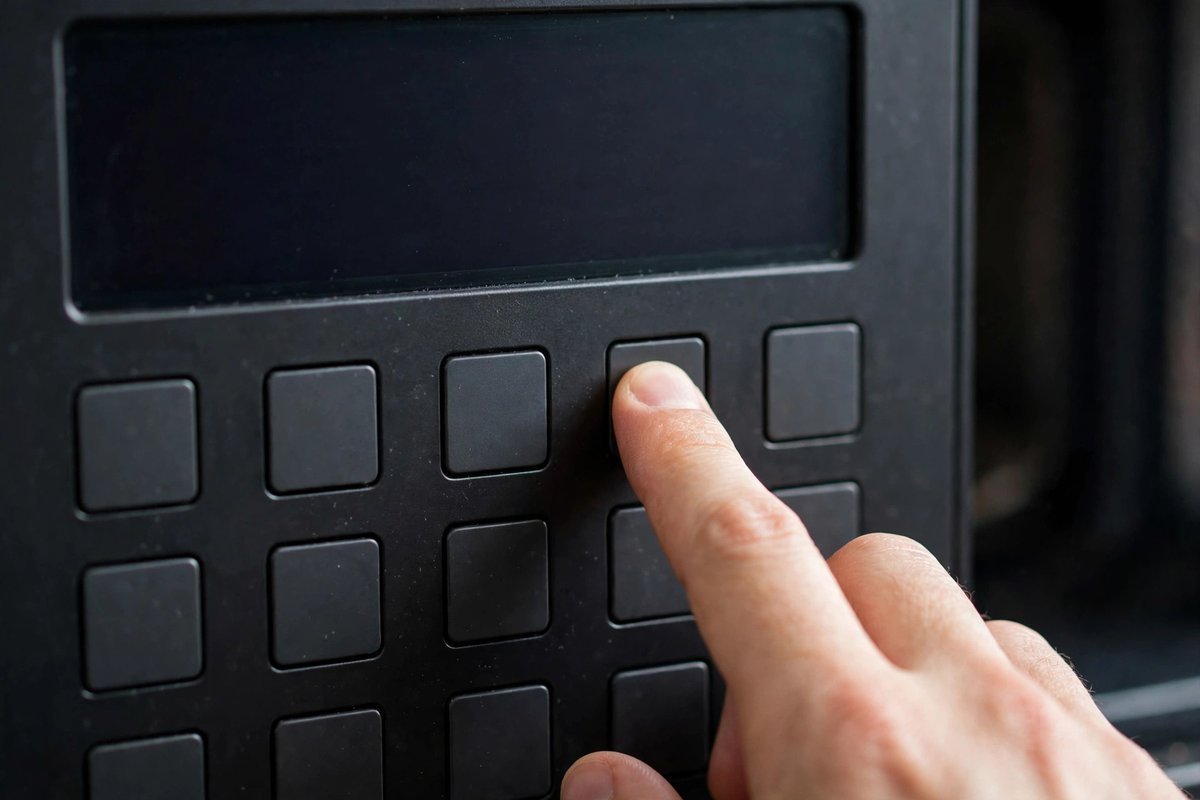
Which button sets the clock on a Samsung microwave?
A Samsung microwave sets its clock with whichever button the panel has: Clock, Power Level, Options, My Settings, or OK with the arrow keys. Samsung’s US support page gives steps for each. Find the label on your keypad, then use the matching steps below.
- Clock button: a key labeled Clock. Some models need one press, others a 3-second hold.
- Power Level button: Samsung calls the clock a hidden feature on these panels. Samsung’s example is the ME19R7041F.
- Options button: Samsung’s example is the ME21M706BA.
- My Settings button: Samsung’s example is the MC17J8000CS.
- Arrow buttons: OK plus left and right arrows. Samsung’s example is the MG11T5018CC.
Those model numbers are Samsung’s examples, not a full model map. Your model sticker and manual settle it. I read the sticker first on any Samsung, because some panels hide the clock under Power Level.
How to set clock on Samsung microwave keypads, panel by panel
Run only the sequence for your panel. If a step does nothing, stop there and open the manual for your exact model.
Clock button models
- Press the Clock button. If nothing happens, press and hold it for 3 seconds.
- Enter the time on the number pad.
- Press Clock again to pick AM or PM. Skip this if your model doesn’t ask.
- Press ENTER/START to confirm, or OK on models without that button.
Power Level models
Samsung calls this a hidden clock feature that only the Power Level button switches on. Try it first if you can’t find a Clock key.
- Hold Power Level for 3 seconds to enter clock setting mode.
- Type the time on the number pad.
- Press Power Level once for AM or twice for PM.
- Press OK/START.
Options and My Settings models
These two panels share one sequence, and the 9 key opens the clock.
- Press Options, or My Settings if that’s the label you have.
- Press 9 on the number pad.
- Press OK, then enter the current time.
- Press OK again to finish.
Arrow button models
- Press OK.
- Press the left or right arrow to set the hour, then press OK.
- Set the minutes with the arrows, then press OK.
The display then shows the current time. While you cook, it switches to the cooking time.
How do you set AM or PM on a Samsung microwave?
The AM/PM choice depends on the panel. On Clock button models you press Clock again. On Power Level models one press means AM and two means PM. Samsung’s steps for Options, My Settings and arrow models list no AM/PM step.
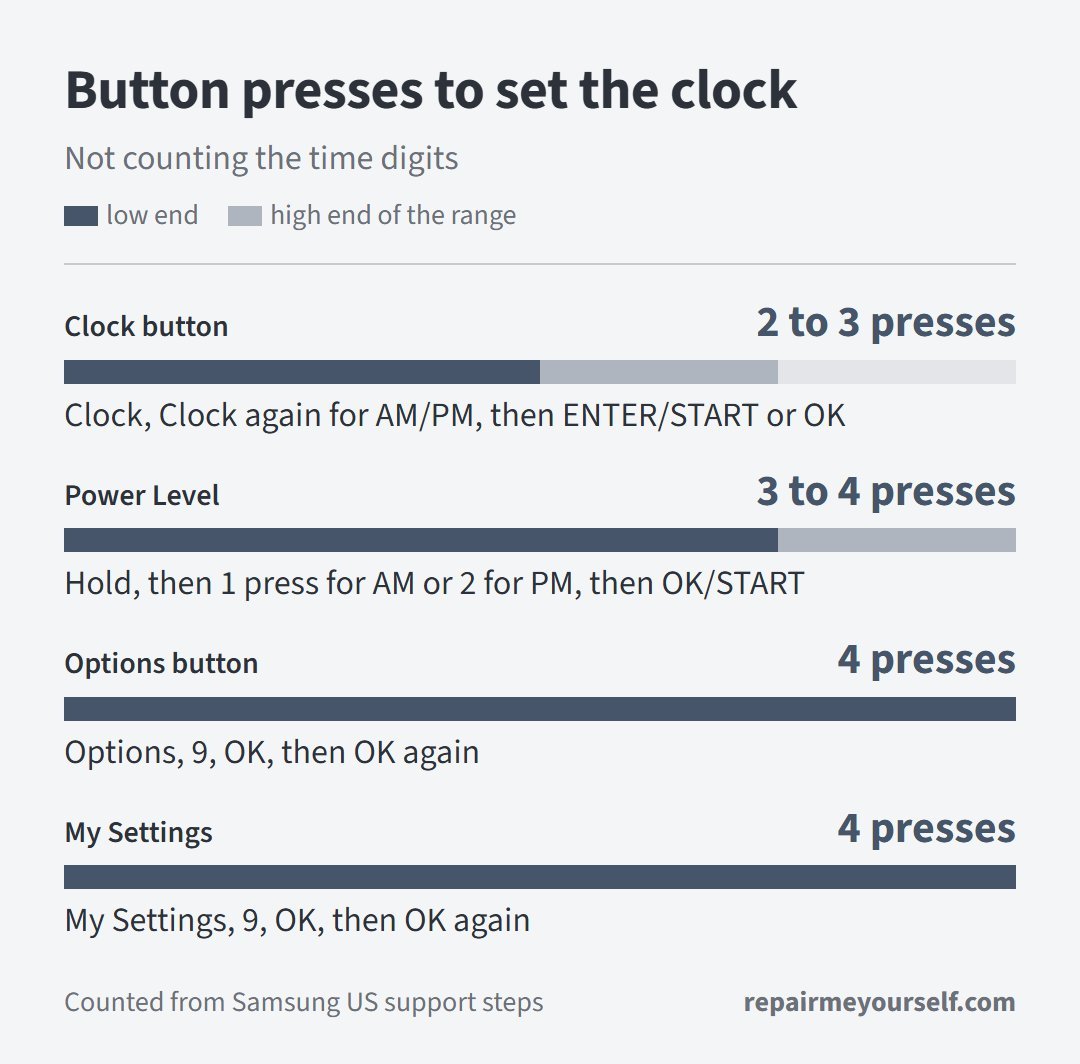
I counted a hold as one press, so a model with extra prompts will land higher. The Power Level range comes straight from the AM versus PM press.
Samsung’s US page gives no 12-hour or 24-hour steps for keypad models. A Samsung representative’s reply on a Best Buy listing for the ME21DG6300SRAA over-the-range model points to the Setting the Clock section on page 14 of its manual, which covers both formats. Samsung Australia describes choosing 24-hour or 12-hour notation with a dial knob, on Australian products only.
If your keypad offers that switch, the manual for your exact model is the only place to find the keys.
If the clock won’t stay set
Does the clock survive a power cut? Samsung Australia says to set it at first install and again after any power failure, and its models show 88:88 and then 12:00 when power returns. Plan on resetting it.
Did nothing respond when you pressed the keys? Then the clock isn’t your problem. One owner of a Samsung over-the-range microwave described it this way:
“Purchased over the range microwave January 6th this year. Well today sitting on the couch I heard the fan turn on? Figured someone did it..nope no one around, then random buttons started clicking by itself. I got up and checked now none of the buttons do anything at all. I unplugged it for a bit and it was fine again. Now a few hours later I’m just on the couch again and I hear the fan turn on again 😡. Bought from Lowe’s paid $400 and it’s been just over 7 months.”
– r/Appliances, August 2026 (1,699 upvotes)
A panel that presses its own keys and then goes dead points to the keypad, not the clock. Work through our Samsung microwave touchpad not working fixes before you try the clock again.
Samsung’s clock page doesn’t give a reset sequence, so I won’t invent one. Our KitchenAid microwave reset page shows how a power cycle works on that brand. Don’t copy its button presses onto a Samsung.
If the panel keeps acting on its own, run the model through our appliance recall lookup before you pay for a repair. Stop and call a pro if the keypad stays dead after you unplug the microwave for a while. Don’t open the control panel yourself.