The LG washer CL code means Child Lock is on. LG says CL isn’t an error: it locks the control panel so the settings can’t change, and every button except Power stops working until you turn the lock off.
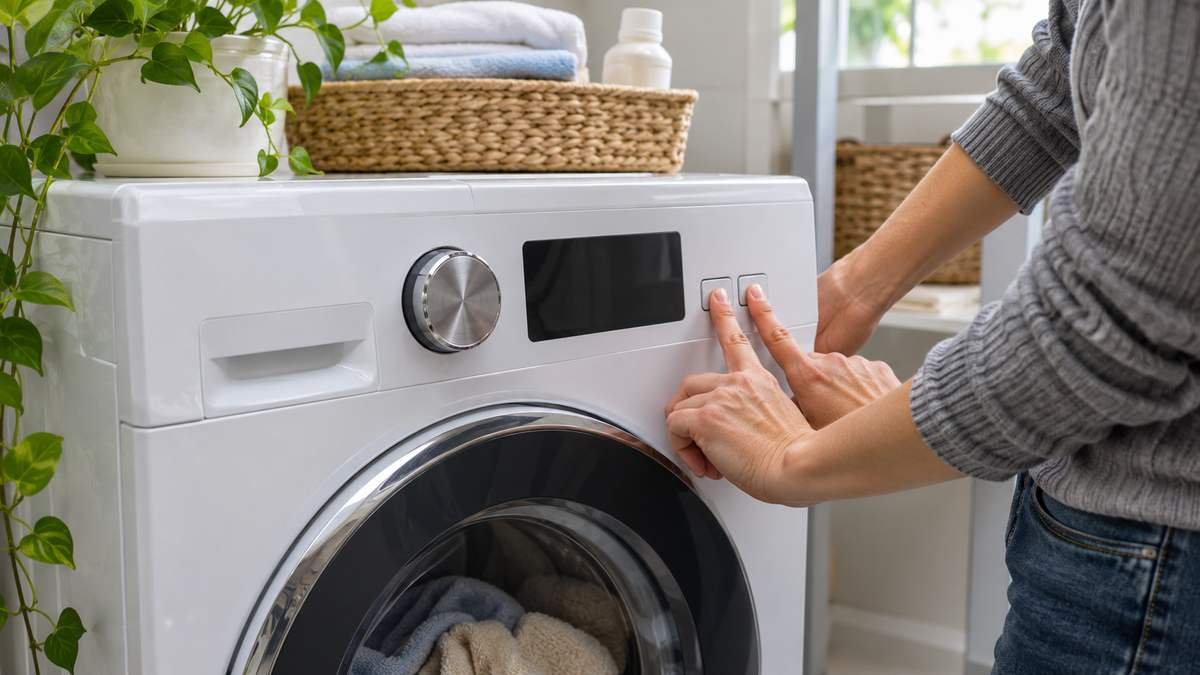
Turning it off takes one press and hold of the right buttons, with the washer powered on. The catch with the LG washer CL code is that the buttons differ by model, so start by reading your panel.
What the LG washer CL code means
LG calls CL Child Lock on its front-load pages and Control Lock or Child Lock on its top-load list. Both names mean the same lock. On LG’s front-load Child Lock page, LG says the lock doesn’t switch off when a cycle ends.
That’s why you can find CL on a washer nobody touched today. LG’s top-load list adds that Control Lock can be turned on by accident. On a top loader, the letters blink on the display while it’s set.
If you power the washer on with the lock still set, LG says the Child Lock icon lights up. You won’t be able to start a cycle until it’s off.
Find your lock buttons, then hold for 3 seconds
Look closely at your control panel before you press anything. LG says to look for a lock icon, or a button labeled Child Lock, Control Lock or CL.
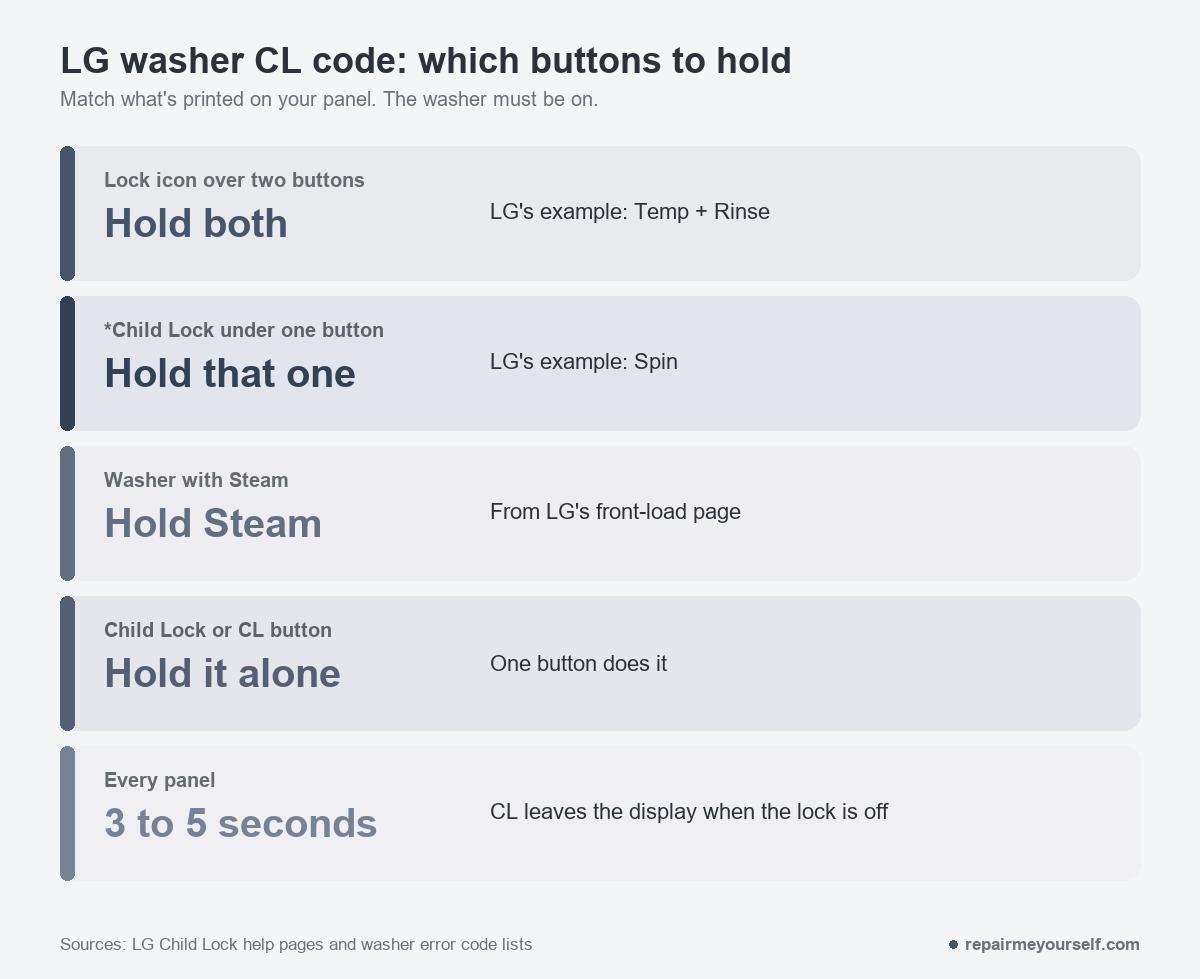
LG’s examples, from its front-load page and its washer and dryer Child Lock page:
- A lock icon over two buttons. Press and hold both together. On LG’s example that’s Temp + Rinse.
- *Child Lock printed under one button. Hold that button. LG’s example is the Spin button.
- A washer with Steam. LG says to hold the Steam button.
- A button labeled Child Lock, Control Lock or CL. Hold it on its own.
Whichever it is, the washer has to be on. Hold for 3 to 5 seconds. LG’s front-load page asks for at least 3 seconds, and the CL leaves the display when the lock is off.
Top loaders vary more. One iFixit Answers contributor says some LG models use Temp and Options, held together for 3 seconds. Another commenter there says to hold Soil on a top loader with no Child Lock button.
If your panel shows a lock symbol between two buttons, those are the two to try.
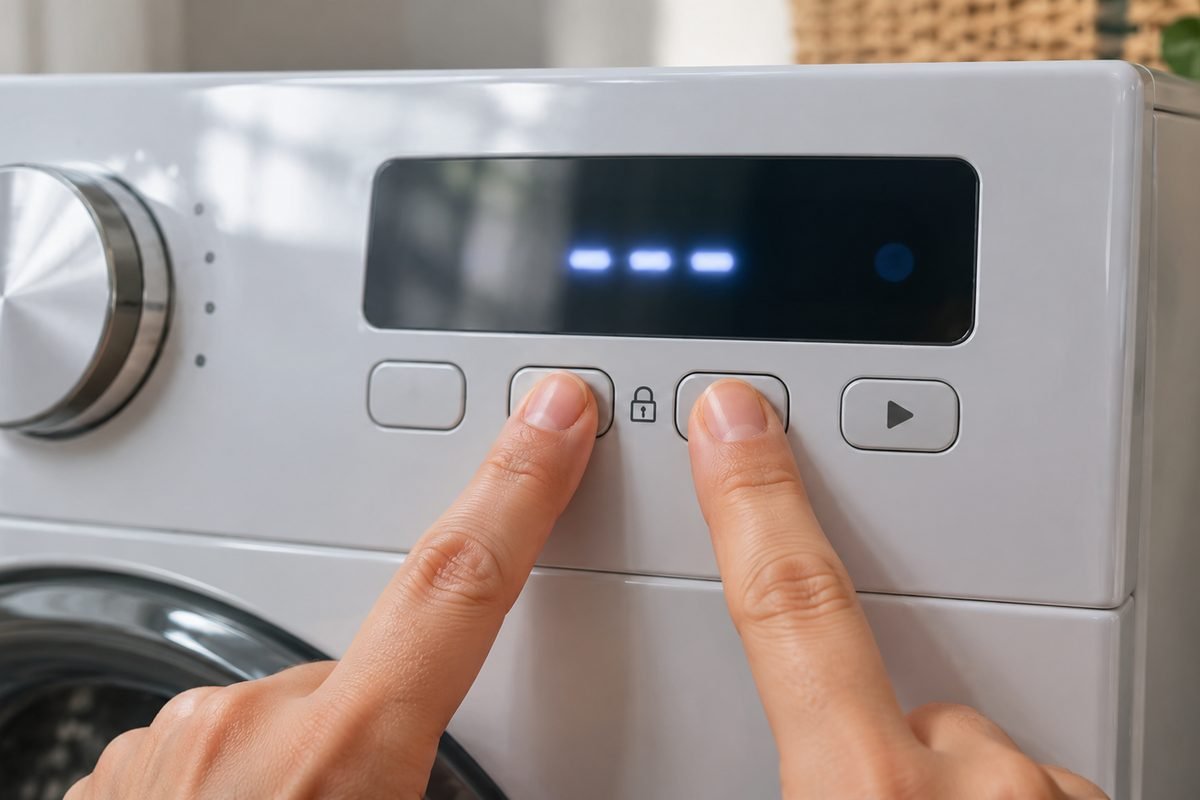
I always read the small print on a panel before I called a lockout a fault.
Pull the tech sheet or the owner’s manual if the print has worn off. LG points you to the owner’s manual for the exact steps on your model.
CL won’t go away: three things to check
Held a button and nothing changed? Run through these in order.
The power is off. LG says to make sure the washer is powered on before you hold the lock buttons. A dark panel won’t take the press.
You let go too soon, or pressed the wrong pair. Count to five while you hold. For a two-button lock, both buttons have to go down at the same time.
It happens on every brand. One Whirlpool owner on r/appliancerepair couldn’t clear a lit Control Lock until a commenter asked whether they’d held the button for 3 seconds. The owner’s reply:
“I did press on it before for like 2 seconds and stopped myself because I felt stupid pressing on what I believed to just be a light.” u/Timely_Intention8014 on Reddit
On some panels the lock indicator is also the button. Give it the full count.
You unplugged it to reset it. That won’t work. LG says the lock stays on after the cycle ends, even when the machine’s powered off, so a power cycle brings the same CL back.
If the lock buttons themselves don’t respond with the power on, LG says that could signal a malfunction and points you to customer support.
That’s the one CL case that’s a repair, and I’d leave a control panel to a technician.
tCL is a different message
tCL isn’t Child Lock. LG says it’s a reminder that it’s time to run Tub Clean, and it isn’t an error either.
On a front loader, LG’s routine is to empty the drum, add a powder washing machine cleaner and run Tub Clean. To skip it for now, turn the cycle knob or press an option button and pick another cycle.
LG’s top-load list says the reminder closes when you select another cycle or press any other button. It comes back when the next clean is due.
LG adds that tCL may keep showing for a few cycles, and running Tub Clean monthly prevents it.
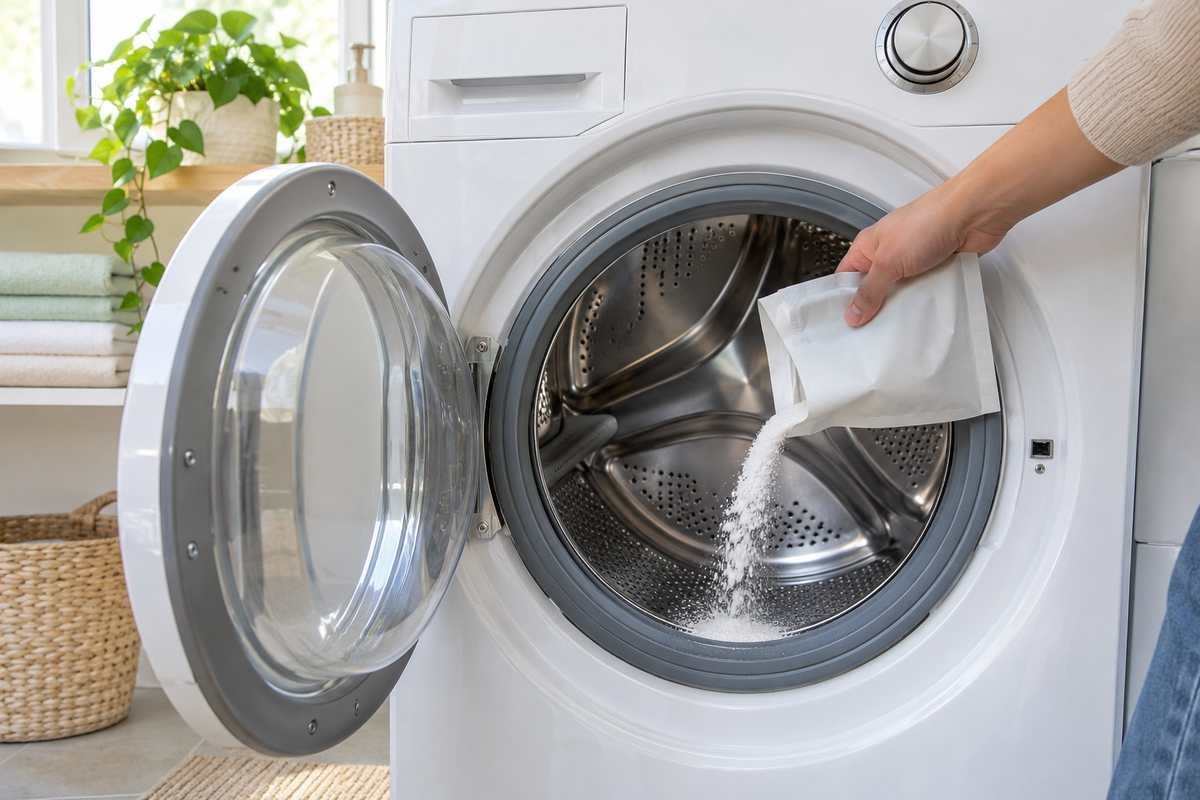
If tCL stays after a full Tub Clean, LG’s top-load list says to request service. For a cleaning routine between Tub Clean runs, see how to clean a washing machine with vinegar and baking soda.
LG washer CL code FAQ
Does unplugging an LG washer clear the CL code?
No. LG says Child Lock stays on after the cycle ends, even when the machine is powered off. Plug it back in, turn it on and hold your lock buttons for 3 to 5 seconds instead.
How do I turn Child Lock on?
LG’s washer and dryer Child Lock page says the lock can only be turned on while a cycle is running. Start the cycle, then hold the same buttons for 3 to 5 seconds until CL shows.
Is CL the same as the door lock?
No. CL locks the buttons, not the door. If your door won’t open after a cycle, see washer door won’t unlock after cycle. For the icons on the panel, see LG washing machine symbols, and for every other code, the LG washer error codes list. Two LG codes that do need a fix: the LG washer UE code for a spin that can’t balance, and the LG washer IE code for a fill that doesn’t reach the level.