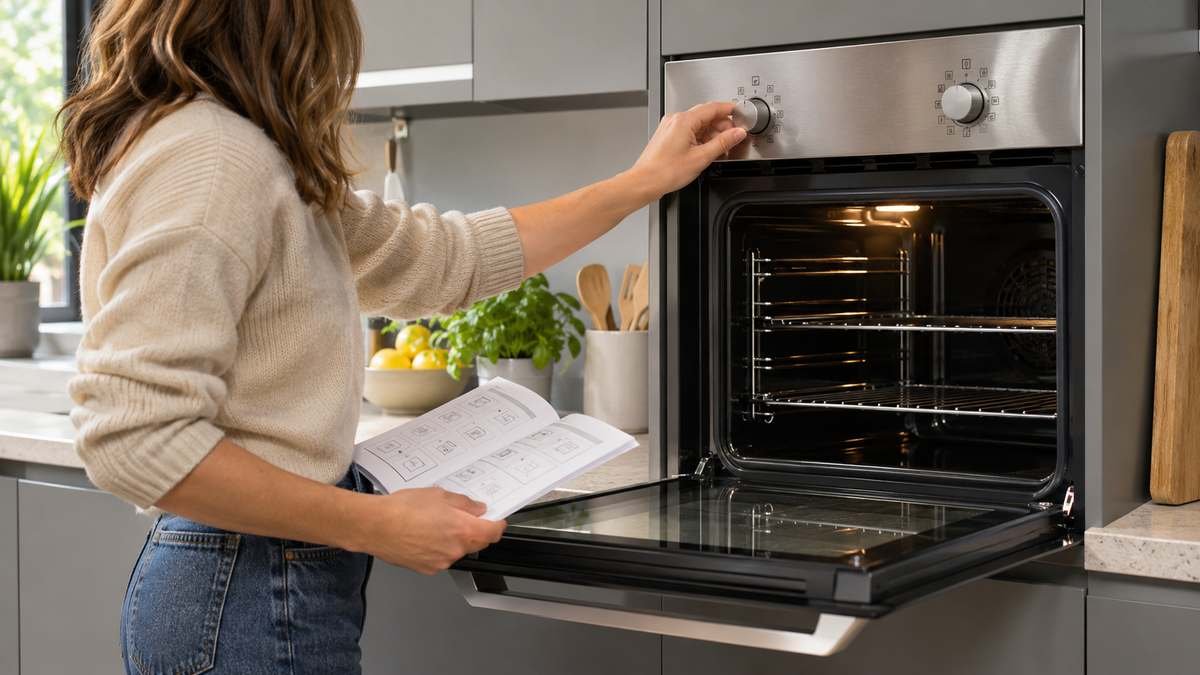
Lamona oven symbols follow the usual European pattern. A line at the top and bottom is top and bottom heat. A fan means the air is moving. A jagged line at the top is the grill.
Watch for one more. A thermometer next to rising bars is rapid preheat, which heats the oven fast but isn’t meant for cooking.
Ovens with a display add a second set of icons: a clock, a padlock for the key lock, an open door and a few more. Those are the ones that make a Lamona look broken when it isn’t.
Lamona is Howdens’ own brand, sold in the UK. It never came through the Ohio shop where I started.
So everything here comes from Howdens’ own manuals for four current models: the LAM3303 knob oven, the LAM3706 multifunction oven, the LAM3676 split cavity oven and the LAM3711 pyrolytic oven.
Which Lamona oven do I have?
Your model number is on a label inside the door. Lamona’s manuals say to open the door and look on the panel just below the door seal. Current models are numbered like LAM3303. Older ones, like the HJA4610, use a different prefix.
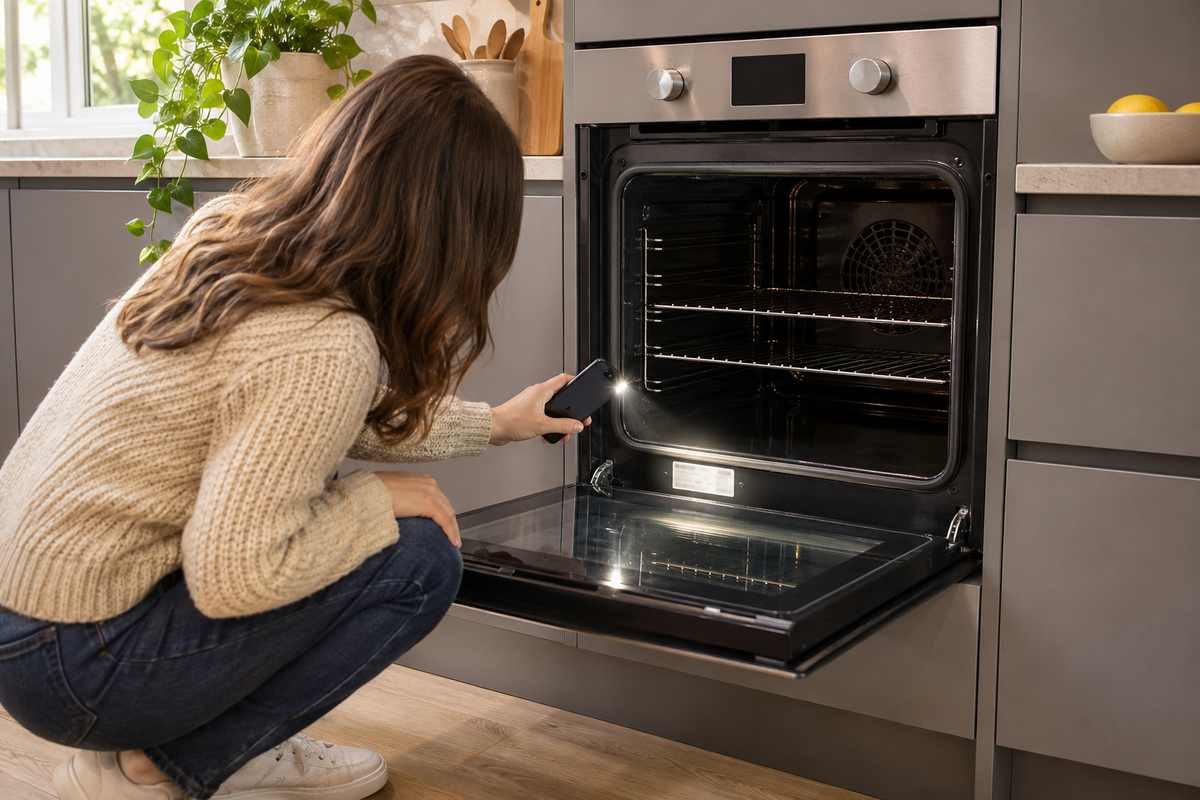
That number matters. Lamona’s symbols change between models, and the LAM3706 manual says it plainly: “Functions vary depending on the product model!” Howdens hosts the manuals, and you can get yours through its appliance registration page at howdens.com/appliance-registration.
Lamona oven symbols on a knob oven
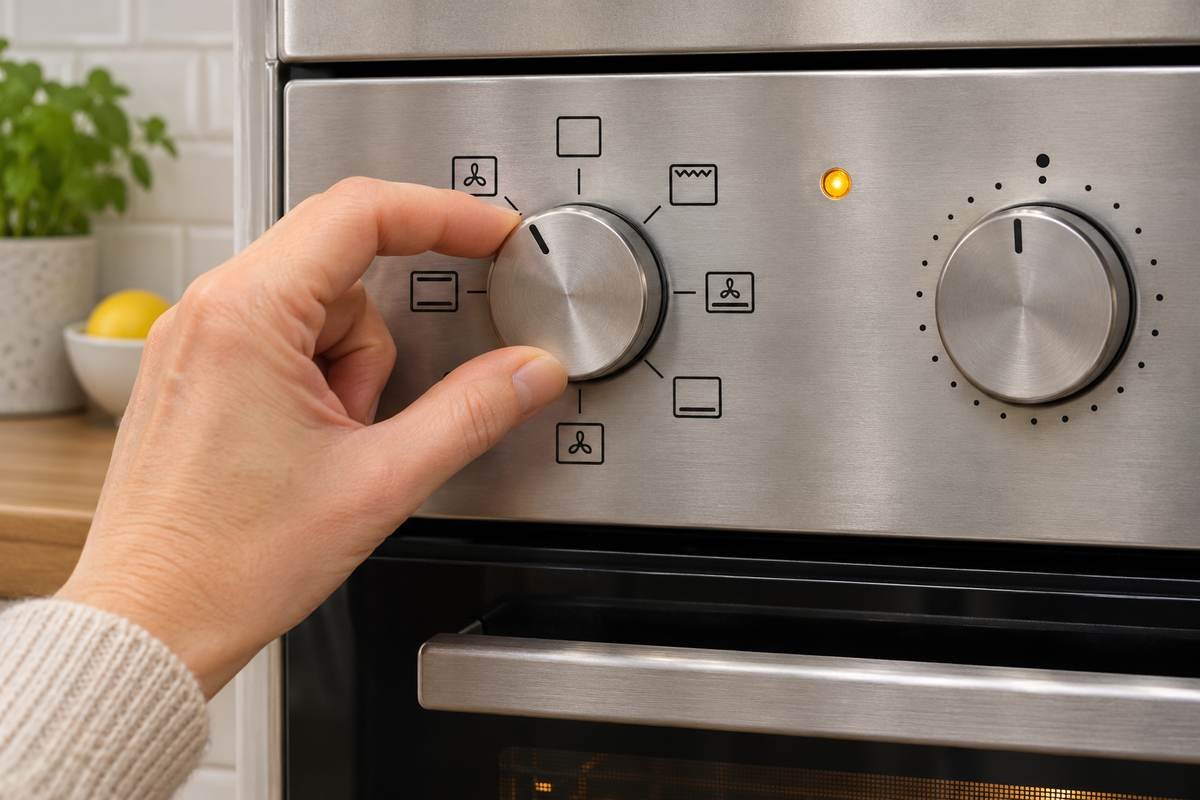
The LAM3303 is a single fan oven with two knobs: one picks the function, the other sets the temperature. Its manual lists six symbols, each drawn inside a small square:
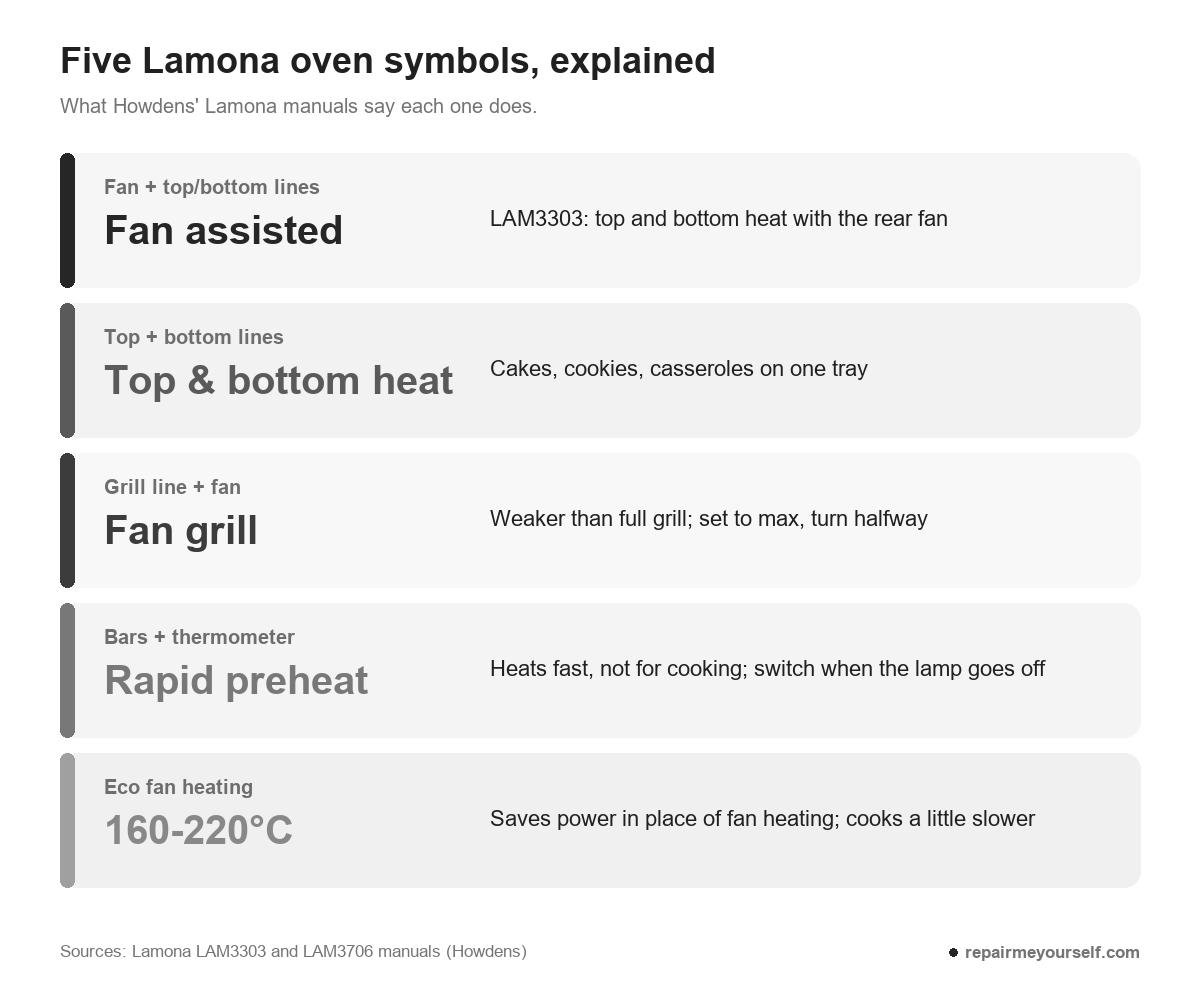
- Fan with lines at the top and bottom: fan assisted cooking. Top and bottom heat run with the fan in the rear wall, so hot air spreads evenly and quickly.
- Lines at the top and bottom: top and bottom heat. Heat from above and below at once. Lamona suggests it for cakes, cookies and casseroles, one tray only.
- A single line at the bottom: bottom heat. Only the lower element. Use it for dishes like pizza that need to bake from the bottom.
- Jagged line above a fan: fan grill. The grill with the fan. Lamona says the effect isn’t as strong as normal grilling. Use it for small or medium portions, set the temperature to maximum and turn the food halfway.
- Wide jagged line at the top: full grill. The whole grill element is on, for larger dishes. Set the temperature to maximum.
- Thermometer beside rising bars: rapid preheat. This one heats the oven quickly. It’s not meant for cooking.
That last symbol catches people out. Lamona’s instructions are to pick rapid preheat, set the temperature and wait. When the thermostat lamp goes off, you switch to the function you’ll actually cook on.
On an older Lamona dial you may see a letter instead of a picture. A Reddit user with an HJA4610 double oven asked what the B stood for, and one reply checked a sister model’s manual:
“For the HJA 3240 it is Booster mode. I would suspect it’s the same for the 4610.” u/Sensitive-Debate6711 on Reddit
Another reply said that icon wasn’t in the HJA4610 manual at all. If yours shows a letter you can’t find, treat it as a booster until your own manual says otherwise. Don’t cook on it.
Lamona oven symbols on a display oven
On the LAM3706, the function display draws the oven cavity and lights up the parts that are working. The manual labels each one:
- Straight line at the top: top heater.
- Wavy line under it: grill heater.
- Ring around a fan: the boost heater and the boost fan in the back wall.
- Straight line at the bottom: bottom heater.
- Three wavy lines, bottom right: keep warm.
- A grid of dots: cleaning.
- Small fan-and-droplet icon, bottom left: the fan-only position.
- Numbers 1 to 5 down the left side: shelf positions.
Read the lit parts together. That’s your mode.
The LAM3706 has fifteen modes, and its function table puts every cooking mode at 40 to 280°C (104 to 536°F). Eco fan heating is the exception at 160 to 220°C.
A few modes are worth knowing by name:
- Fan heating. The rear heater and the fan. It’s the one for cooking on several shelves, and Lamona says you don’t need to preheat in most cases.
- “3D” function. Top, bottom and the fan together, for even all-round cooking on one tray.
- Pizza function. Bottom heat with the fan.
- Eco fan heating. A power-saving swap for fan heating anywhere from 160 to 220°C. Expect the cooking time to run a little longer.
- Operating with fan. The oven doesn’t heat. The fan alone thaws granular frozen food slowly at room temperature, or cools cooked food.
- Pyrolysis and Pyrolysis economy. Self-cleaning at high temperature. Economy is for an oven that’s only lightly soiled.
- Easy steam cleaning. Softens fresh dirt so it wipes off.
One thing that looks like a fault isn’t. On the LAM3706, the fan motor stops when you open the door, to keep the hot air inside.
Lamona display icons: clock, timer and lock
The small icons around the clock on a LAM3706 cover timing and safety. Here’s how the manual names them:
- An arrow between two bars: cooking time.
- An arrow pointing at one bar: end of cooking time.
- P with a number: the function number.
- Bell: alarm.
- Clock face: clock.
- Padlock: key lock.
- Oven with an open door: the door is open.
- Thermometer beside rising bars: booster, the same rapid preheat as on the knob ovens.
- Probe with a curved cable: meat probe.
- Two bars: cooking paused. A solid triangle: cooking started.
Nothing responds? Check for the padlock.
On the LAM3711, you touch and hold the key lock key while the display counts down 3, 2, 1. With the lock on, the touch keys and the control dial stop working, and you’ll hear a beep if you try them. Do the same hold to switch it off.
Why does the fan keep running after I switch it off?
The fan you hear after switching a Lamona off is the cooling fan, and it’s normal. It keeps the oven front and the cabinets cool while the cavity cools down.
The LAM3303 manual says it cools the front of the oven and the cabinets around it, and it can run for up to 20 to 30 minutes after you turn the oven off.
Leave the mains isolation switch on until it stops. Howdens says not to switch the oven off at the isolator right after cooking.
Lamona oven symbols: questions
How do I reset my Lamona oven clock?
On a LAM3711, touch and hold the time and settings key for 3 seconds until the settings menu opens. Then turn the control dial to set the hour, touch to move to the minutes, set them and touch again to confirm.
Lamona says to set the time of day before you use the oven. If you skip it, the clock starts at 00:00. Panels differ between models, so check the clock section of your own manual.
Is there a Lamona oven symbols PDF?
Not as a single chart. Each Lamona manual carries its own operating modes section with the symbols for that model. Get yours from Howdens using the model number below the door seal.
Which Lamona symbol do I use for baking a cake?
Top and bottom heat, the square with a line at the top and bottom. The LAM3303 manual recommends it for cakes, cookies and casseroles, one tray at a time. Baking on more than one shelf? The LAM3706 manual points you to fan heating for that.
Other European ovens use a lot of the same pictures. The guides to Bosch oven symbols, Neff oven symbols and Samsung oven symbols cover where those brands differ.