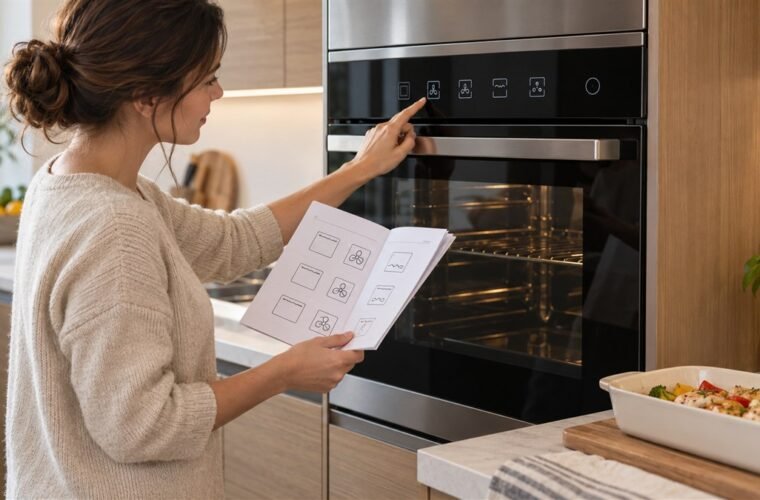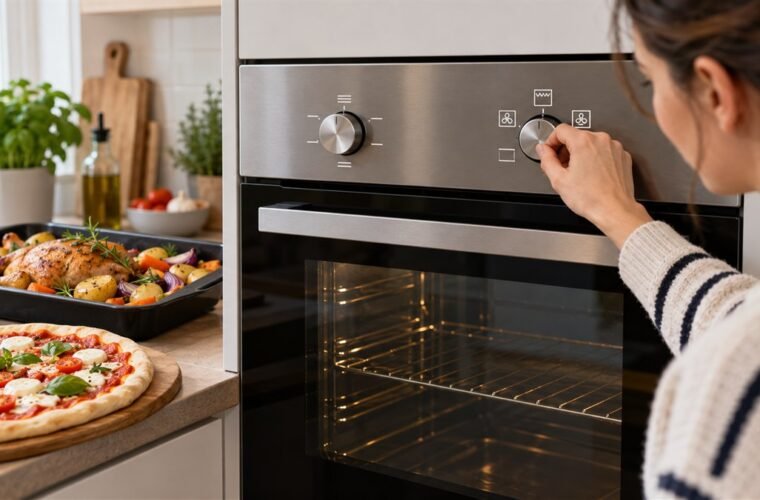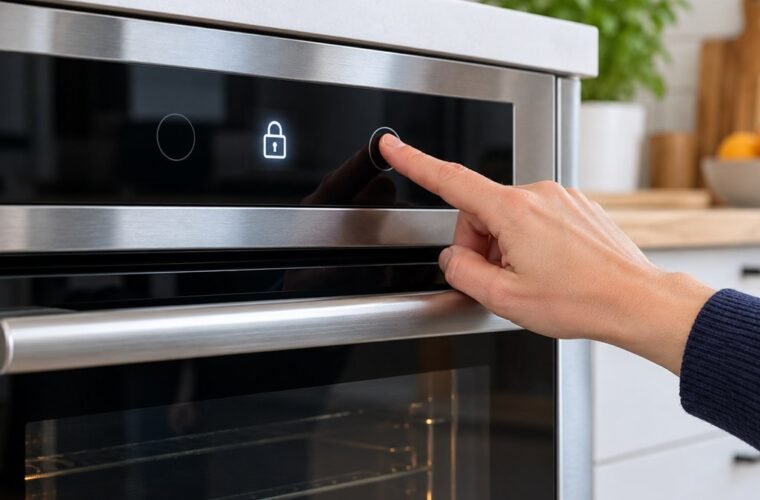
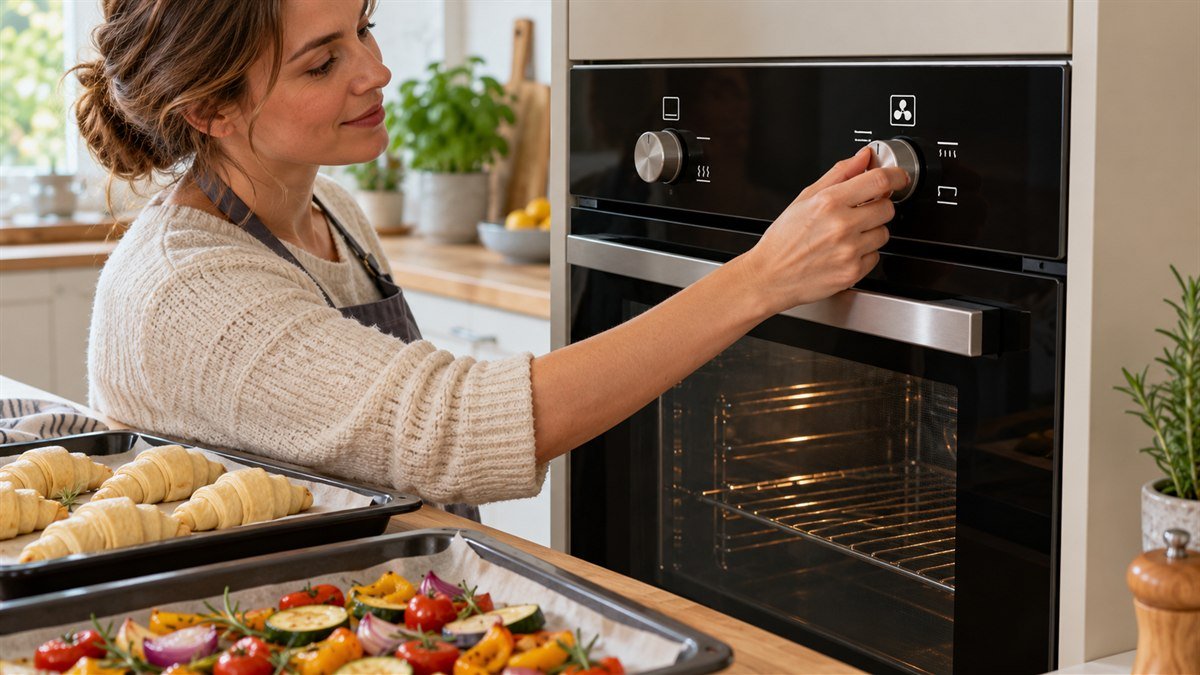
Neff oven symbols follow one logic: a large fan is CircoTherm, Neff’s fan oven, a jagged line is the grill, lines at the top and bottom are conventional heat, and a key is the child lock. The display adds a second set of symbols.
Those are the ones that stop a Neff from heating.
So if the dial looks right and the oven stays cold, start with the display. Neff’s B6ACH7HH0B manual lists three symbols that mean the oven is on but won’t heat. None of them needs a part.
Neff and Bosch come out of the same group and share a lot of their controls. Both were a smaller share of my service calls than Whirlpool or GE, so I work from the manual for the exact model you own.
Everything here comes from Neff’s oven symbols guide and two Neff manuals. One is the B6ACH7HH0B Slide&Hide oven with knobs. The other is the B57CS24H0B with a text display.
Is CircoTherm the same as a fan oven?
CircoTherm is Neff’s name for its fan oven setting, shown as a large fan symbol. Like any fan oven, it blows heat from a ring element in the back wall around the cavity.
Neff says you can cook on several shelves at once without flavors mixing. That’s the selling point. For you, it’s mostly a fan oven with a lower ceiling.
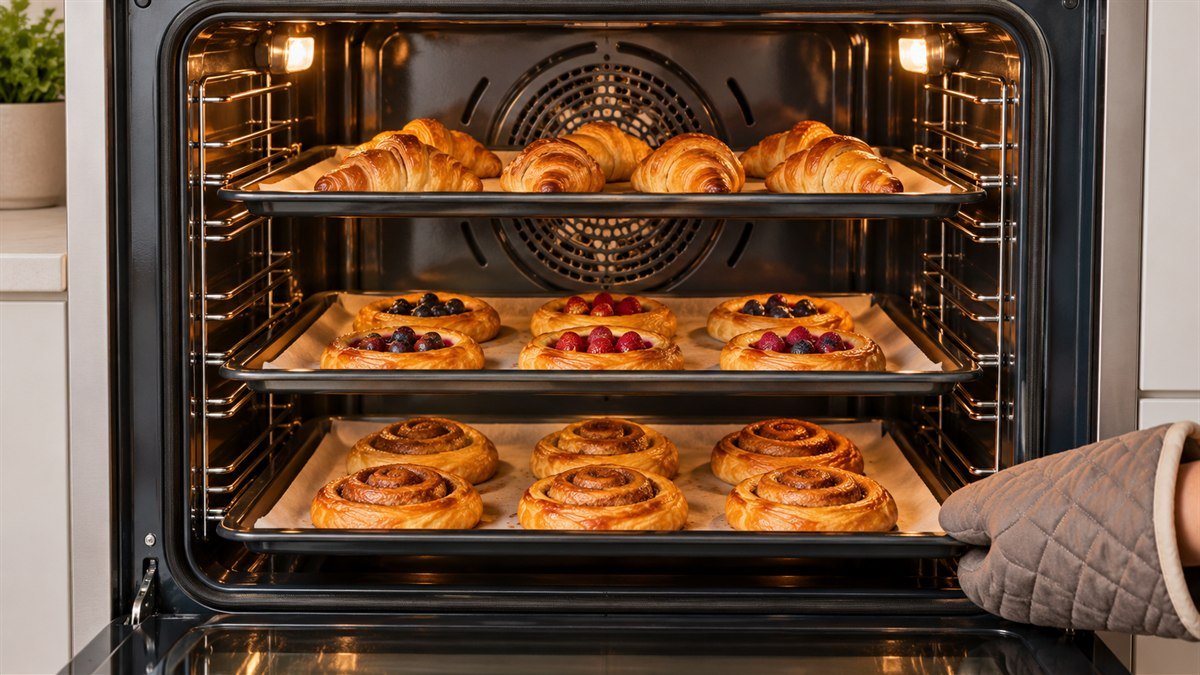
The difference you’ll notice is the top temperature. CircoTherm hot air runs from 30 to 200°C (86 to 392°F) on the B6ACH7HH0B. On the B57CS24H0B it’s 40 to 200°C. Top/bottom heating and the pizza setting on the same ovens go to 275°C (527°F).
Got a recipe that wants 220°C fan? CircoTherm won’t get there. Use top/bottom heating at the recipe’s conventional temperature.
Some Neff dials also carry a smaller fan, often inside a circle. Neff’s guide calls that the standard fan oven setting.
There’s a gentle version too. On the B6ACH7HH0B, CircoTherm gentle runs 125 to 200°C on one shelf with no preheating. Keep the door shut, because the food cooks partly on residual heat.
Other Neff oven symbols on the dial
If you’ve used a European oven before, the rest of the dial will look familiar. Lines show which element is on. A fan means air is moving. A picture means a preset job.
Here’s what each one does, with the range from the two Neff manuals:
- Two lines, top and bottom: top/bottom heating, no fan. Neff suggests you use it for roasting and for pastries, scones and biscuits on a tray. Up to 275°C.
- Jagged line above a fan: Circo-roasting. The grill and fan take turns. Use it for poultry, whole fish and larger joints, 30 to 250°C on the B6ACH7HH0B.
- Fan with a single line below, or a sliced pizza: the pizza setting, for when you want a crisp base. Up to 275°C.
- A single lower line: bottom heat, for casseroles, a bain-marie and crisping a base. Up to 250°C.
- Two rows of jagged lines: full-surface grill, for when you’ve got enough steaks or sausages to fill the grill area.
- A single jagged line: centre grill. Put small amounts right under the hot middle.
- A loaf of bread: bread baking, 180 to 240°C, for when you want a hard crust.
- A dish with dough rising: dough proving, 35 to 55°C on the B57CS24H0B.
- Frost with a water droplet below it: defrost, 30 to 60°C on the B57CS24H0B, so you can thaw food gently.
- Light bulb: oven light. You get light and nothing heats.
Two of these are easy to mix up. A Neff owner in Germany posted a photo of an unfamiliar dial, and this was the top reply:
“You need to set both nobs for it to work. One sets the temp, the other the mode. Lines are heating elements (top and bottom), zigzag is grill, the “clover” thingy is fan, droplet is for defrosting. For most applications, set to top and bottom heating or fan, and about 180*C.”
– r/germany, April 2025 (11 upvotes)
Most of that holds up. The droplet is the catch. Neff’s guide draws defrost as frost with a droplet under it, while a large droplet on its own is EasyClean, a cleaning aid for light dirt. You don’t want to start a cleaning cycle with a frozen chicken inside.
What do the numbers on a Neff oven mean?
The numbers on a Neff oven’s temperature selector are degrees Celsius. On the B6ACH7HH0B you set them in 1-degree steps up to 100°C and in 5-degree steps after that. You’ll see a column of lines on the display fill from the bottom up as the cavity heats.
The manual says the best time to put food in is when the heating symbol first goes out. One more quirk: set the full-surface grill above 275°C and the oven trims itself to about 250°C after roughly 20 minutes.
Why won’t my Neff oven heat when the symbols look right?
A Neff that won’t heat with the right mode selected is often showing a display symbol that explains it. Rule these out before you suspect an element or a control board. They cost you nothing.
The automatic child lock
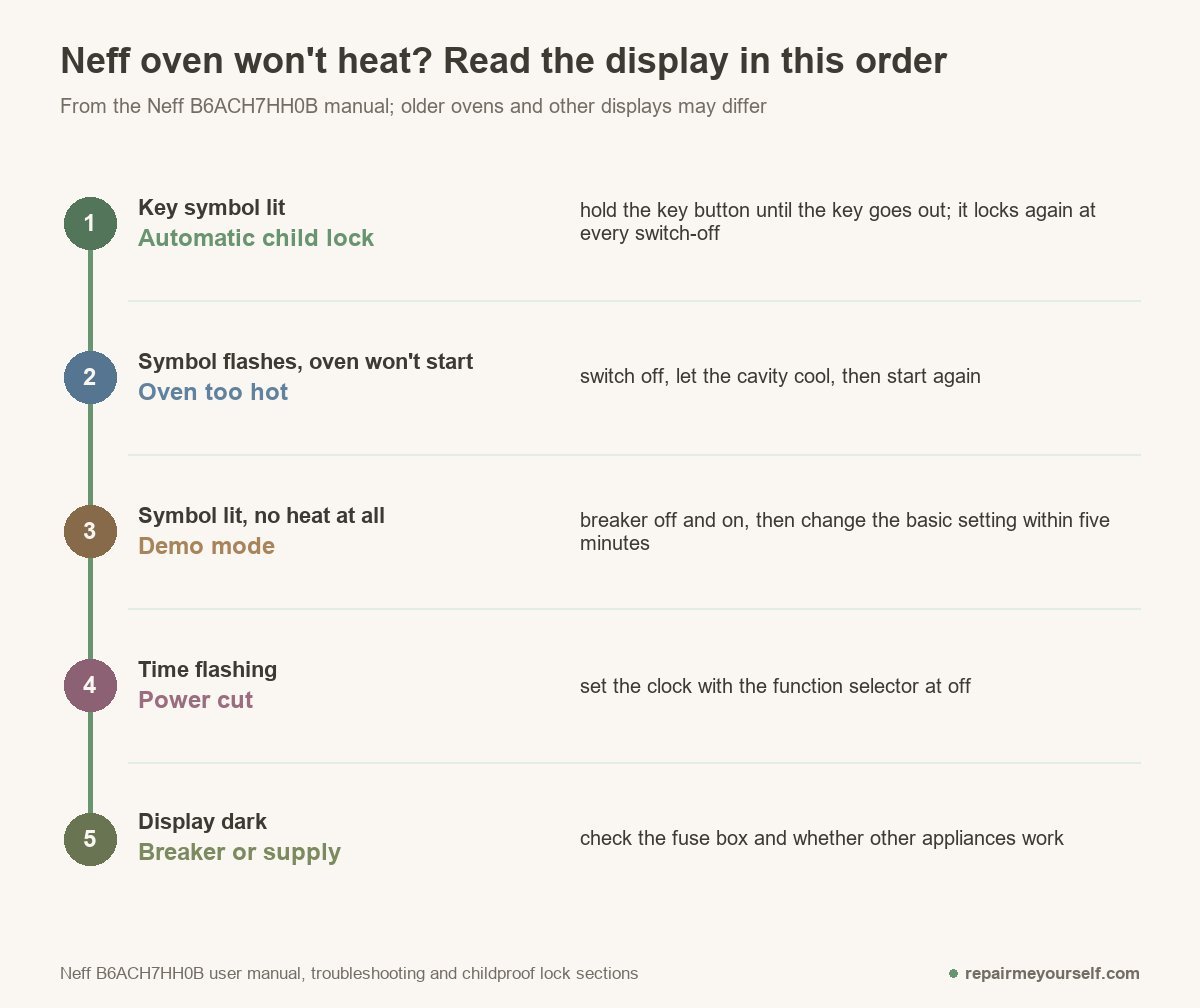
This one catches people. On the B6ACH7HH0B, the automatic child lock switches on by itself every time you turn the oven off. You have to pause it before the oven will start.
Press and hold the key button until the key goes out on the display. If you don’t need it, turn the automatic lock off in the basic settings.
The ordinary child lock is separate. It stays on until you switch it off, and it can lock the door as well as the controls. Neff’s guide says to hold the key for around 4 seconds.
A symbol flashes and the oven won’t start
That’s the “temperature too high” symbol. The cavity is hotter than your chosen mode allows, which can happen right after a pyrolytic clean or a hot grill session.
Switch off, let it cool, and start again. You haven’t broken anything.
Demo mode
In demo mode the display lights up and responds to you, a demo symbol is lit, and nothing heats. Neff’s fix has two parts. Switch the circuit breaker off and back on. Then change the demo setting in the basic settings within five minutes.
The clock is flashing
A flashing time means a power cut. On the B6ACH7HH0B it restarts at 12:00, and you set it with the function selector at off. This manual doesn’t say the oven waits for the clock, so set it and carry on.
Older Neff double ovens are a different story. A UK tech answering a JustAnswer question about a U1451B0GB double oven wrote that “you need to set the clock before the oven will start.” The top oven, he added, doesn’t need it.
Another owner with a late-1990s Neff double described “0:00 auto flashing” after a power cut. The main oven wouldn’t work until the clock was back in clock mode.
If your main oven is dead and the top oven works, try the clock first.
The door won’t open
A door-lock symbol means one of two things. Either you’ve set the child lock to cover the door, or a pyrolytic clean has locked it. After a clean, the door stays locked until the oven cools and the symbol goes out. Don’t force the handle.
One more behavior looks like a fault and isn’t. Leave a Neff running for hours with unchanged settings and the B6ACH7HH0B manual says it stops heating on its own. Switch it off and set it again, or give long jobs a cooking time.
How do you reboot a Neff oven?
To reboot a Neff oven, switch it off at the circuit breaker or the cooker switch, wait a moment, and switch it back on. That’s the same step Neff’s manual uses to clear demo mode. You’ll need to reset the clock afterward.
Still seeing an error code after a restart? Write it down with the E-Nr. The B6ACH7HH0B manual puts the rating plate on the base of the oven, where you see it with the door open. Then call Neff service.
If you’ve got a cold oven with a clean display and power at the breaker, the problem is an element or a control. Our guide to testing and replacing an oven heating element walks through the meter check. If you’ve got a dishwasher from Neff’s sister brand too, the Bosch dishwasher symbols guide decodes that panel.
Got a Bosch oven in the house as well? The Bosch oven symbols guide covers its dial and display, and the Samsung oven symbols page does the same for Samsung.