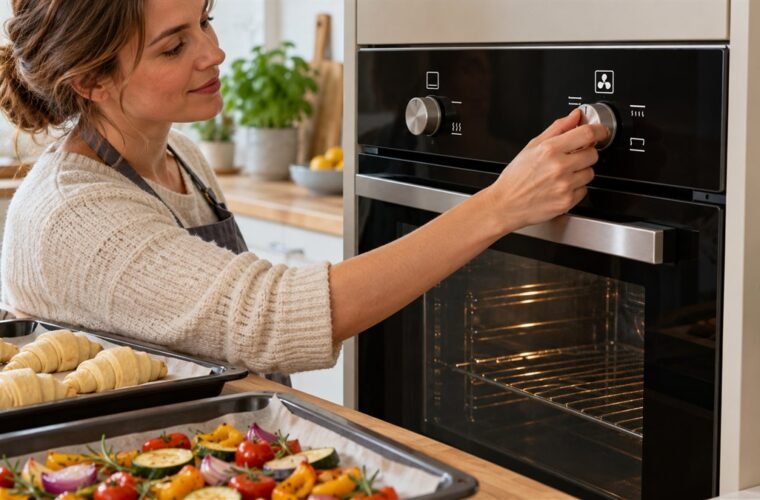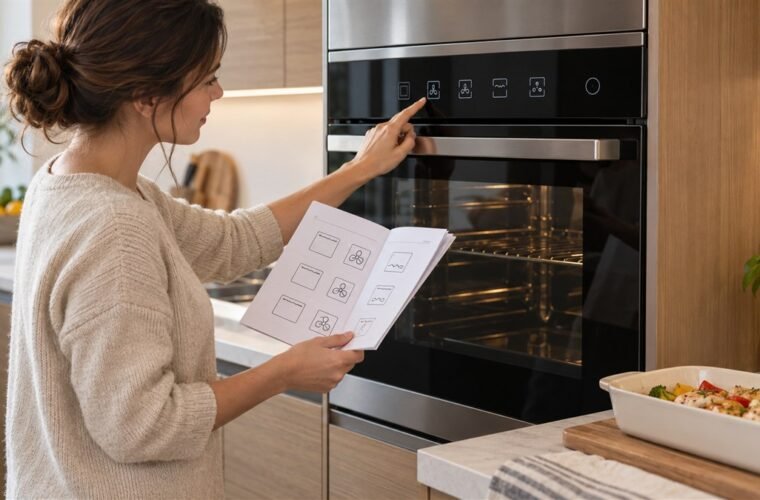
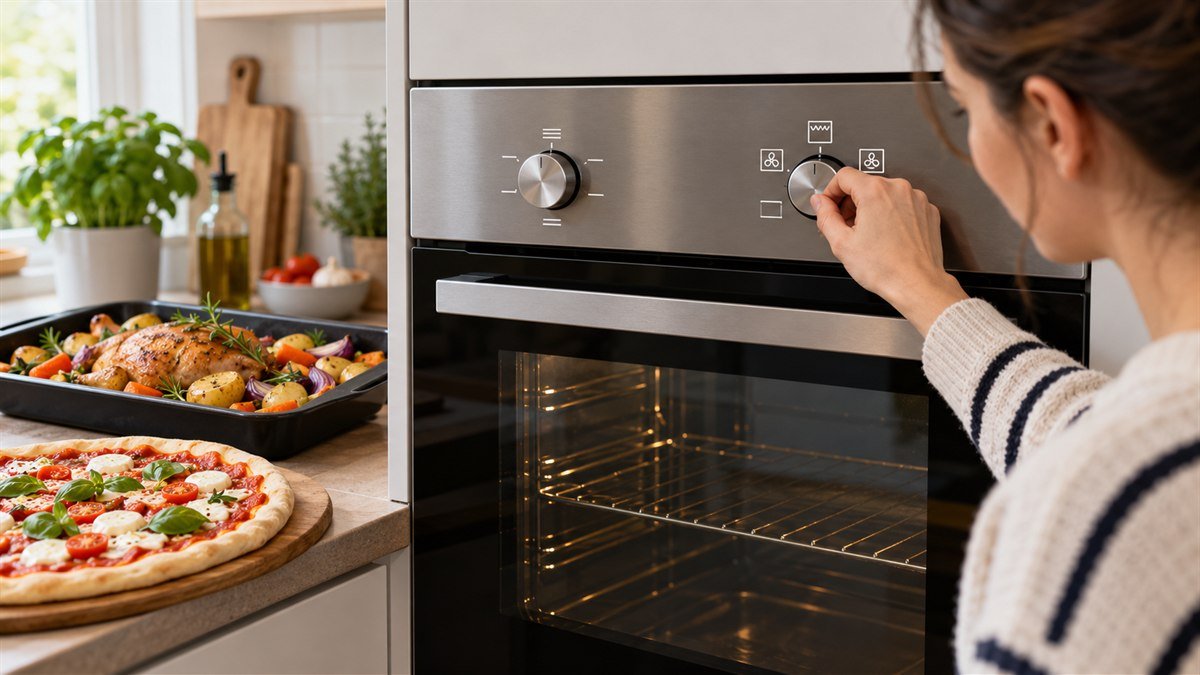
Bosch oven symbols name the heating modes and functions printed around the function selector. A fan inside a circle is 3D or 4D Hot Air, two horizontal lines are top/bottom heat, a zigzag is the grill, and a key is the childproof lock. Bosch’s manuals give each mode its own job and temperature window.
For everyday baking, pick the fan symbol.
The icons that cause real trouble are the ones that make a working oven look broken: a key that won’t go out, a clock flashing 12:00, or a fan that keeps blowing after you switch off.
Bosch ovens were a smaller share of my service calls than Whirlpool or GE, so I’ve always worked from the manual for the exact model you own.
The meanings here come from Bosch’s own oven symbols guide and two Bosch manuals: the MBA533B double oven with knobs, and the HSG636B Series 8 with a touch display.
The cooking symbols on a Bosch function selector
The shape of each icon tells you where the heat comes from.
A line at the top means the upper element, a line underneath means the lower one, and a fan means you’re getting the ring element in the back wall with air pushed around the cavity.
| What the icon looks like | Bosch name | What Bosch uses it for |
|---|---|---|
| Fan inside a circle, often marked 3D or 4D | 3D Hot Air / 4D Hot Air | Baking and roasting on one or more shelves. On 4D models the fan wheel switches direction during cooking to spread heat over four levels. |
| Fan symbol with “eco” or a gentle mark | Gentle hot air / Hot air eco | One shelf, no preheating. The food cooks in phases on residual heat, so the door stays shut. |
| A line at the top and a line underneath | Top/bottom heating | Traditional baking and roasting on one level, and cakes with moist toppings. |
| Fan above a single lower line | Pizza setting | The lower element plus the rear ring element: pizza, quiche, tarts and frozen food. |
| A single lower line | Bottom heat | Pastry cases, a bain-marie, reheating, and browning a base at the end. |
| Snowflake | Defrost | Thawing food more evenly and faster than on the counter. |
| Upward arrows or a fast-heat mark (varies by model) | Rapid heating | A shorter preheat, used before you switch to the cooking mode. |
| Light bulb | Oven light | Light only. Nothing heats. |
3D and 4D do the same job. Bosch says 3D Hot Air holds an even temperature across three shelf levels, while 4D reverses the fan to cover four. Neither needs you to swap trays halfway.
Dials don’t all carry the same set, and a photo of an unfamiliar one is a common question. One owner who couldn’t find the right manual got this answer in r/Appliances:
“From top right, clockwise: Rapid heat, 3D hot air (whole oven), Gentle hot air (just one shelf), Pizza, Programme, Bottom heat, Full surface grill, Hot air grill, Top/bottom heating and Oven light, no heat. Programme looks interesting; but you’ll never use it.”
– r/Appliances, August 2024
Double ovens split the symbols. In the MBA533B manual, the small top oven only gets top/bottom heating, the small-area grill, the full-surface grill and the light. Every fan mode sits on the main oven’s dial.
How hot each Bosch heating mode can go
Each Bosch mode has its own temperature window, and the special modes are narrow. Bosch’s HSG636B manual allows 30 to 250°C (86 to 482°F) for 4D Hot Air, top/bottom heating, pizza and bottom heat, but caps slow cooking at 70 to 120°C and keeping warm at 60 to 100°C.
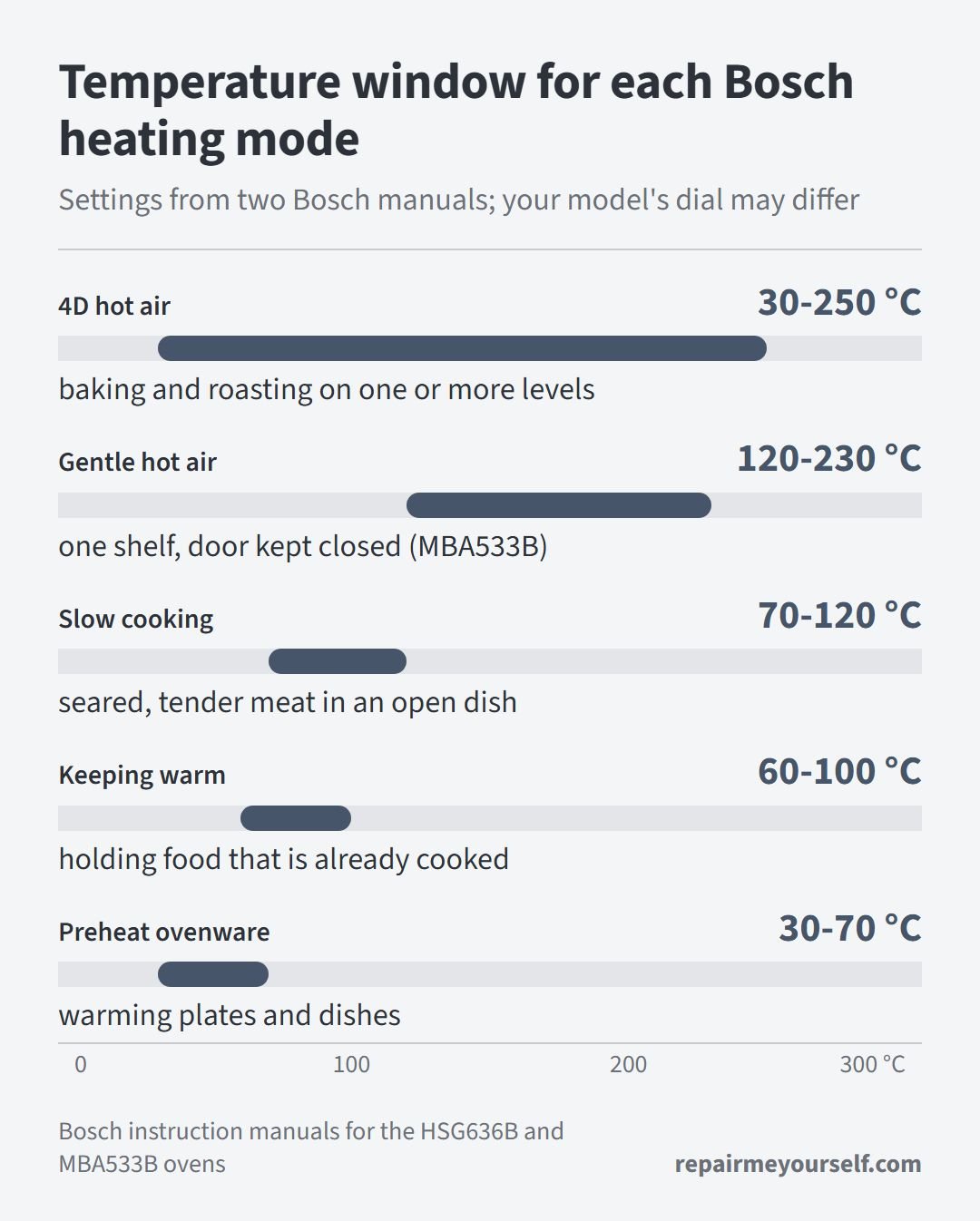
The same manual sets preheating ovenware at 30 to 70°C (86 to 158°F).
The MBA533B manual asks you to use 120 to 230°C (248 to 446°F) on gentle hot air, with the door closed the whole time. Bosch’s HSG636B manual says hot air eco works best between 125 and 250°C.
So if keep warm won’t go up to 150°C, the mode is stopping you. The thermostat isn’t broken.
Grill symbols on a Bosch oven
A zigzag line means the grill, which US ovens call the broiler. Bosch uses three versions:
- Full-surface grill (zigzag across the whole top): the entire area under the element gets hot. Use it for steaks, sausages, toast and browning a gratin.
- Small-area or centre grill (a shorter zigzag): only the middle heats. Bosch pitches it for smaller amounts and lower energy use.
- Hot air grilling (zigzag with a fan below): the grill and fan take turns, which Bosch says gives a rotisserie effect for poultry, whole fish and larger joints.
The two plain grills don’t take degrees in either Bosch manual. You pick a grill setting instead, while hot air grilling uses a normal temperature.
What do the numbers on a Bosch oven mean?
The numbers on a Bosch temperature selector are degrees Celsius, running from 50 to 275 on the MBA533B. For the grill symbols, Bosch prints 1, 2 and 3 (or I, II and III) instead, meaning low, medium and high heat under the element.
There’s one quirk worth knowing. Set the MBA533B above 250°C (482°F) and it drops itself to about 240°C after roughly 10 minutes. Top/bottom heating and bottom heat don’t step down.
If you’re working from an American recipe, convert first. 180°C is 356°F, and 200°C is 392°F.
Bosch oven symbols that make a working oven look broken
Several Bosch symbols make a healthy oven look faulty, and the manual has a fix for each one. Before you buy a part, go through these in order. They’re free.
A key that won’t go out
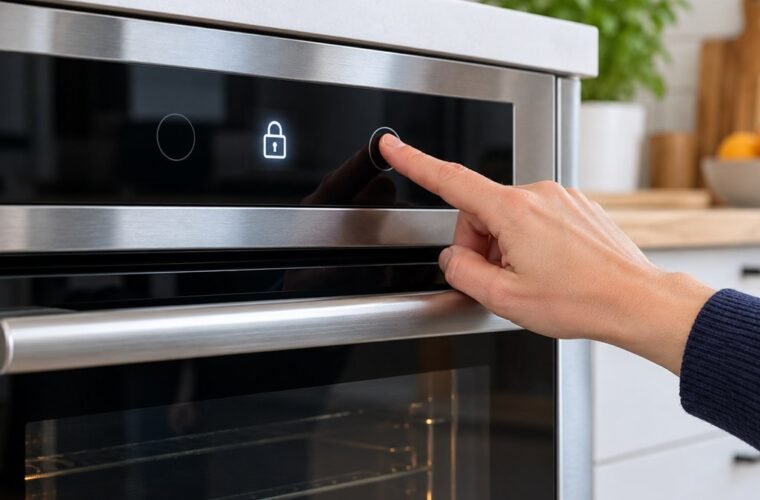
A lit key is the childproof lock. On the MBA533B, you can’t change any setting while it’s on.
To turn it off, set the function selector to off, then press and hold the key button until the key disappears. On the touch-display HSG636B, hold the lock field for about 4 seconds. A power cut also clears the lock.
A clock flashing 12:00
A flashing time means the oven lost power, even briefly.
With the function selector at off, set the time with the plus and minus buttons, then press the clock button. Not sure which one that is? It’s the button you press repeatedly to step through timer, cooking time and end time.
A fan that keeps running after you switch off
That’s the cooling fan, not the convection fan. Bosch runs it during cooking and keeps it going afterward until the oven cools, venting warm air out over the door.
Don’t block that slot. You’ll also hear the fan when you pick the light setting, and that’s normal too.
The light is on but nothing heats
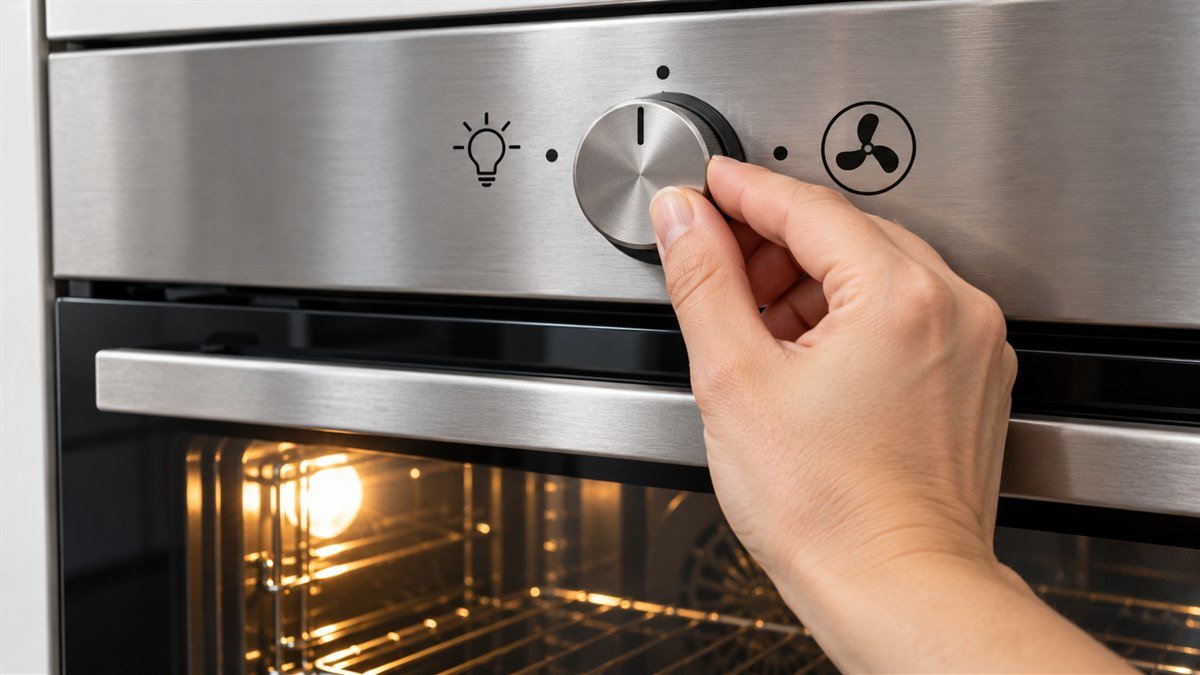
Look at where the function selector points. The light-bulb position lights the cavity and heats nothing. A knob sitting one click off is a cheaper fix than any part, so look before you reach for a meter.
The heat symbol goes out mid-cook
The heating-up indicator stays on while the oven heats and goes out when heating pauses. It’ll cycle on and off as the oven holds temperature. That’s the thermostat doing its job.
Rapid heat beeped and stopped
Rapid heating only works above 100°C. When it finishes, a signal sounds and the heating indicator goes out.
Bosch says you should switch to 3D hot air or top/bottom heating at that point, then put the food in. Food you load during rapid heat can cook unevenly.
An error message on the display
Bosch’s MBA533B manual says to acknowledge it with a button press and reset the time if needed. If the message clears and stays gone, it was a one-off.
If it comes back, call Bosch service with the exact message and your E-Nr.
Stop and call a pro if the oven trips the breaker, smells of hot wiring, or won’t heat in any mode with the lock off and the clock set. At that point the symbols aren’t your problem.
A failed element is one possible cause of a cold oven, and our guide to testing and replacing an oven heating element walks through the meter checks.
More Bosch oven symbol questions
Where do I find the manual for my Bosch oven?
The Bosch oven manual is listed under your appliance’s E-Nr, printed on the rating plate you’ll see when you open the oven door.
Enter that number on Bosch’s instruction manuals page. Symbols vary between models, so the E-Nr matters more than the series name you know.
Free tool
How old is your Bosch oven?
The rating plate with the E-Nr also carries an FD number, which is Bosch’s build date in code. Our Appliance Age Calculator decodes it, compares the age with the typical lifespan, and runs the 50 percent repair-or-replace test.
What does Programme or Assist mean?
Programme or Assist on a Bosch oven loads preset settings for specific dishes. The HSG636B manual describes Assist as preprogrammed setting values for many dishes. You pick the dish, and the oven picks the mode and temperature.
What do the cleaning symbols do?
The pyrolytic symbol on a Bosch oven starts a self-clean that heats the cavity to around 480°C (896°F), turning grease to ash you wipe out.
EcoClean Direct isn’t a program at all. It’s a coating on the back wall that absorbs grime while you cook.
Bosch makes other appliances with symbol panels too, and the Bosch dishwasher symbols follow the same idea: shape first, then the manual for your exact model.
Neff ovens come from the same group, and the Neff oven symbols guide covers CircoTherm and its display locks. For a Samsung, the Samsung oven symbols page splits the cooking-mode icons from the display icons.