How to program LiftMaster garage door opener remotes comes down to one button. Press the Learn button on the motor unit, then hold the remote button until the opener lights flash or you hear two clicks.
The color of that Learn button decides the rest. It tells you which remotes will work, how long you have to finish, and how many presses a MAX remote or keypad needs. So find the button first, then follow the steps for your color.
LiftMaster rates remote programming as easy DIY and puts it at about five minutes. All you might need is a ladder.
Find the Learn button and read its color
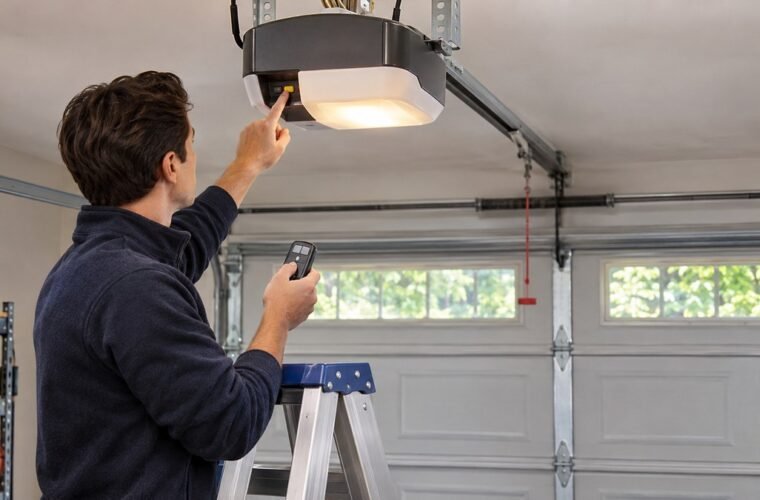
LiftMaster says the Learn button sits above the antenna wire that hangs from the motor unit. It may be hidden under a light cover. Look on the side where the wires from the wall control and the safety sensors connect.
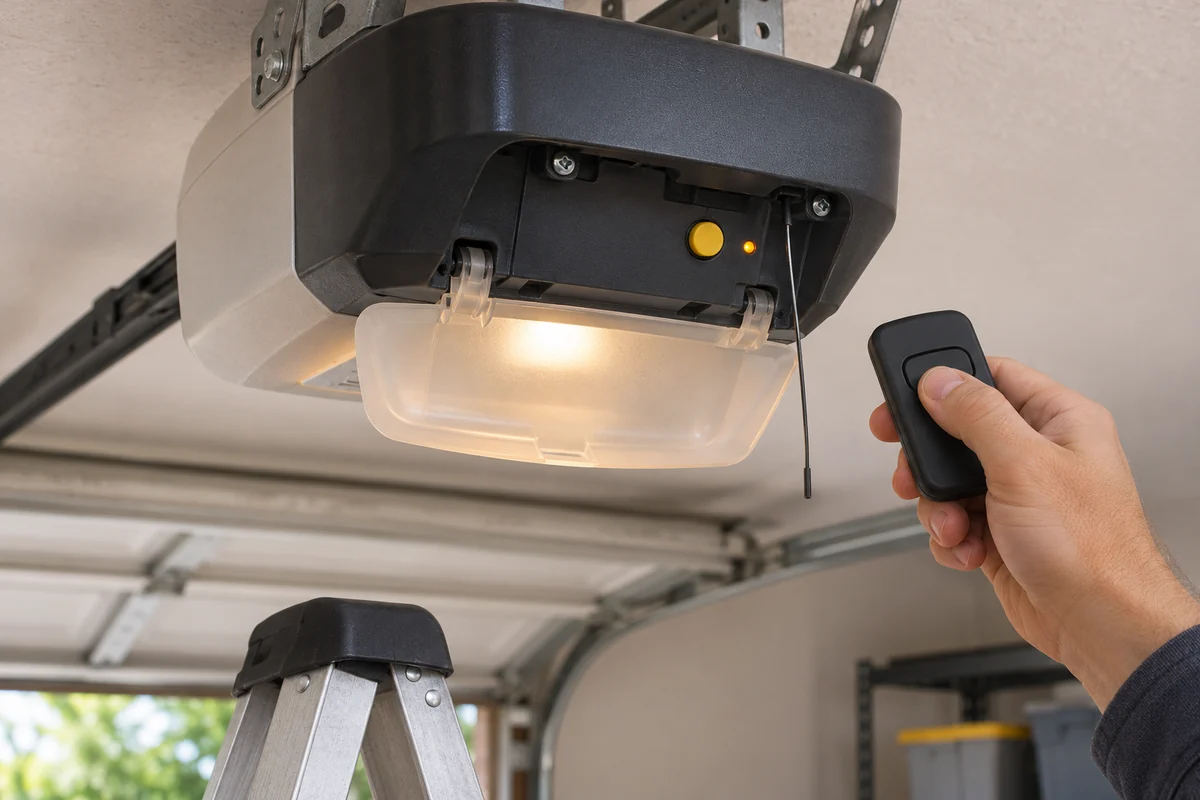
Colors fade with age. LiftMaster warns that purple can look brown and red can look orange. If you can’t tell, check the antenna wire and the year on the model label, which sits next to the light socket under the lens cover.
| Learn button | Technology | Antenna wire | Built about |
|---|---|---|---|
| White (round) | Security+ 3.0, Bluetooth | White | 2025 to now |
| Yellow (round) | Security+ 2.0, 310/315/390 MHz | Yellow | 2011 to 2025 |
| Purple or brown | Security+ 315 MHz | Purple | 2005 to 2014 |
| Red or orange | Security+ 390 MHz | Gray | 1997 to 2004 |
| Green | Billion Code 390 MHz | Gray | 1993 to 1997 |
That chart comes from LiftMaster’s Learn button color guide. Openers made before 1993 used DIP switches instead, and LiftMaster doesn’t support those anymore.
A purple button means an older opener. A commenter on r/GarageDoorService put it plainly:
“The purple learn code button is from openers that are at least from 2012 or older.”
– r/GarageDoorService (5 upvotes)
Program a remote with the Learn button
This method works on any compatible LiftMaster opener, so use it when you’re not sure which one applies. Clear the door area first. LiftMaster notes the door may move while you program.
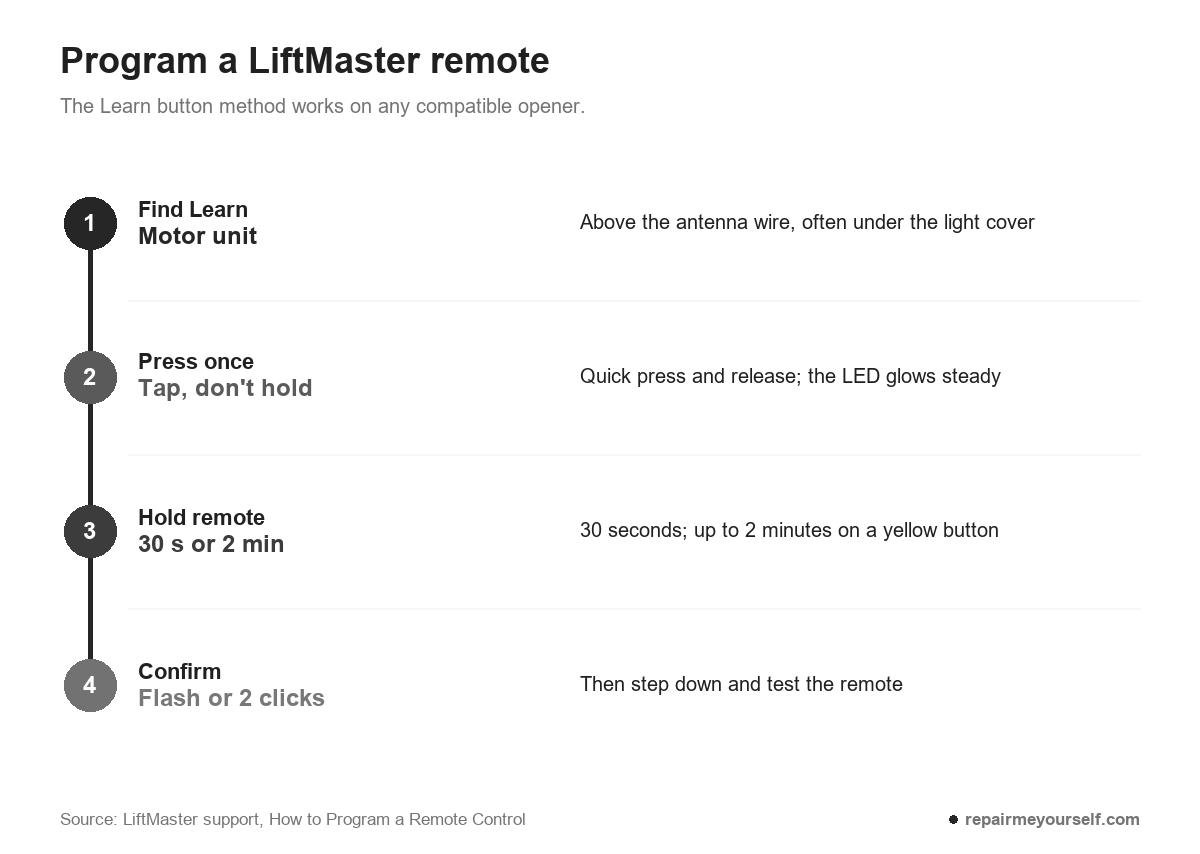
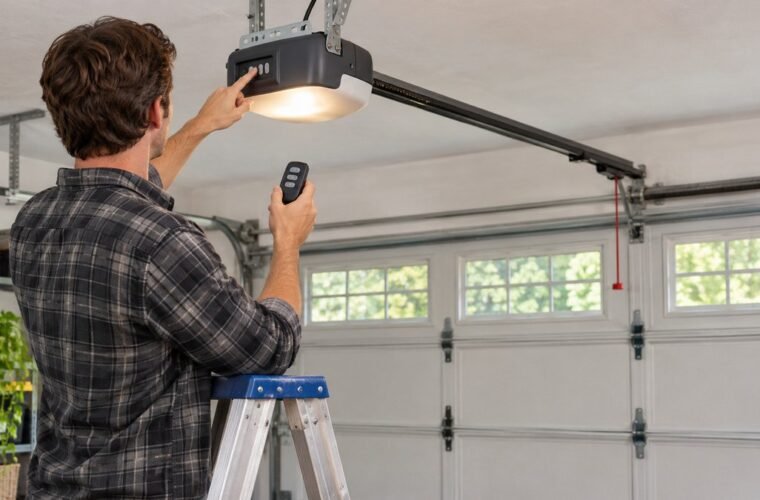
- Climb up to the motor unit and take the remote with you.
- Press and release the Learn button right away. Its LED glows steady.
- Within 30 seconds, press and hold the remote button you want to use.
- Let go when the opener lights flash or you hear two clicks.
- Step down and test the remote from a safe distance.
Yellow Learn buttons give you more time. LiftMaster says the LED stays on for up to 2 minutes on a yellow opener, against 30 seconds on purple, red/orange and green ones.
The 8500 and RJO20 wall-mount models are different. On those, LiftMaster says to use the Learn button on the myQ control panel, not the opener. You won’t find a ladder job there at all.
Skip the ladder: use the wall control
Many newer wall controls can put the opener into learn mode for you. LiftMaster’s remote programming page lists two ways:
- Wall control with its own Learn button. Press and release that Learn button twice. Once the LED starts blinking, you’ve got 30 seconds to press and hold the remote button until the lights flash or two clicks sound.
- Smart control panel with a screen. Use the navigation button to go to PROGRAM, then REMOTE. Hold the remote button until the opener lights flash.
Got a yellow or white Learn button, or a “Powered by myQ” logo? Your opener has Wi-Fi, and the myQ app can add a remote under Settings, Devices, Accessory, Garage Door Remote.
MAX and universal remotes: count the presses
The 893MAX, 890MAX, 953EV and 956EV remotes work with many generations of openers. Before the remote can learn, you set it to your opener’s technology with a set number of presses.
| Learn button | Presses |
|---|---|
| Yellow (Security+ 2.0) | 1 |
| Purple/brown (315 MHz) | 2 |
| Red/orange (390 MHz) | 3 |
| Green (Billion Code) | 4 |
- Take off the visor clip. Press and hold the program button on the back until the remote’s LED comes on. On the 890MAX and 956EV, it’s on the side, so use a paper clip.
- Press and release the remote button you want, the number of times in the table.
- Press any other remote button to leave programming mode.
- Press and release the opener’s Learn button.
- Press and hold the button you set in step 2 until the lights flash or you hear two clicks.
Those steps come from Chamberlain’s support page for these models, and they’re the same for both brands. If your remote has a different model number, check its own instructions, since universal remotes don’t all program the same way. Chamberlain-branded remotes are covered model by model in our Chamberlain programming guide.
Program a keypad
The 877MAX and 940EV keypads use the same press-count idea. LiftMaster’s PIN page gives these steps:
- Hold * and # on the keypad until its lights stop blinking.
- Enter a 4-digit PIN of your choice, then press #.
- Press ENTER the number of times from the table above, then press 0.
- Press and release the opener’s Learn button.
- Within 30 seconds, enter your PIN and press ENTER until the opener lights flash or you hear two clicks.
Test it by entering your PIN and pressing ENTER. The door should move. If it doesn’t, check the press count for your Learn button color and start again from step 1.
Program your car’s HomeLink buttons
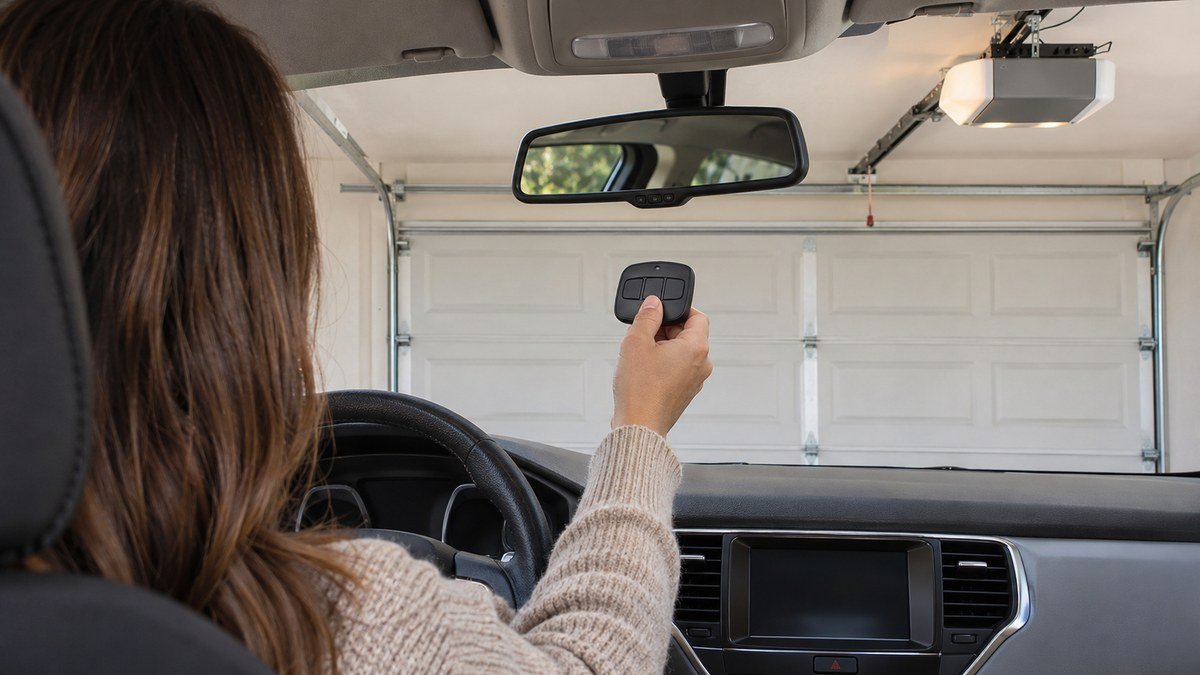
You’ll need a remote that already works. Park outside facing the door, start the car, and keep people clear of the opening.
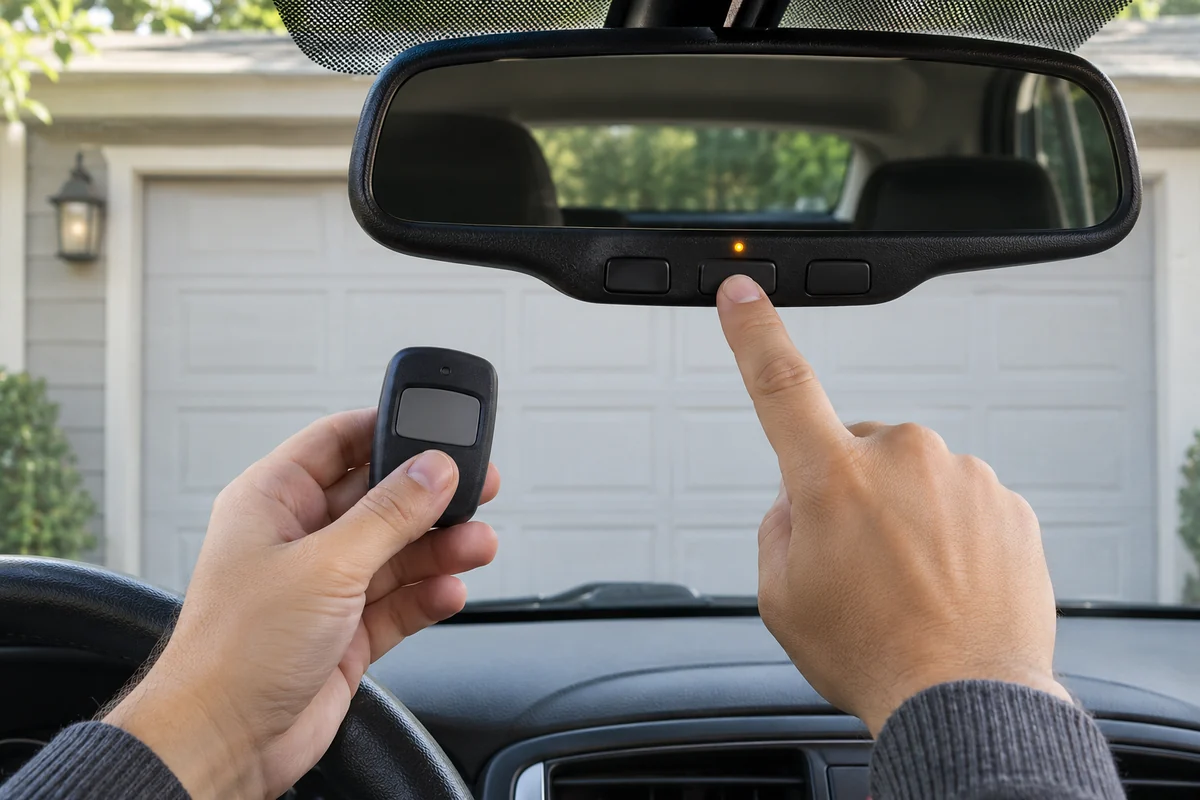
- Hold the HomeLink button you want. A slow flash means it’s ready. A rapid flash means it’s already programmed, so pick another button or clear it.
- Hold your remote 1 to 3 inches from that button.
- Hold the HomeLink button and the remote button together until the slow flash turns rapid. LiftMaster says it can take up to 20 seconds.
- Press and hold the HomeLink button for 2 seconds. If the door doesn’t move, LiftMaster says to try up to two more times.
Rolling-code openers often want one more step. HomeLink’s support page says to press and release the opener’s Learn button like a doorbell, then get back to the car within 30 seconds and press the HomeLink button.
Some cars won’t pair with a yellow-antenna Security+ 2.0 opener at all. HomeLink says its compatibility bridge kit is for older HomeLink versions, such as HL3, on those openers. One owner on r/GarageDoorService needed it:
“I have the 2.0 model from last year. It wouldn’t pair with my 2021 Acura, so I had to get the HomeLink bridge.”
– r/GarageDoorService (2 upvotes)
LiftMaster sends HomeLink questions to HomeLink itself, which runs its own support line for vehicle-specific trouble.
White Learn button (Security+ 3.0)
Openers built from 2025 have a round white Learn button and Bluetooth. LiftMaster’s compatibility page lists the remotes made for them: the L991S and L993S standard remotes, the L932M and L993M MAX remotes, the L992U universal remote, and the L979 keypads.
HomeLink adds one rule for these openers: program the car from your original handheld remote, not at the motor head.
An older remote from your last opener may not be on that list. Check the list before you buy. A remote that isn’t compatible won’t program however many times you try, and it isn’t a fault you can fix.
When the remote won’t program
When a remote won’t program, the cause is almost always on a short list from LiftMaster’s own troubleshooting pages. It’s rarely the opener. Work through it in this order before you buy anything:
- The battery. LiftMaster’s first fix is to check the battery is in the right way round, and replace it if needed.
- Lock mode. If the wall control LED keeps flashing and the opener light flashes twice when you press the remote, lock is on. Hold the lock button for 2 seconds. On some controls it’s under the push button cover.
- The wrong remote. Check your remote against the list for your Learn button color.
- Too fast a retry. Wait for the Learn LED to turn off before you try again.
- Mixed technologies. On a red/orange opener, a Billion Code remote and a Security+ remote will each program, but LiftMaster says they won’t work together. Pick one type.
Did the first remote stop working after you programmed the second? You probably held the Learn button too long. LiftMaster says holding it even a few seconds can erase remotes, so give it a quick press and release, like a doorbell.
Short range after programming is a different problem. LiftMaster lists LED light bulbs in the opener as a possible source of interference, along with a weak battery. Try a fresh battery first, since it’s the cheaper fix.
Clear the opener’s memory
Moved into a house with an unknown number of remotes out there? Wipe them all, then program the ones you’ve got.
Press and hold the Learn button. LiftMaster says the LED turns on, then turns off after about 6 seconds, and the remotes and keypads are cleared. On a yellow opener, holding it for another 6 seconds within 3 seconds of the LED going off also removes myQ accessories.
I’d do this on any opener that came with a house. It takes a minute, and it’s the only way to know which remotes still open your garage.
How to program LiftMaster garage door opener remotes: quick answers
Where is the Learn button on a LiftMaster opener?
On the back or right side of the motor unit, near the hanging antenna wire, sometimes under the light cover. On 8500 and RJO20 wall-mount openers, use the Learn button on the myQ control panel.
How long do I have after pressing Learn?
About 30 seconds on purple, red/orange and green openers. LiftMaster says yellow openers stay in learn mode for up to 2 minutes.
Why do the lights flash twice when I press the remote?
That’s lock mode. The wall control LED will be flashing too. Hold the lock button for 2 seconds, and your remotes should work again.