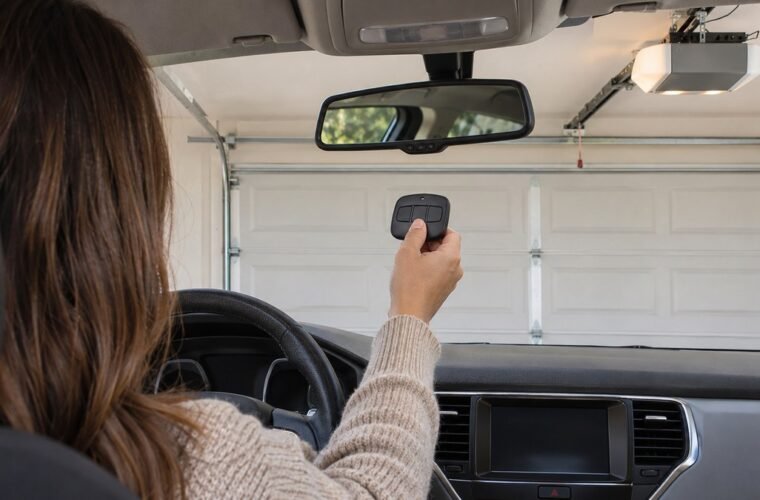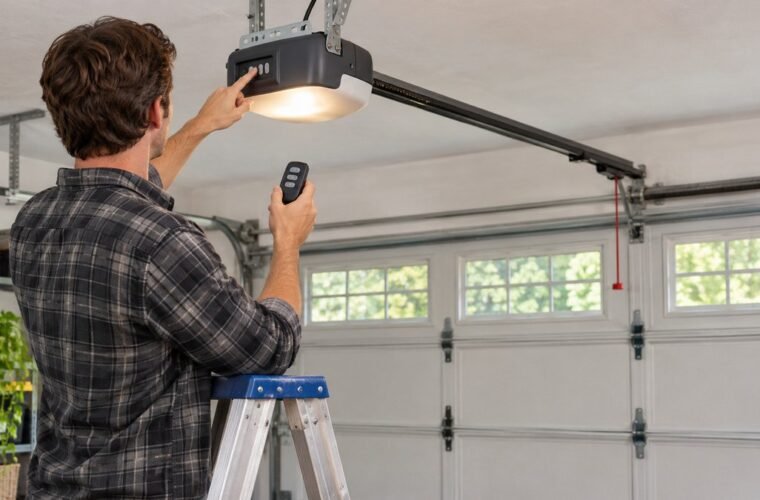
How to program Chamberlain garage door opener remotes depends on two things: the color of the Learn button on the motor, and the model number on the back of the remote. Get both before you’re up the ladder.
The basic move doesn’t change. You press the Learn button, then hold the remote button until the opener lights flash or you hear two clicks. What does change is which remote will pair at all, and whether that remote needs setting up first.
Find the Chamberlain Learn button
Chamberlain’s compatibility page puts the Learn button on the back or right side of the opener, near the antenna wire that hangs from the motor. It’s often behind the light lens. On many models you’ll fold the lens down to see it.
Chamberlain, LiftMaster and Craftsman openers share the same Learn button system. Chamberlain’s own list of supported universal remotes groups them together by Learn button color. One commenter on r/GarageDoorService explained it to a confused owner:
“it appears to be a Chamberlain, which is the same thing as a LiftMaster and that yellow wire like others have said is simply an antenna”
– r/GarageDoorService (2 upvotes)
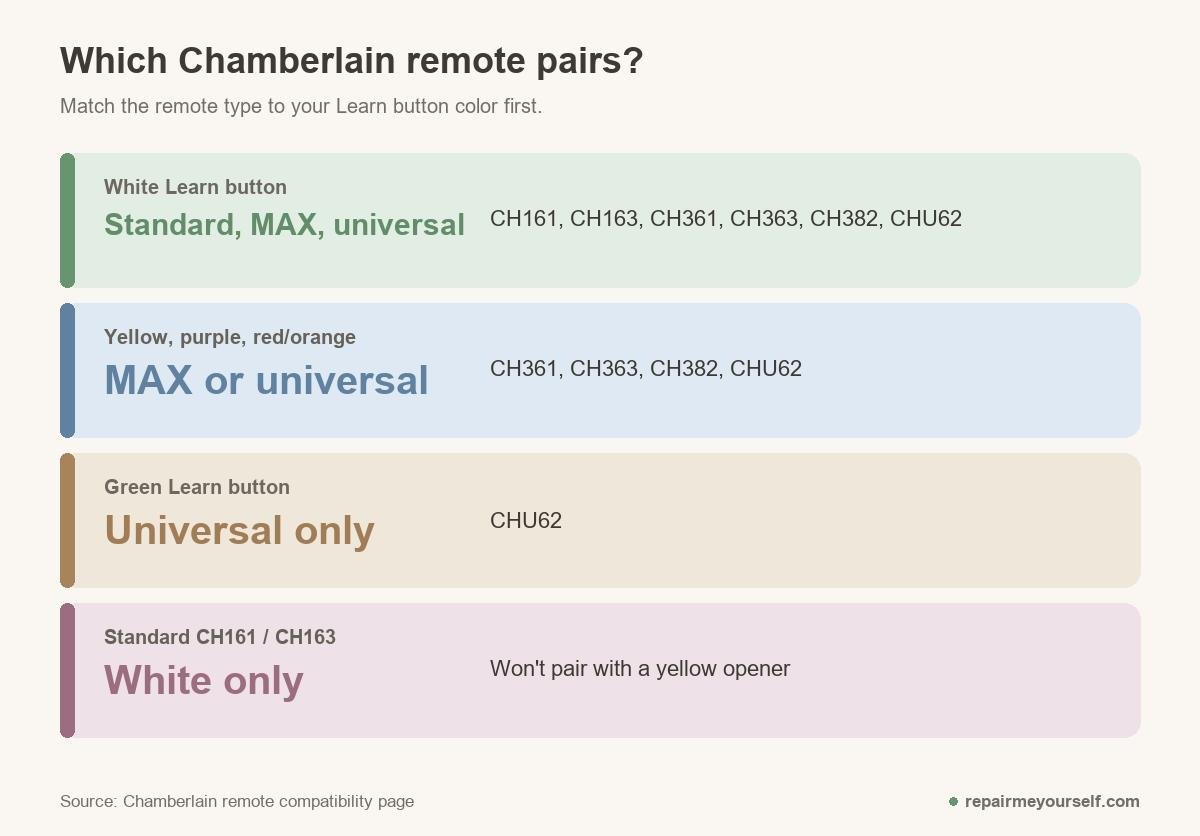
Now read the color. Chamberlain’s remote compatibility page lists which current remotes work with each one:
| Learn button | Opener years | Current Chamberlain remotes that pair |
|---|---|---|
| White | 2025 to now | CH161, CH163 (standard); CH361, CH363, CH382 (MAX); CHU62 (universal) |
| Yellow | 2011 to 2022 | CH361, CH363, CH382 (MAX); CHU62 |
| Purple | 2005 to 2014 | CH361, CH363, CH382 (MAX); CHU62 |
| Red/orange | 1997 to 2005 | CH361, CH363, CH382 (MAX); CHU62 |
| Green | 1994 to 1997 | CHU62 only |
Here’s the catch most buyers miss. The CH161 and CH163 standard remotes only appear under the white button. Put one on a yellow opener and it won’t pair, however carefully you follow the steps.
The Learn button steps
Clear people and cars out of the doorway first, since the door can move while you program. Then:
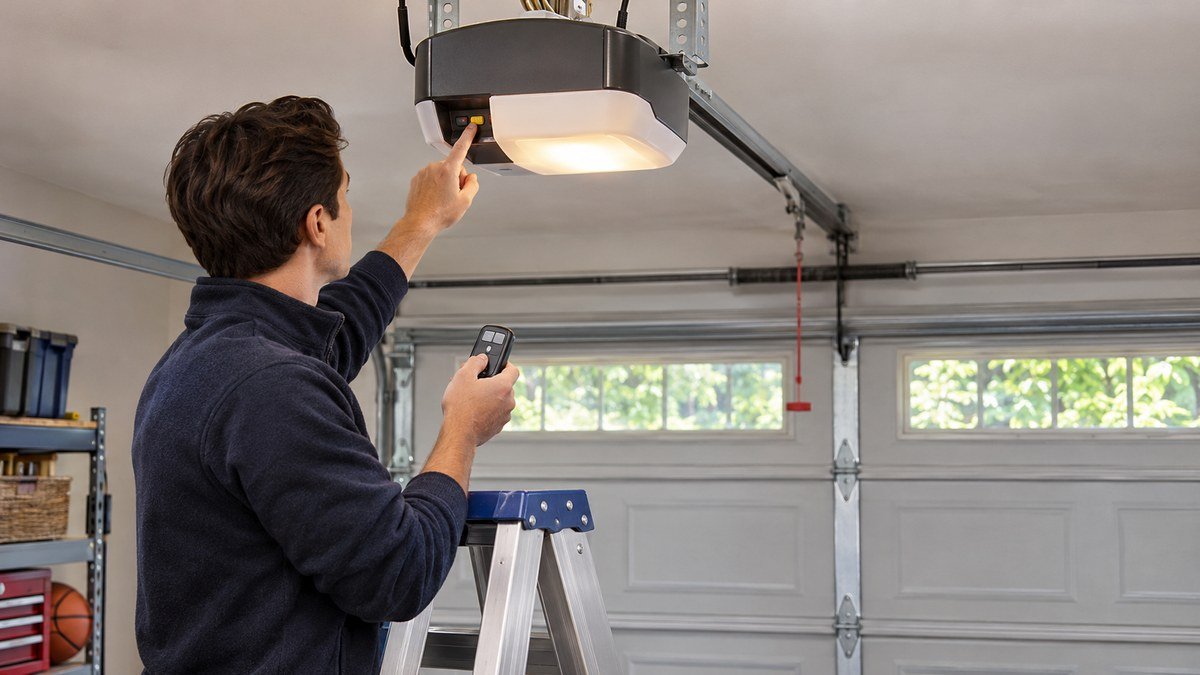
- Press the Learn button and let go at once. Its LED glows steady.
- Within 30 seconds, press and hold the remote button you want to use.
- Release when the opener lights flash or you hear two clicks.
- Test the remote from the floor, with the doorway still clear.
Chamberlain’s support pages give yellow-button openers up to 2 minutes in learn mode, so there’s no need to rush on those. Don’t hold the Learn button down, though. Holding it for about 6 seconds clears every remote and keypad the opener knows.
No ladder? Many wall controls have their own Learn button. Chamberlain says to press it twice, wait for its LED to blink, then hold the remote button within 30 seconds.
MAX remotes: set the remote first
The CH361, CH363 and CH382 MAX remotes, like the older 953EV and 956EV, can talk to several generations of opener. That’s why they need setting up before the Learn button step, and it’s the step people skip. For the 953EV and 956EV, Chamberlain’s page gives this sequence:
- Hold the program button on the remote until its LED comes on. On the 956EV it’s on the side, so you’ll need a paper clip.
- Press the button you want to program 1 time for a yellow opener, 2 for purple, 3 for red/orange or 4 for green.
- Press any other button to leave programming mode.
- Press the opener’s Learn button, then hold the remote button until the lights flash or you hear two clicks.
Chamberlain’s EV/MAX FAQ answers the questions people ask next:
- Two garage doors? Give each door its own button. If you program the same button to both, it opens both.
- Battery change? The remote keeps its programming with the battery out, so you won’t need to redo it.
- Stop the door? EV and MAX remotes don’t send a stop command.
- Better range? Only on a Security+ 2.0 opener. On Billion Code and older Security+ openers, the range doesn’t improve.
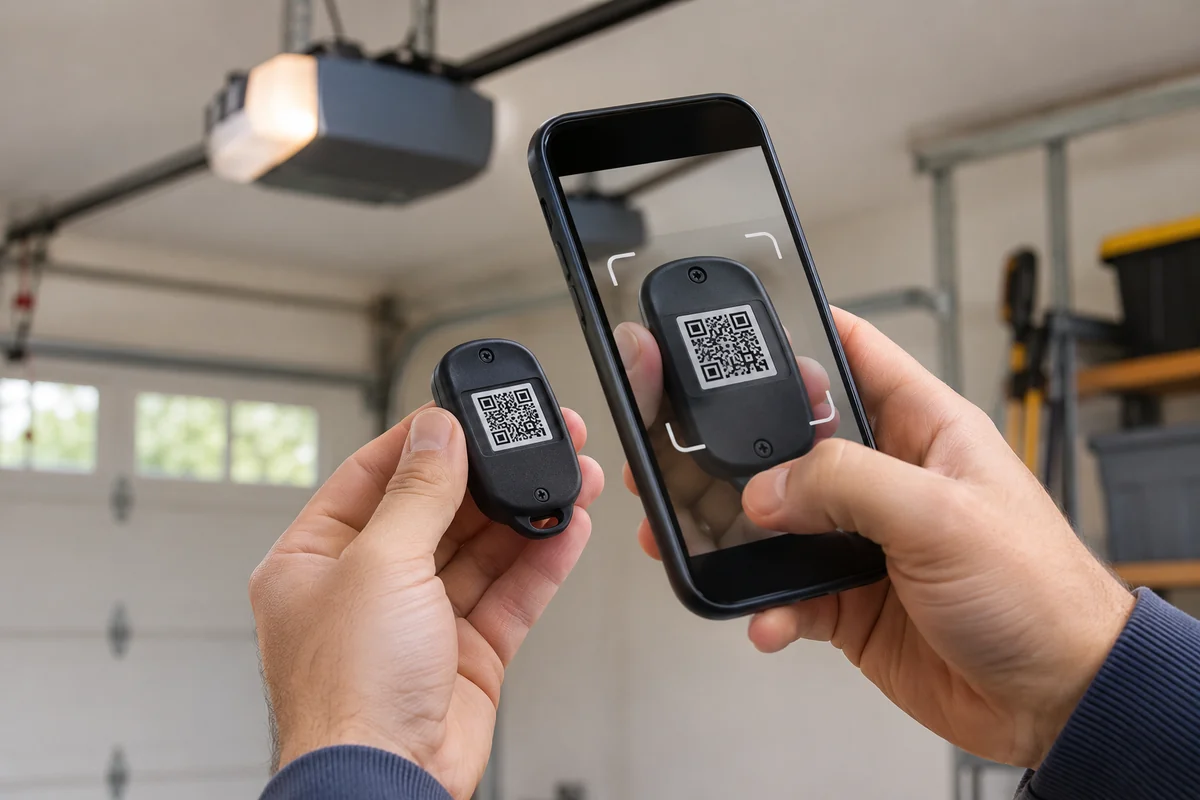
The newer CH361 and CH363 can also start programming from the myQ app. Chamberlain says you scan the QR code on the back of the remote, and the app walks you through it.
Standard remotes: CH161, CH163 and 953ESTD
The CH161 and CH163 are built for Security+ 3.0 openers, the ones with the white Learn button. Chamberlain lists them with a QR code on the back that opens the myQ app and walks you through pairing.
The older 950ESTD and 953ESTD standard remotes need no setup at all. Chamberlain’s programming guide for them is the plain Learn button method: press and release Learn, then hold the remote button within 30 seconds until the lights blink or you hear two clicks. With a wall control that has its own Learn button, press it once to enter programming mode, press it again so the LED flashes once, then hold the remote button.
The same guide shows how to make one remote button run the opener light. With the door closed, hold that remote button. While you hold it, press and hold LIGHT and LOCK on the wall control, then let go of everything once the opener lights flash.
Your car needs one extra step on white-button openers. HomeLink’s support page says a Security+ 3.0 opener has to be programmed to the car from your original handheld remote, not at the motor head. The full car steps are in our LiftMaster HomeLink section, and they work the same on a Chamberlain.
Universal remotes: CHU62 and Clicker
The CHU62 is Chamberlain’s current universal remote. Chamberlain’s universal remote list covers white, yellow, purple and red/orange Learn buttons, plus Genie, Linear, Stanley, Wayne Dalton and a few other brands. Its compatibility page also lists it for green. The steps differ by brand, so use the section for yours in its manual.
You might still have a Clicker. Chamberlain doesn’t make the KLIK1U, KLIK2U or KLIK5U anymore, but says they still work with compatible openers. A few points from its Clicker FAQ:
- For a yellow Learn button, use #8 on chart A in the KLIK1U manual.
- To add a second button, run the same steps with that button. It won’t overwrite the first.
- No LED when you press a button? Replace the 3-volt lithium battery.
- A Clicker running two doors gets fixed at the opener. Clear the memory of the one you don’t want it to run.
Program a Chamberlain keypad
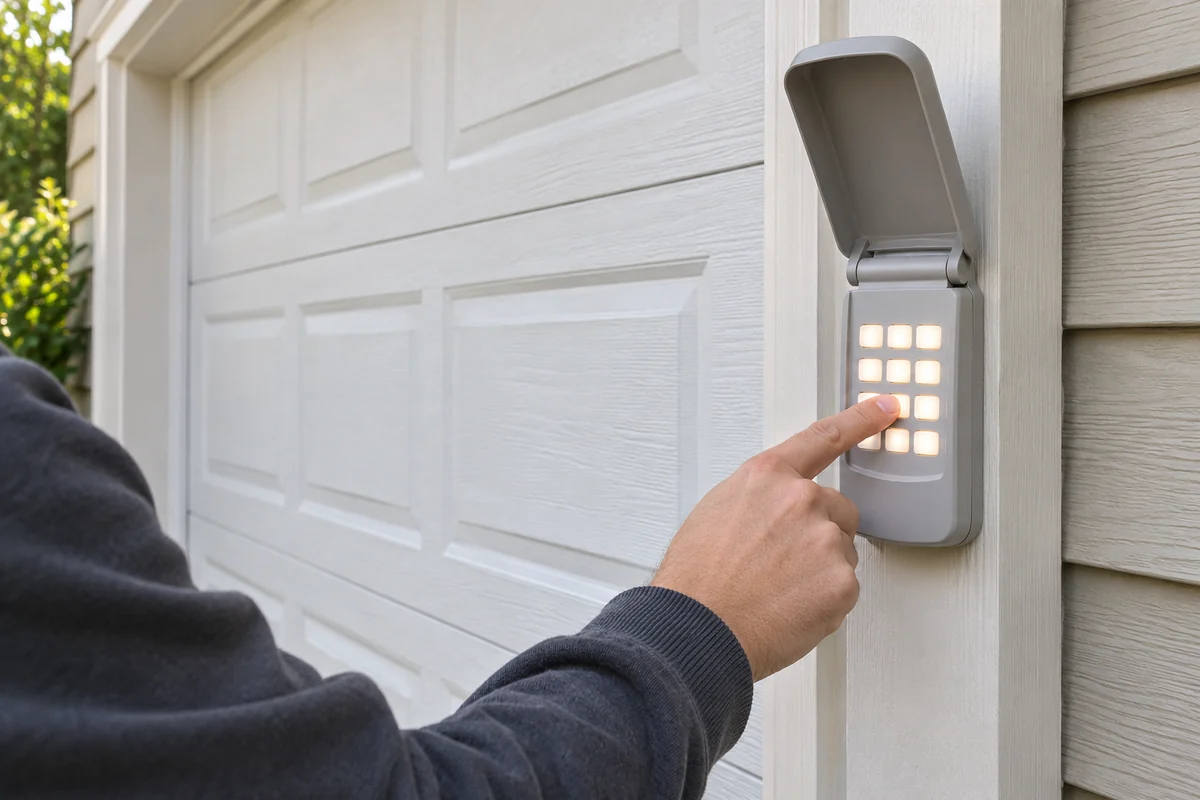
The 940EV keypad uses the same 1-to-4 press count as the MAX remotes. Hold * and # until the keypad lights stop blinking. Enter a 4-digit PIN and press #. Press ENTER the number of times for your Learn button color, then press 0.
Now press the opener’s Learn button. Within 30 seconds, enter the PIN and press ENTER until the lights flash or you hear two clicks. That sequence comes from Chamberlain’s 940EV and 877MAX PIN page.
The older KLIK2U works a little differently. Chamberlain says it only pairs with one opener, and after your 4-digit PIN any fifth number acts as ENTER. If the backlight’s dead, it needs a new 9-volt battery.
When no remote will pair
One dead remote is usually its battery. Every remote failing at once points somewhere else, and a garage door tech on r/GarageDoorService laid out the test:
“If the wall button inside the garage still runs the door fine, and no remote will pair after a full memory clear, the receiver or logic board in that unit has quit.”
– r/GarageDoorService (1 upvote)
Before you get there, rule out the cheap causes:
- Lock mode. If the wall control LED keeps flashing and the opener light flashes twice when you press a remote, hold the lock button for 2 seconds.
- The antenna. The same tech says the antenna wire should hang straight down, not tucked up or wrapped around anything.
- Mixed remotes. On a red/orange opener, a Billion Code remote and a Security+ remote won’t work together, Chamberlain says. Don’t mix them; use one type.
- The wrong remote. Check the table above. A standard CH161 won’t pair with a yellow button.
I’d always try a full memory clear before buying parts. It costs nothing, and it shows you whether the opener still learns anything at all.
How to program Chamberlain garage door opener remotes: FAQs
Will a Chamberlain remote work on a LiftMaster opener?
Usually, if it’s listed for that Learn button color. Chamberlain groups Chamberlain, LiftMaster and Craftsman openers together by Learn button color in its universal remote list.
Do I have to reprogram after changing the battery?
No. Chamberlain says EV and MAX remotes keep their programming without a battery, and Clicker remotes do too. Reprogram it only if it isn’t working after the swap.
How do I erase all the remotes?
Hold the opener’s Learn button for about 6 seconds, until its LED turns off. That clears every remote and keypad, so you’ll need to program back the ones you’re keeping.