Whirlpool oven symbols are shorthand for cooking modes: bake, broil, convection bake and roast, keep warm and self-clean, plus lock and timer icons. Whirlpool’s oven-settings guide explains each mode, including the 25°F cut it suggests for convection. Your oven’s control guide has the exact set it uses.
Whirlpool builds ovens for several markets. The same mode can wear a different face from one panel to the next.
A fan is a fan, but a fan inside a circle next to a line at the top is a specific convection mode. Read the name, not the drawing.
Cooking Mode Icons and What They Start
Whirlpool panels group heating modes on the dial or keypad, with lock, light and timer icons alongside. The table covers the modes you’ll use most.
| Icon drawing | Name | When to use it |
|---|---|---|
| Two horizontal lines, top and bottom | Bake | Cakes, bread, casseroles and roast vegetables on one rack. Both elements cycle to hold the set temperature. |
| One line at the bottom | Bottom Heat | Tarts, pizza and pastry bases that need a crisp underside. Dial models outside North America carry it; check your panel first. |
| Wavy line at the top | Broil | Steak, chops, toast and melted cheese. The top element runs at full power, so use the upper rack and watch the food. |
| Fan inside a circle, often with two lines | Convection Bake | Cookies, pastries and two racks at once. Moving air browns more evenly, and the set temperature drops 25°F. |
| Fan with a single line | Convection Roast | Whole chicken, pork loin and other large cuts. Fan plus rear heat gives a browner crust; some panels add a bird to the drawing. |
| Three wavy lines, or the words Keep Warm | Keep Warm | Holding a finished dish at serving temperature. It is not a cooking mode and won’t finish raw food. |
| Light bulb | Oven Light | Checking browning without opening the door and dropping the cavity temperature. |
| Padlock, or LOC | Control Lock | Stopping the panel from accepting presses, usually in households with small children. |
| Clock face | Timer | Counting down a step. On most Whirlpool ovens it does not switch the oven off when it reaches zero. |
| Padlock beside Self Clean | Self-Clean | Burning off grease at high heat. The door latches for the cycle and stays locked until the cavity cools. |
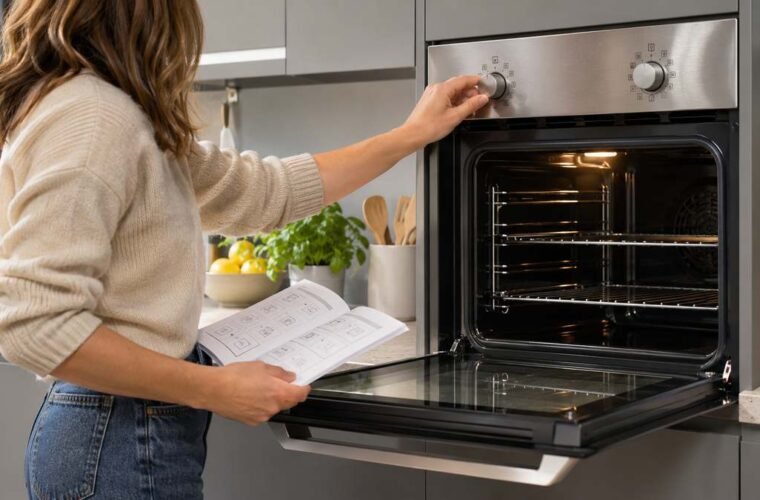
Icon art changes between model years, so treat the middle column as the anchor. If a drawing on your panel doesn’t match, your control guide settles it; the booklet sits in the drawer under the oven or taped behind the kick plate.
Bosch and Samsung draw the same modes their own way, so compare names rather than shapes: Bosch oven symbols and Samsung oven symbols.
Self-Clean runs by its own rules. The icon is usually a padlock next to the words, and the cycle runs hot enough to turn food residue into ash. Wipe out loose crumbs first, pull the racks if your guide says to, and expect the door to stay locked for a while after the cycle ends.
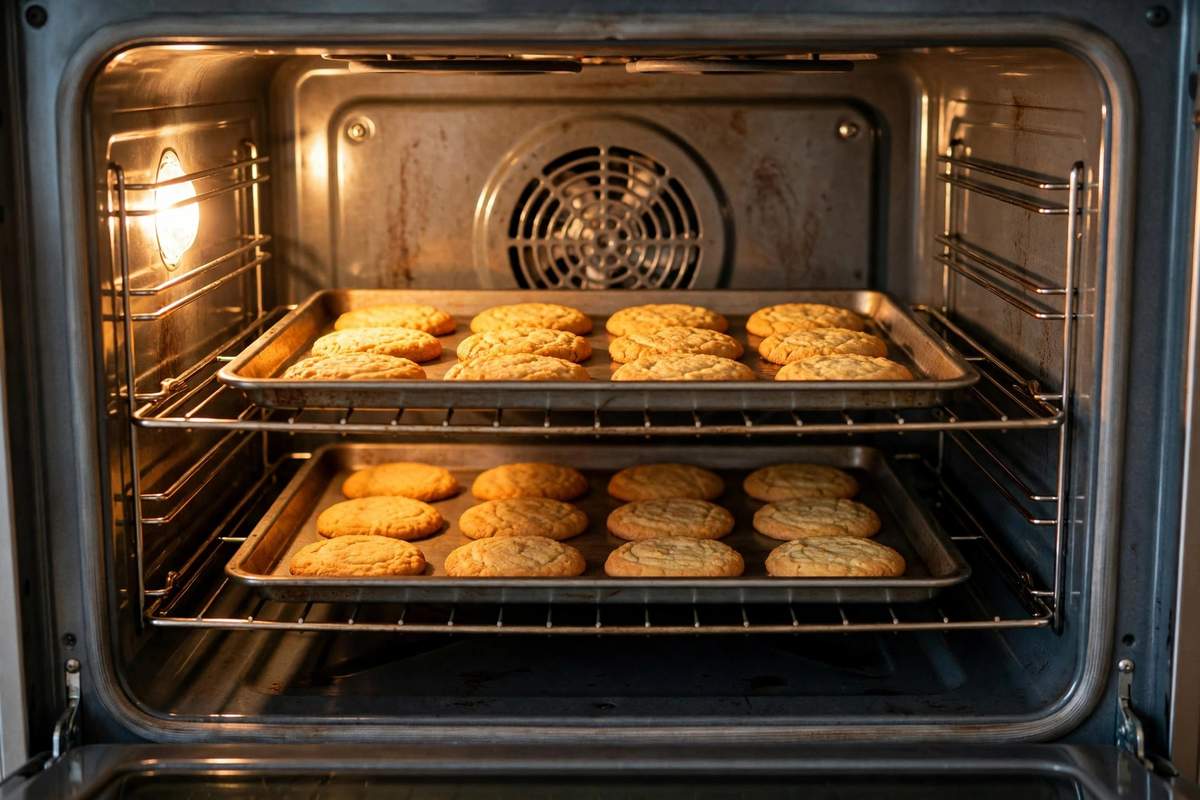
Convection Bake vs Bake: Which Symbol Should You Use?
Bake runs the top and bottom elements without a fan. Convection Bake adds the fan at the back, so moving air browns food faster and evens out two racks. Whirlpool suggests setting the oven 25°F lower when you use convection.
Use Bake when your recipe was written for a conventional oven. Cakes, quick breads and custards behave predictably there, and you get the rise and timing the recipe describes. Use Convection Bake when you’re filling two racks, roasting vegetables or cooking something that benefits from dry, moving heat.
Treat the 25°F adjustment as your starting point. Dense items such as pound cake may need the full reduction, while a tray of cookies may need 15°F and a shorter bake.
Check your food two or three minutes early the first time.
Convection changes preheating too. Whirlpool notes that convection ovens tend to preheat faster, which matters when a recipe says to wait for the beep.
Roasting is where Convection Roast earns its icon. A whole chicken or a pork loin browns on the outside while the fan keeps the heat even, and the crust comes out closer to rotisserie than plain bake. Smaller cuts and lean fish dry out faster in moving heat, so keep those on Bake.
Newer panels add modes that aren’t simple variations of bake. Frozen Bake skips preheating for frozen pizza and similar foods, and Air Fry uses the fan and higher heat on models that carry it. Both appear as words rather than international icons, so they’re easy to spot.
Lock, Timer and Display Icons
A padlock on a Whirlpool panel usually means Control Lock, not a door fault. The oven will ignore presses until you release it, and the release sequence differs between keypads and dial models. Both sequences are covered in the guide to unlocking a Whirlpool oven.
A lock beside Self Clean is a different message. That latch is mechanical, driven by the clean cycle, and it won’t release until the cavity drops below a safe temperature.
Forcing the door is how handles break.
The clock icon is the timer. It’s independent of the cooking mode, so setting it does not stop the oven when the count reaches zero on most models. That surprises people who expect a timed bake, and it’s worth checking your control guide before you walk away.
Your display can also show status icons that aren’t cooking modes. One owner in r/appliancerepair posted a symbol the manual didn’t explain and got guesses rather than an answer.
“To me, it looks like ‘wait, do not unplug’, almost as if it might be in the middle of an update. Appliances shouldn’t be allowed to auto-update.”
When an icon isn’t in your guide, don’t assign it a meaning by look. Photograph the panel, note the model number from the rating plate, and ask Whirlpool support.
A wrong guess costs you more than a call.
Error Codes Look Like Symbols but Aren’t
A code such as F2E1 is a fault message, not a mode. Whirlpool uses F and E codes to point a technician at a circuit, and F2E1 on an oven usually traces to the keypad or the control board. The reset and diagnosis sequence is in the Whirlpool oven F2E1 code guide.
Icons tell you what the oven is doing. Codes tell you it’s stopped doing it. If your panel shows a code while the oven is cold and unresponsive, cut power at the breaker for a minute, restore it, and see whether the code returns.
A code that comes back needs a part, not another reset.
Gas ovens have one hard stop. If the igniter clicks without lighting, or you smell gas, turn the oven off and call a licensed technician. Don’t keep cycling the knob or clean the igniter yourself.
Whirlpool Oven Symbols: FAQ
What does the fan symbol on a Whirlpool oven mean?
The fan means convection: a motor at the back of the cavity moves hot air around the food. A fan with two lines is usually Convection Bake; a fan with one line or a bird is usually Convection Roast. Your control guide names it exactly.
Does the padlock mean the oven door is locked?
Not always. A padlock with “Control Lock” or “LOC” disables the keypad. A padlock beside “Self Clean” is the door latch, and it releases only after the oven cools. Check which label sits next to the icon.
Do all Whirlpool ovens use the same symbols?
No. North American keypad models lean on words such as Bake and Broil, while European-style dial models use graphic icons. Even within one market, icon art changes with the model year.
Why does my Whirlpool oven show F2E1?
F2E1 is a control or keypad fault code. Reset the oven at the breaker once. If the code returns, the keypad or control board needs testing, which is a job for a technician or a confident DIYer with a multimeter.
Whirlpool prints the model number on a rating plate behind the storage drawer. Copy it before you call support, because the agent will ask first, and the Whirlpool product help site uses it to return the exact control guide for your panel.