Hotpoint dishwasher symbols do two jobs. One set picks the programme. The rest are warning lights for salt, rinse aid or a part that has stopped reporting.
Hotpoint’s own symbol guide names each programme icon, and the delay it describes runs from 30 minutes to 24 hours.
Steady and blinking carry different meanings on the same icon. A blink can be a refill warning, or it can be the first line of a code. A row of flashing programme lights is a coded message of its own, and reading it takes the panel’s own numbering.
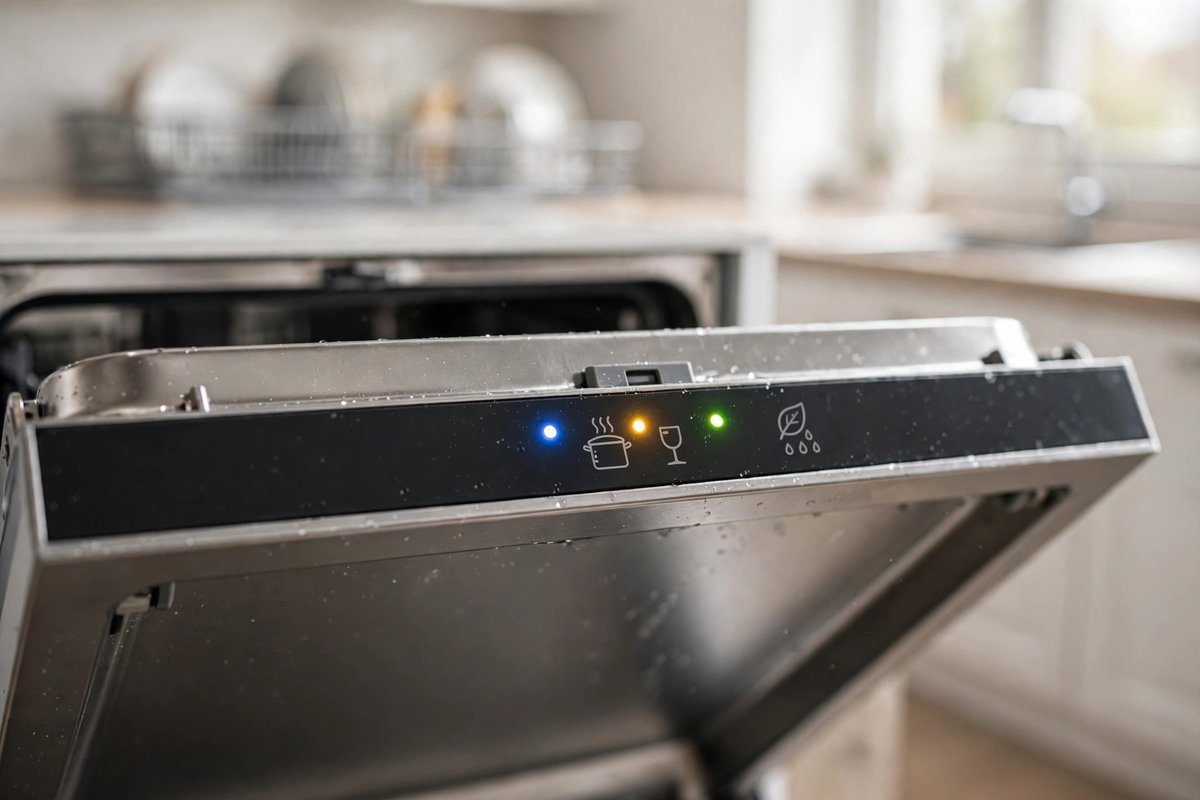
Hotpoint Dishwasher Symbols on the Panel
Each Hotpoint programme has its own icon, and most of them carry their temperature in the drawing. You’ll find the star and the letter S among them, though neither is a wash.
They’re refill warnings, and the h beside a clock is the delay timer.
| Icon | Name | What it does |
|---|---|---|
| Clock with three lines beneath it | Rapid | 45°C cycle for lightly soiled dishes with nothing baked on |
| Pot with 65° and an A | Auto Intensive | Sensor reads the soil level and adjusts the cycle |
| 50° Eco | Eco | Hotpoint’s most efficient cycle for energy and water |
| Two glasses with 45° | Delicates | Wine glasses and anything that cannot take high heat |
| h beside a clock | Delay | Postpones the start by 30 minutes to 24 hours |
| 3D cube | 3D Zone Wash | Up to 80% more water power aimed at the lower rack |
| Star | Rinse aid | Rinse aid reservoir is empty |
| Letter S | Salt | Softener salt is almost empty or empty |
Auto Intensive is the one that changes on its own. The sensor reads how dirty the load is and adjusts from there, and the 65° with the A on the icon is the top of what it will use.
Rapid is the clock with the three lines under it. It’s a 45° cycle, meant for lightly soiled dishes with nothing baked on.
Eco is 50° and the cycle Hotpoint calls its most efficient for energy and water.
Delicates shows two glasses on the icon and takes the wine glasses and anything else that can’t sit through high heat.
Panels from other makers are drawn on a different system, so a Miele dishwasher symbol set or a Samsung one won’t line up with the Hotpoint icons above.
Salt and Rinse Aid Lights: Steady or Flashing
The star is rinse aid and the letter S is salt. On the star, lit or blinking means the reservoir is empty either way, and the light can stay on for a short while after a refill.
On the S, a steady light means the salt is almost gone. A blink means it’s empty.
That difference shows up the day after a refill. If you top up the salt and the S goes out, that’s the reservoir taking it.
If it starts blinking instead, you’ve run the reservoir down to empty, and the softener has been working on hard water in the meantime.
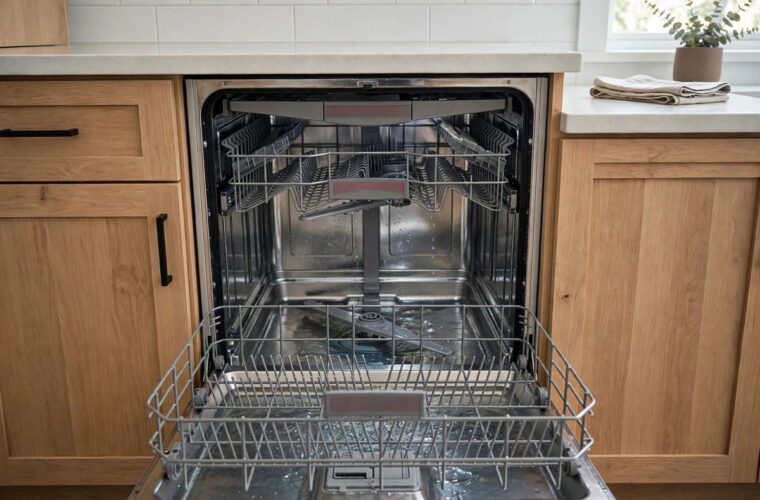
The reservoir sits under the lower rack, usually as a round cap you unscrew. Fill it to the neck with dishwasher salt, never table salt, then put the cap back finger tight so wash water can’t get in.
A splash of water in there before the first fill is normal.
The star behaves more loosely, which catches people out. Hotpoint’s guide says it can stay on for a short while after the rinse aid goes in. So a light that ignores your refill for a cycle or two is still doing its job.
Delay Start, 3D Zone Wash and the Other Icons
The delay icon is an h next to a clock, and it postpones the start by 30 minutes to 24 hours. Hotpoint says it cannot be set once a cycle has begun. The 3D icon is Zone Wash, which aims up to 80% more water power at the lower rack.
Delay is the icon people set and then forget. The limit matters before the dishes go in.
Once the machine has started, the h on the display stops being a timer you can change, so a delay you wanted to push back has to be cancelled and set again.
3D Zone Wash is the one icon whose effect you can feel in the water. It pushes the spray at the lower rack, up to 80% more by Hotpoint’s figure.
So the pans and the roasting tin go at the bottom, and the glasses stay out of the line of fire.
Flashing Lights: Reading the LED Error Codes
A flashing row is a code the panel is spelling out. Hotpoint numbers the LEDs and asks you to note, in sequence, which ones are on and which are flashing. Then you match that pattern on its error page, and the page answers with an F-number and the part it blames.
The numbering is the first thing to look for. Hotpoint’s reference lists the LEDs one at a time with ON or OFF beside each, so a pattern like LED 6 on and LEDs 7 to 9 off is something you can write down before the display moves on. Write the whole row down. The light that caught your eye is only one line of it.
| Code | What Hotpoint says has happened | What to check before you book |
|---|---|---|
| F01 | Anti-flooding overflow | Part fault, repair |
| F02 | Water fill solenoid valve failure | Water supply on, pressure enough, tap fully open, fill hose not restricted |
| F03 | Water drain failure or timeout | Drain pipe and the plumbing under the sink for blockages |
| F07 | Water turbine damaged | Part fault, repair |
| F08 | Temperature timeout | Part fault, repair |
| F10 | Heating element fault | Part fault, repair |
| F12 | Main board and display communication error | Part fault, repair |
| F15 | Virtual sensor error | Part fault, repair |
Eight codes is a short list, and six of them point straight at a part. The two that don’t are worth an hour of your own time, because the check costs nothing and a call-out doesn’t.
Which Codes You Can Clear Yourself
F02 and F03 are the two codes Hotpoint’s page gives a homeowner check for. F02 sends you to the water supply and F03 to the drain. Both checks happen with the machine where it stands, and both go faster with the power off.
For F02, Hotpoint asks you to confirm the water supply is there with enough pressure, that the tap is fully open and that the fill hose isn’t restricted. A kink behind the cabinet or a half-turned isolation valve both produce the same code, and neither needs a part you have to buy.
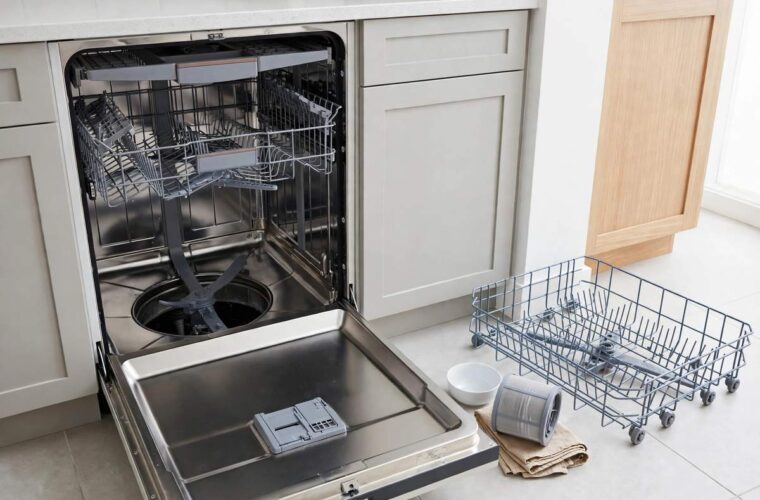
F03 points at the drain. Check the drain pipe and the plumbing under the sink for blockages. Lift the filter basket out and rinse it, and you’ll see most of the debris sitting in the base. Behind the basket sits the housing, and a guide to cleaning a dishwasher filter covers that as well as the basket.
If the drain runs clear and the machine still stops mid-cycle with water in the base, work through the dishwasher troubleshooting guide before you call anyone out.
The reset line in Hotpoint’s list sits on the main board entry, and it’s the only one there. To reset the alarm, switch off and switch on again using the ON/OFF button. That clears the alarm.
The fault stays where it was, so a code that comes back after a restart is a part still reporting the same thing.
If the same code returns after a repair, price the machine’s age against what a second visit costs. The appliance age calculator puts the serial date against the usual working life, which is the number that decides whether an F07 or an F10 is worth fixing.
Hotpoint Dishwasher Symbols: FAQ
What do the star and the S mean on a Hotpoint dishwasher?
The star is the rinse aid warning and the S is the salt warning. The star comes on, steady or blinking, when the rinse aid is empty. The S stays steady when the salt is almost gone and blinks when it’s empty.
Neither icon is a programme, and neither one stops a cycle from running.
Why is my Hotpoint dishwasher light flashing?
A flashing icon is either a refill warning or part of an error code. The star and the S blink when their reservoirs are empty, so those two are safe to top up. Any other flashing light is a code, and Hotpoint’s error page turns the pattern into an F-number.
How do I read the LED error code on a Hotpoint dishwasher?
Note which LEDs are on and which are flashing, in the order they’re numbered across the panel. Hotpoint’s error page lists the LEDs with ON or OFF beside each, and you select the ones that match your row. It then returns the F-number and the part it believes has failed.
How do I reset a Hotpoint dishwasher?
Hotpoint’s own reset line is to switch the machine off and back on with the ON/OFF button, which clears the alarm. Clearing the alarm isn’t a repair, so watch whether the code returns. If it does, the fault is still there and the reset only bought you a restart.
Where does the salt go in a Hotpoint dishwasher?
The salt reservoir is under the lower rack, closed with a round cap you unscrew by hand. Fill it with dishwasher salt to the neck and refit the cap tightly.
Water in the reservoir before the first fill is normal, and a little spill over the cap is harmless if you run a cycle straight after.
Start from the light that’s actually on, and the rest of the panel tends to fall into place.