Here’s how to change Samsung refrigerator water filter cartridges: shut off the supply, twist the old one out, lock the new one in, and flush a few gallons before your first glass. The cartridge comes in three codes, and Samsung’s filter guide rates each one for six months of use.
The red light is usually the first notice that a cartridge is due. That light runs on a calendar, not on a water test.
Read the code off the old cartridge before you order anything. Take the old one with you.
The three codes are HAF-CIN, HAF-QIN and HAFCU1. Your housing is built for one shape.
Where the filter sits on a Samsung refrigerator
The housing turns up in one of three places, and the position decides how much room you have to turn a cartridge.
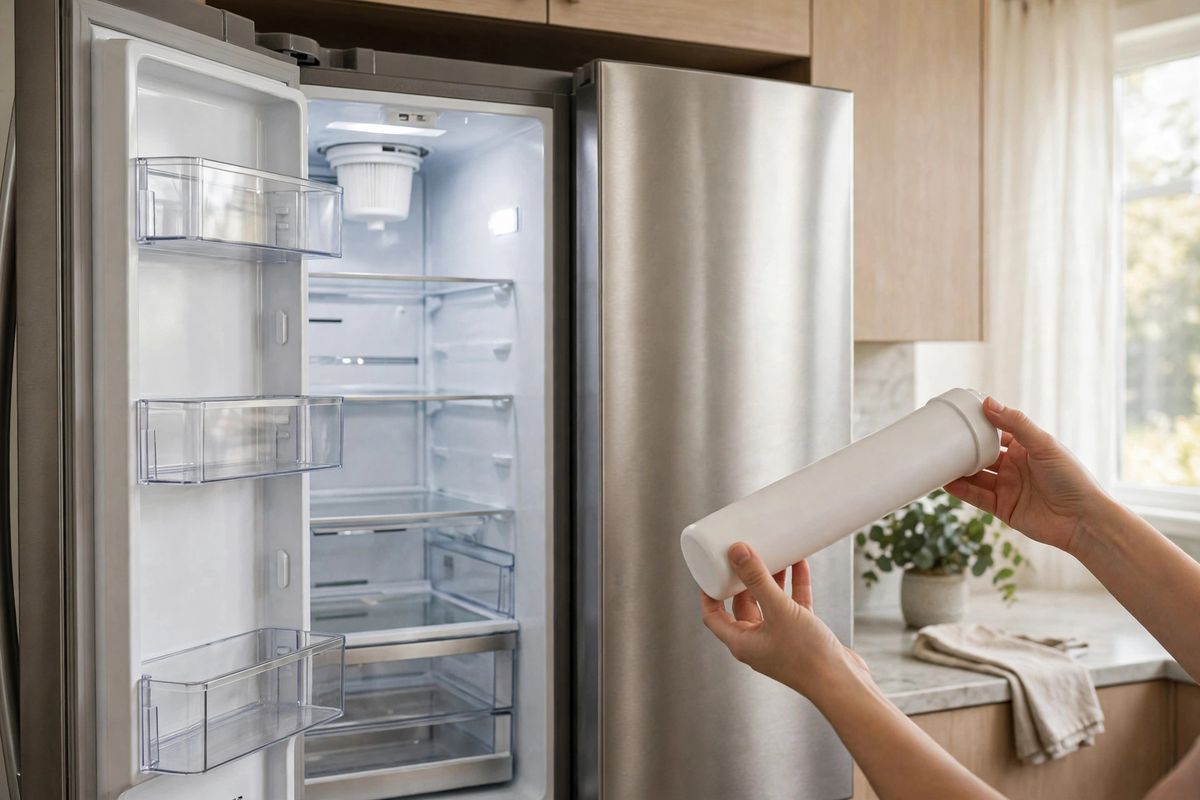
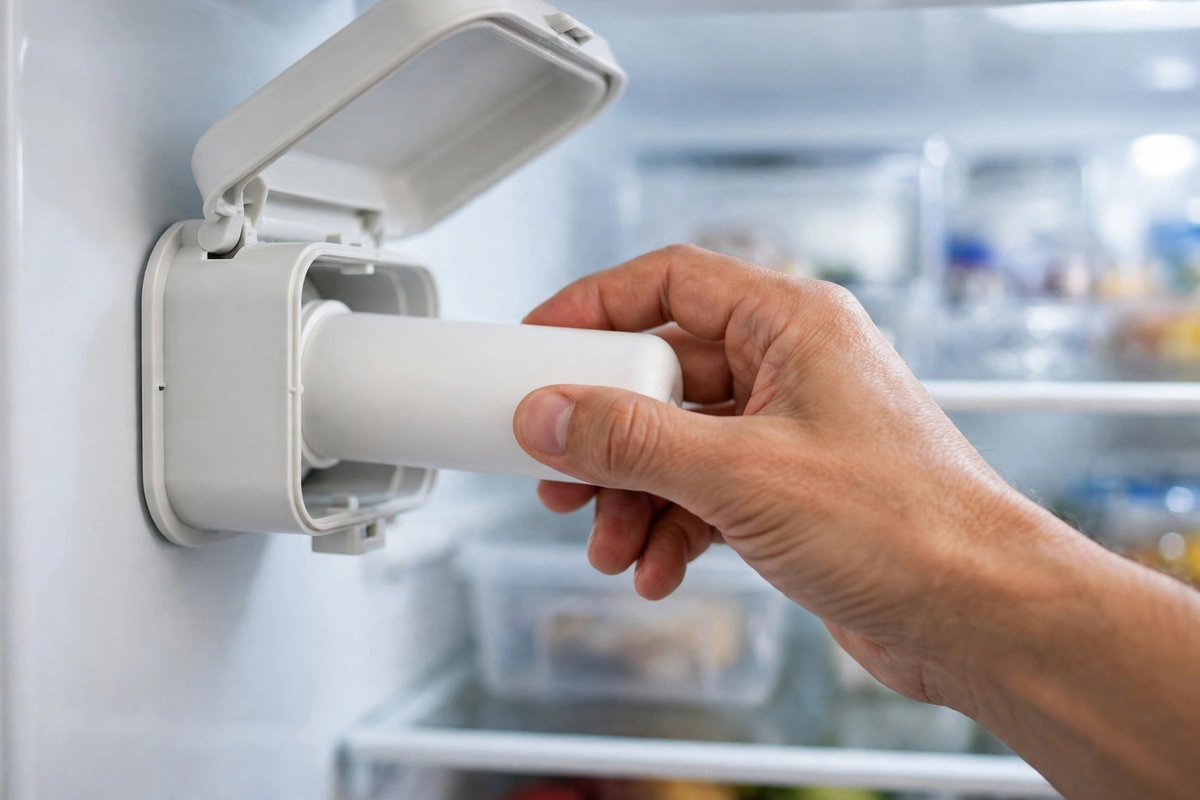
On most French-door and side-by-side models it sits inside the fresh-food section, high up, behind a small hinged cover on the right or the left wall.
A few models drop it lower, near the crisper drawers or in the freezer drawer corner. If your upper walls are clear, go to the manual, and look for a cover with a hinge rather than a vent.
| Filter code | Housing | Release |
|---|---|---|
| HAF-CIN | Covered housing in the fresh-food section | Open the cover, turn the cartridge counterclockwise |
| HAF-QIN | Same covered housing, shorter body | Open the cover, turn counterclockwise |
| HAFCU1 | Older housing, no long cover | Twist left, then pull straight out |
The model line decides the housing. Where a Samsung refrigerator is made moves between plants, and the cartridge code follows the model, not the factory.
Two housings, two procedures
Samsung groups the swap into two routines. The cartridge code tells you which one you’re doing. HAF-CIN and HAF-QIN share the same move: open the cover, turn a quarter left, pull.
The HAFCU1 is a shorter cartridge in a housing without that cover. It still turns. It comes out the same way. You’ll grip it closer to the body and pull straight rather than angling it down.
Buy the code printed on your old cartridge, not the code in a listing title. A filter that claims compatibility with all three shapes usually fits none of them well.
Cross-threading is the usual reason a housing leaks after a swap.
How to change Samsung refrigerator water filter, step by step
Budget a few minutes, a towel, and a bowl under the housing. You’ll want the bowl where the water lands, not under your feet. Water in the line has to go somewhere, and it will come out when the cartridge clears its seat.
- Shut off the water. Close the valve behind the fridge, or the saddle valve under the sink if that’s what feeds the line. On models with an internal shut-off, the housing stops the flow when the cartridge leaves its seat. You’ll still catch a few ounces.
- Relieve the pressure. Run the dispenser for a couple of seconds until the stream dies.
- Pull the old cartridge. Open the cover, press in slightly, then turn counterclockwise until it releases. Pull straight out.
- Prep the new one. Strip the wrapper, pull the protective cap off the stem, and check the code against the box.
- Seat and lock it. Push in until it stops, then turn clockwise. On covered housings, line the lock symbol up with the indicator line; on the HAFCU1, line the notch up with the arrow.
- Flush the line. Open the water supply and dispense several gallons. Samsung’s own instructions call for that flush to clear air and carbon dust before you drink.
- Reset the light. The indicator stays red until you clear it, even with a perfect install.
If your dispenser sputters for the first few glasses, that’s air leaving the line. It settles on its own.
When the old filter won’t budge
The cartridge sits on a cam, and turning it without pushing in first binds the collar against the housing. Press in, then turn.
Wet hands make it worse, and so does gripping the body instead of the cap. Dry the cartridge and try again. A dry cloth over the cap gives you the grip the plastic needs.
If it still won’t turn for you, the cartridge may be cross-threaded from the last install. Turn it clockwise a fraction to reseat the thread, then go counterclockwise again. A fridge that resets itself mid-cycle is a separate fault from a housing that won’t release, so don’t read one as the other.
Stop if the housing starts to flex or the cover hinge cracks. A cracked housing is a service part, and forcing it turns a cartridge swap into a repair.
The red light: reset it, and know what it measures
The filter light on a Samsung refrigerator is a six-month timer, and Samsung says so on its own support page. It doesn’t test your water, and it won’t notice a cartridge that clogged in two months.
So which signal do you trust? The dispenser. That gives you two separate decisions.
If the light is on and the water runs fine, you can swap at your convenience. If your dispenser has slowed to a trickle while the light is still white, the cartridge is done regardless of the calendar.
Resetting it depends on the panel you have:
- Standard panel: hold Filter Reset for 3 seconds.
- Family Hub: Apps, Fridge Manager, Fridge Settings, Water Filter, Reset.
- Arrow-button models: arrow to More Options, then Filter Reset.
- RF4289 and RSG309: Settings, Water Filter, then hold Reset until the status changes.
On a model we haven’t listed, look for a pad marked Filter or Water Filter on the panel, or a Water Filter line inside Settings. Samsung panel icons follow the same layout family, so the filter pad usually sits beside the ice and water selectors.
Samsung lists its filters to NSF/ANSI 42, 53 and 401, which covers chlorine taste, lead and some trace contaminants. That rating belongs to the cartridge, not to your fridge.
A substitute cartridge resets the light without carrying the certification, which is the part the light never told you about.
FAQ
Can you change a Samsung fridge water filter without turning off the water?
On models with an internal shut-off, yes, with a towel under the housing for the few ounces that escape. If a valve behind the fridge is reachable, close it first.
Why can’t I get the filter out of my Samsung refrigerator?
The cartridge needs inward pressure before it turns. Press in, then turn counterclockwise. A cartridge cross-threaded from the last install can also bind, so try a clockwise nudge first.
How do I free a stuck Samsung refrigerator water filter?
Press the cartridge in and turn it counterclockwise about a quarter turn. Covered housings need the cover open first; the HAFCU1 housing turns left with no cover to move.
How do I reset my Samsung refrigerator after changing the water filter?
Hold Filter Reset for 3 seconds on a standard panel. Family Hub models reset from Fridge Manager, and arrow-button panels use More Options, then Filter Reset.
How to change Samsung refrigerator water filter with ice maker?
The same way. The ice maker draws from the same line, so it refills once the water is back on. Flush the dispenser and let it make one batch of ice.
How often should you change a Samsung refrigerator water filter?
Samsung recommends every six months. A slowed dispenser or cloudy ice is a better signal than the light, which is a timer and doesn’t read water quality.