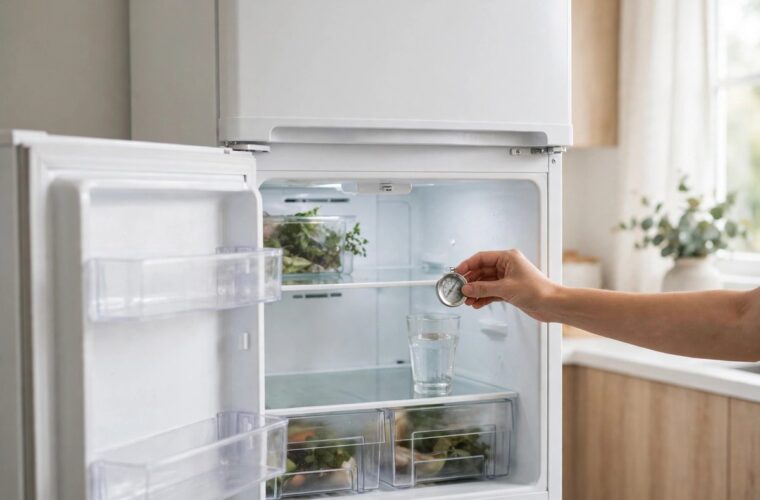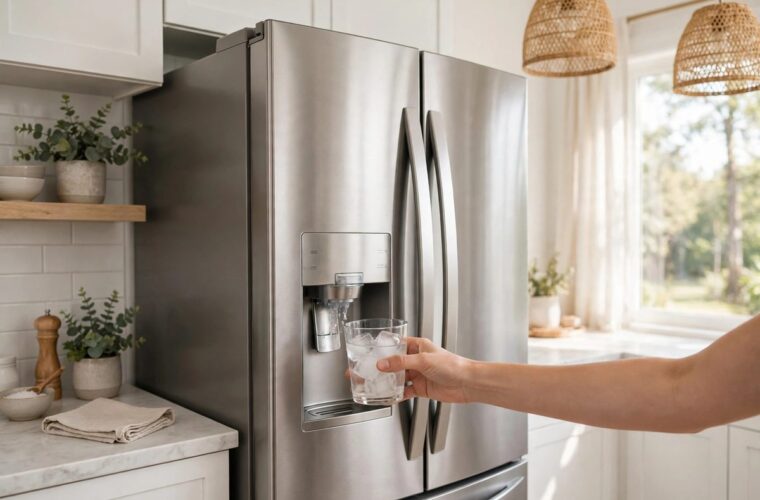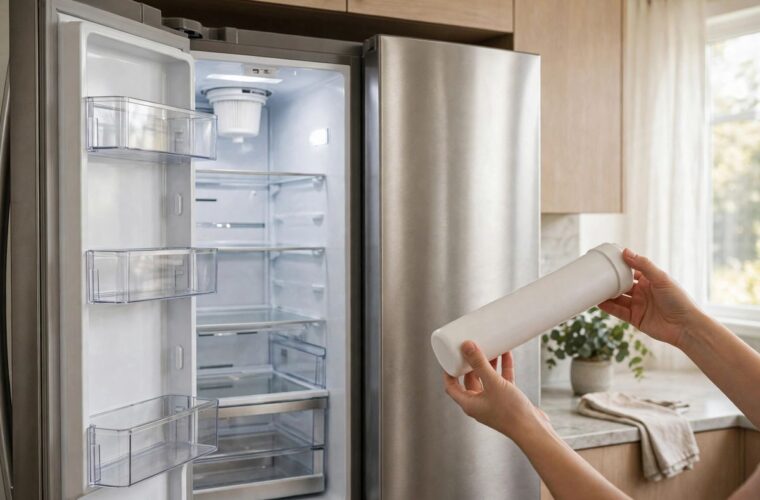
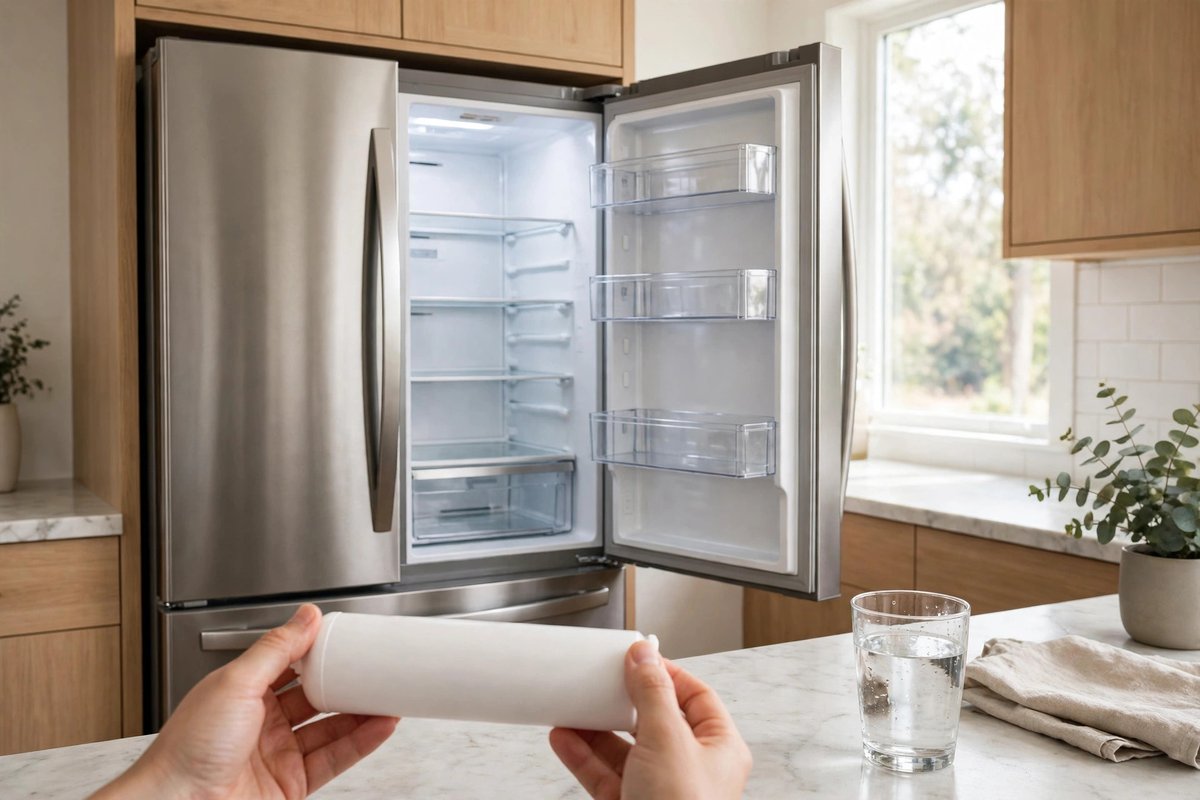
For an LG refrigerator water filter replacement, twist the old cartridge out, lock the new one in, flush about 2.5 gallons through the dispenser, then hold the Water Filter or Filter Reset button for 3 seconds. LG Canada’s support page says to repeat this about every 6 months.
What changes from fridge to fridge is where the cartridge sits and how it releases. Read the label on the old filter before you touch anything, because LG splits its removal steps by that label.
Grab a towel and a cup.
The swap takes a few minutes. The flush afterward takes another 5.
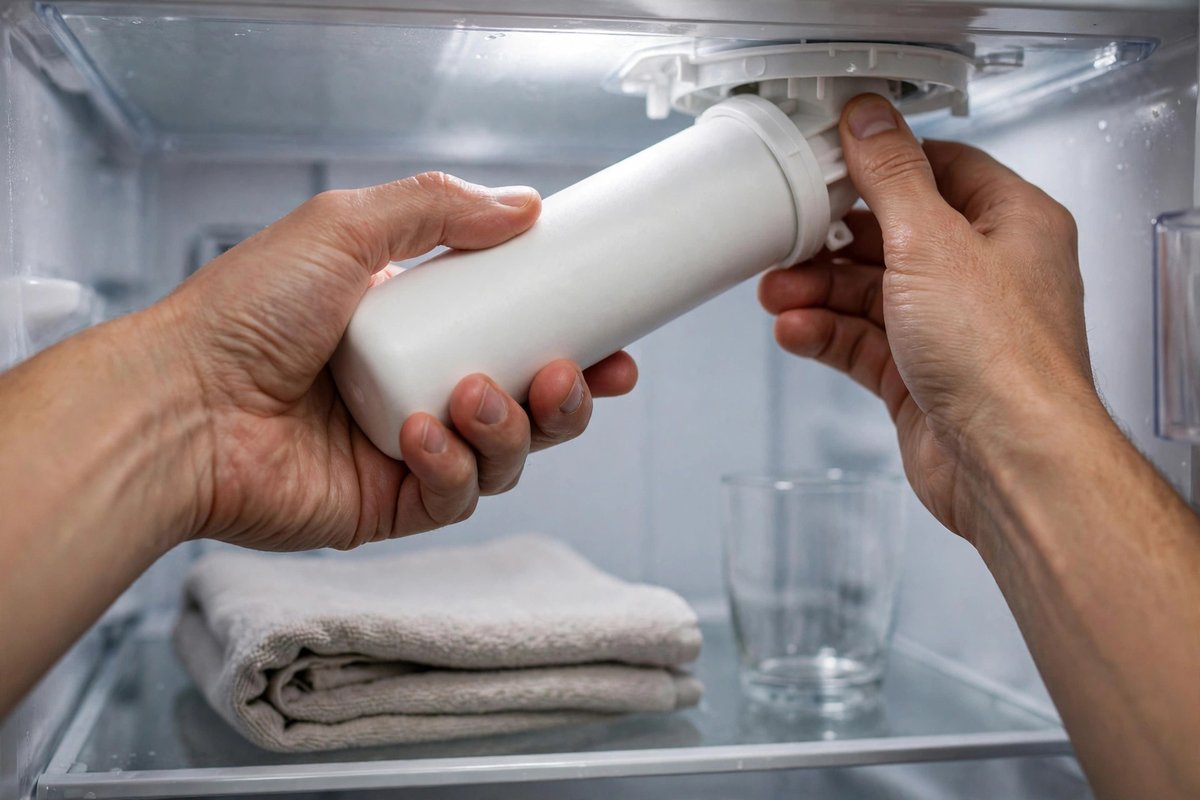
Which LG water filter do you have?
Read the label on your old cartridge. LG’s support page names six common ones: LT500P, LT600P, LT700P, LT800P, LT900X3 and LT1000P. Each sits in a different spot and releases a different way, so match yours before you start.
Don’t mix it up with the air filter. LG says the odor-removing air filter inside the fridge is a different part from the water filter. If the label is worn off, LG’s LT1000P page has a lookup where you enter your refrigerator’s model number.
While the model sticker is in front of you, search the brand in our appliance recall lookup. A recall covers only the model and serial ranges in its notice, so open the notice before you decide yours is affected.
Here is what LG’s help page says for each label.
| Label on your old filter | Where it sits | How it comes out |
|---|---|---|
| LT500P | Near the top shelf, under a lamp cover | Move the top shelf to the lowest level. Press the tab under the lamp cover and pull the cover toward you. Turn the filter left until the open-lock symbol lines up with the indicator line, then pull it down. |
| LT600P | LG’s page doesn’t say | Turn the cartridge knob counterclockwise. The cartridge clicks out of place, then you pull it out. |
| LT700P | Far back left inside the cabinet | Clear anything blocking the housing, such as the top left shelf. Press the push button on the housing and pull down. Then pull gently toward you until it pops out. A little water can drip. |
| LT800P | Behind the bottom door bin | Remove the bottom door bin. Grab the bottom of the filter and turn it counterclockwise out of the filter head. Some models use the LT700P method instead. |
| LT900X3 | Left side of the fresh zone | Remove the left fresh zone drawer. Push, then pull out the bottom of the filter cover. Turn the filter handle 90 degrees to the left and pull forward on the handle. |
| LT1000P | Behind the bottom door bin | Remove the bottom door bin. Grab the bottom of the filter and turn it counterclockwise out of the filter head. Some models use the LT700P method instead. |
Read down the middle column and a pattern shows. The LT700P sits at the back left of the cabinet, the LT800P and LT1000P sit behind the bottom door bin, and the LT900X3 sits in the left fresh zone.
LG’s page matches filter labels to removal steps. It doesn’t match fridge models to filters. That match comes from your model number and LG’s lookup, not from a table you’ll find here.
LG refrigerator water filter replacement, step by step
- Close the supply valve and drain the line. Shut the water valve feeding the fridge, then press the dispenser paddle to drain what’s left. Put a towel or cup under the filter. LG notes that some models let you swap without closing the valve, so check your owner’s manual if you’d rather skip this.
- Remove the old filter. Use the table above for your label. A little water can drip out when it releases, so keep the towel close.
- Prep the new filter. Take off the packaging and the protective cap.
- Seat it. Line up the tabs on the filter with the slots in the housing and push it in all the way. Turn it clockwise until it locks and the lock mark lines up with the reference line. Put back any cover, shelf or door bin you removed.
- Open the valve slowly. Check the housing for drips before you move on.
On service calls I’d often find a “stuck” LG filter sitting crooked on its tabs. LG says the same thing in its own words. If the filter doesn’t turn smoothly, pull it out, align it, and push it straight in before you turn it again.
Flush the new filter and reset the light
A fresh cartridge holds air and fine carbon particles. LG’s fix is to run water through it: about 2.5 gallons (9.5 liters).
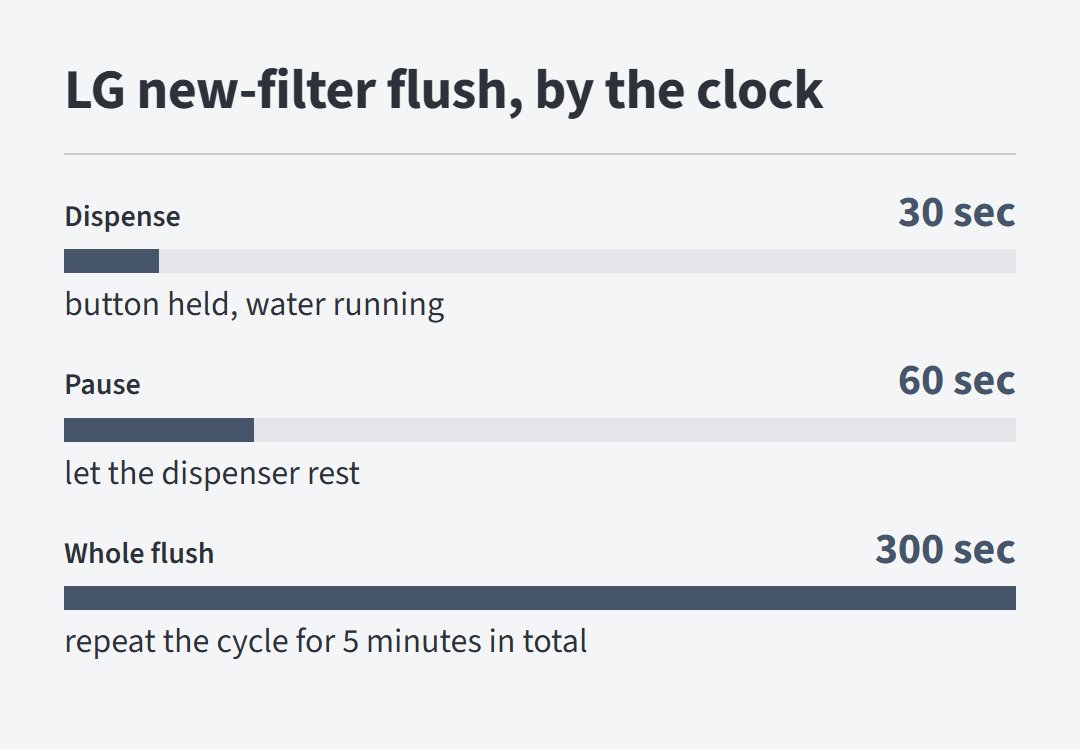
LG gives a rhythm for that. Dispense for 30 seconds, pause for 60 seconds, and repeat for a total of 5 minutes, which is 300 seconds on the clock.
Then reset the indicator. Press and hold the Water Filter or Filter Reset button on the control panel for 3 seconds. How do you know it took? You’ll hear a chime, or the indicator turns off.
The button label and the settings menu vary by model, and LG says its guide is based on standard models. If your panel doesn’t show that button, your owner’s manual has the reset for your fridge.
Change the filter sooner than 6 months if water dispenses slowly or the replacement indicator comes on. LG also says heavy household use and poor water quality can shorten the interval.
What if something looks wrong after the swap?
Bubbly or odd-tasting water points to trapped air, and black specks are fine carbon that LG calls harmless. A full flush of about 2.5 gallons clears both.
- Bubbles or a strange taste after the flush: LG says to make sure the filter is fully inserted and locked in place, then flush again.
- A filter that won’t turn: pull it out, line up the tabs and push it straight in. Don’t force the twist.
- Black specks: keep dispensing. LG says they disappear once the filter is thoroughly flushed.
Sometimes the filter isn’t the problem. In an r/appliancerepair thread, someone’s Frigidaire stopped dispensing about a day after a filter swap and started leaking where the filter sits. One reply (2 upvotes) put it this way:
“Those filter heads are notoriously failure prone. Pretty easy to replace”
– r/appliancerepair (2 upvotes)
That was a Frigidaire, so read it as a pattern across brands rather than an LG diagnosis. Still, if a seated, fully flushed filter leaves you with no flow or a leak at the housing, the filter head is the next suspect.
Stop and call a pro if water keeps leaking at the housing after you’ve reseated the filter and checked the valve. A failed filter head needs a part. If the fridge is still under warranty, start with LG.
If the filter is fine and flow is merely weak, the checks aren’t brand-specific: water pressure, a frozen or kinked supply line, a partly blocked inlet valve. Our Frigidaire slow-dispenser fix list walks through them.
Frequently asked questions
How often do you change the water filter on an LG refrigerator?
LG says about every 6 months, and sooner if the dispenser slows down or the Water Filter Replacement indicator turns on. Household water use and quality can shorten that interval.
Is LT1000P the same as LT1000PC?
LG’s own pages list the LT1000P, and a separate LT1000PB cleaning kit, but no LT1000PC. The LT1000PC name shows up on third-party listings, such as a Waterdrop pack on Home Depot titled “Replacement for LG LT1000P.” Whether an aftermarket pack fits is the seller’s claim. LG’s guaranteed fit applies to its genuine filter.
How long does an LG refrigerator water filter replacement take?
The swap takes a few minutes and needs no tools, according to LG’s LT1000P page. The flush afterward takes another 5 minutes of dispenser time.