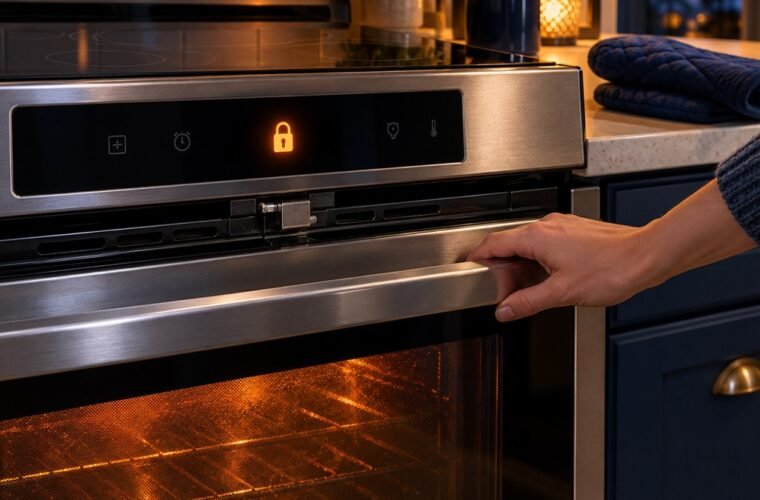
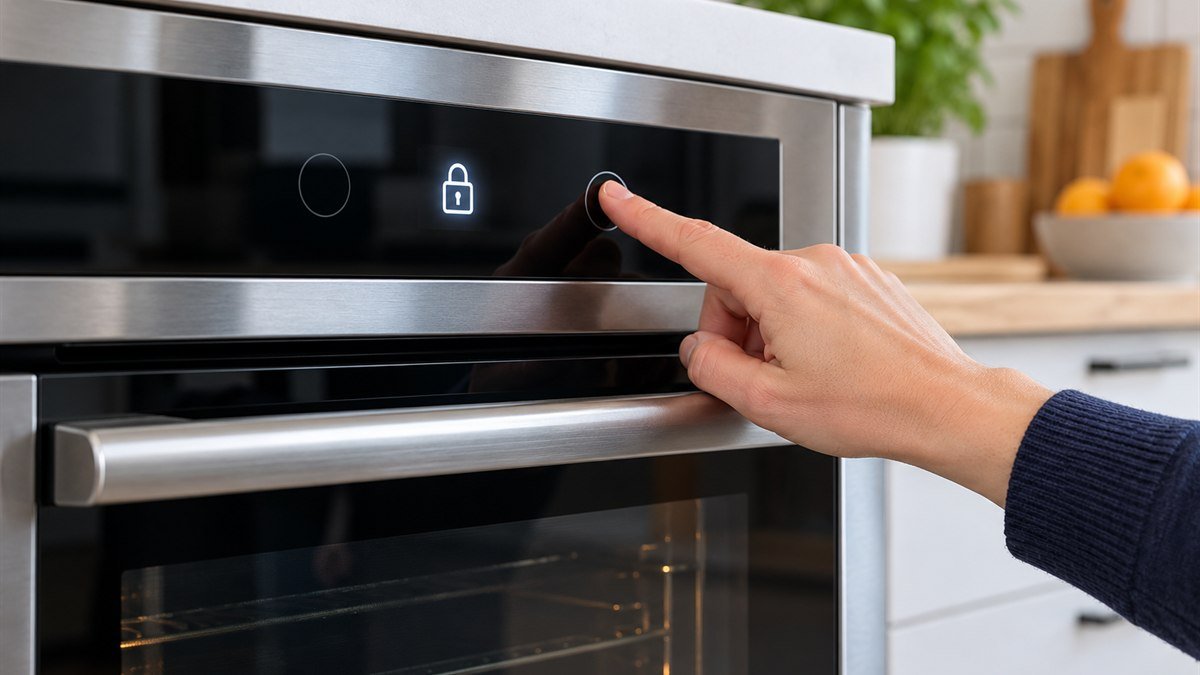
Here’s how to unlock Frigidaire oven controls and the door on most ranges: press and hold OFF for 6 seconds. Frigidaire uses that same hold to switch the Lock feature on and off. If the door locked during self-clean, no button opens it. It unlocks by itself once the oven cools.
Two other problems look like a lock and aren’t. Demo mode and the F90 to F94 codes both freeze the oven, and each clears a different way.
Frigidaire was a regular brand on my service visits. More than once, the “broken” lock turned out to be one long press on OFF while someone wiped down the panel.
Hold OFF for 6 seconds to clear the Lock feature
The Lock feature on a Frigidaire range locks the oven door and the display controls. To turn it off, press and hold OFF for 6 seconds. The door unlocks and the range goes back to normal. Frigidaire notes that the steps can vary by model.
- Check the display. You’ll see “Lock” while the feature is on.
- Press and hold OFF. Keep your finger down for the full 6 seconds.
- Wait for the door lock indicator to go out before you pull the handle.
- Try a pad. The display should respond again.
Why does it come on by itself? It doesn’t. The same 6-second hold that clears it also sets it, so a long press on OFF while cleaning the glass is enough.
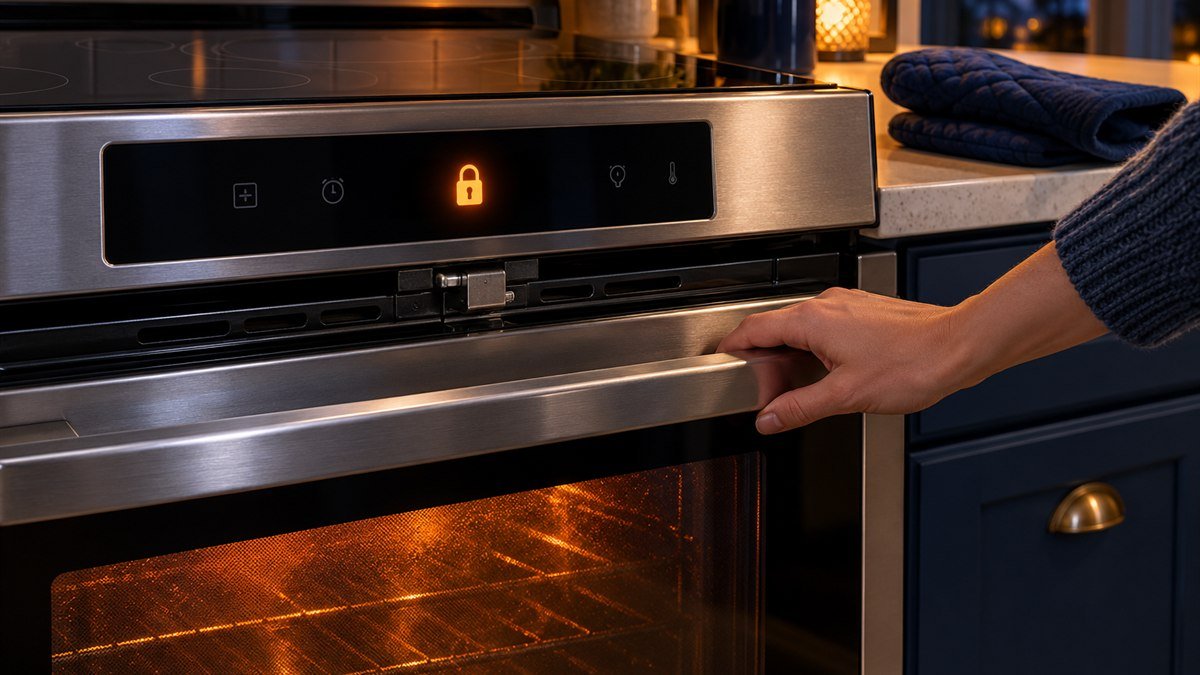
Watch the door lock light. When the lock engages, Frigidaire says the light flashes while the latch is closing, and the door takes about 15 seconds to lock. So a blinking light means the motor is still traveling. Give it a moment before you tug the door.
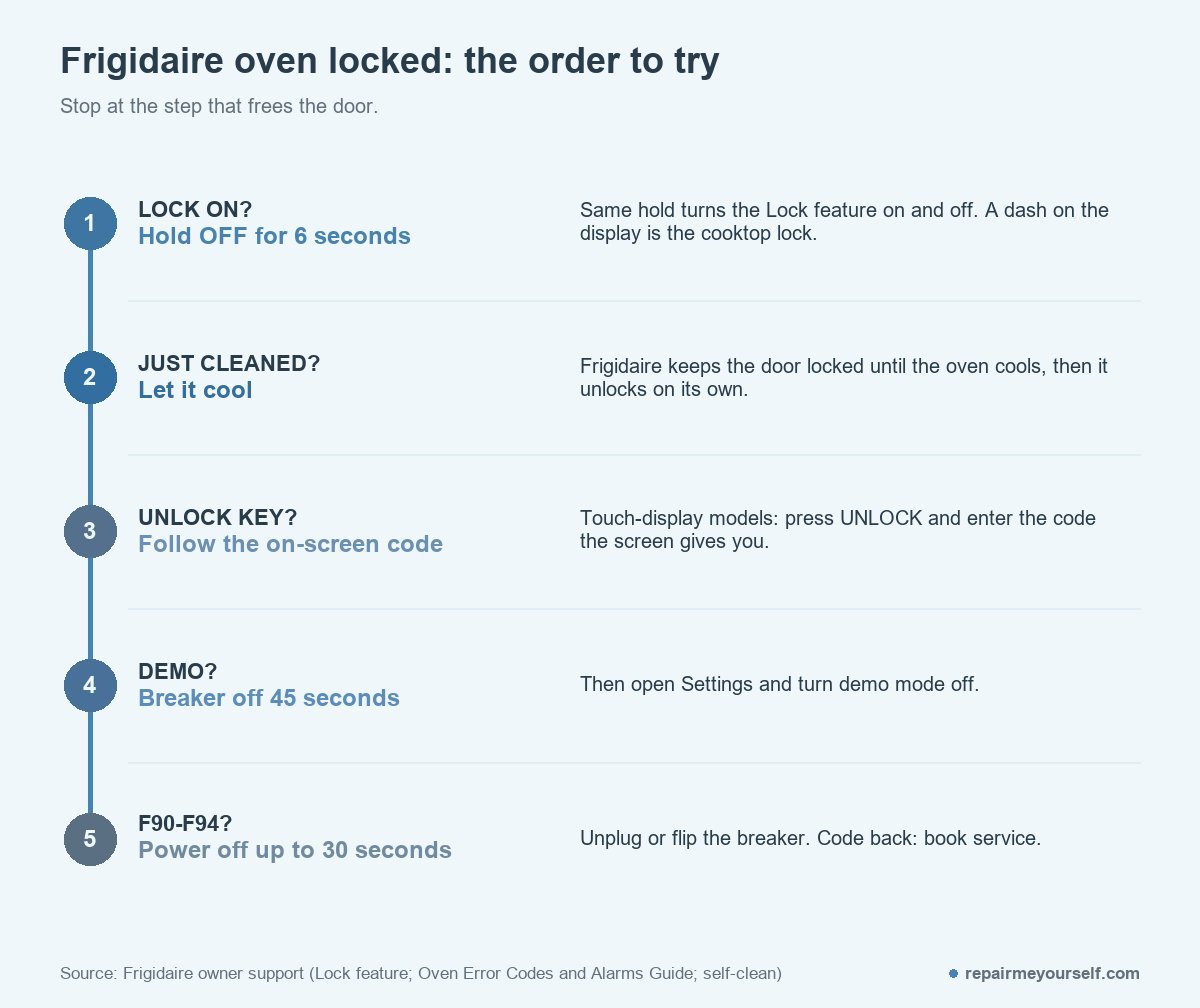
A dash (–) on the display means the cooktop is locked. Frigidaire’s Lock feature article and its range code list give the same fix: hold OFF for 6 seconds.
On a Frigidaire Gallery or a wall oven, your panel may use a different key or label. If OFF does nothing after 6 seconds, check the Use and Care manual for your model number. Whirlpool ranges clear their LOC lock with START/ENTER instead, as shown in how to unlock a Whirlpool oven.
Just ran self-clean? The door waits for the oven to cool
After a self-clean, a Frigidaire oven door remains locked until the oven cools down, and then it unlocks automatically. That’s a safety lock, and holding OFF won’t override it. You just have to wait.
Frigidaire suggests a three-hour clean, or the medium setting, for typical soil. Plan for your oven to be out of use for the cycle plus the cool-down. I’d start it on a night you won’t need it, never an hour before guests arrive.
If the door still won’t release long after the oven is cold, you’re past normal cooling. Skip to the F90 section below.
How to unlock Frigidaire oven touch screens with the UNLOCK key
Some newer Frigidaire ovens with a touch display lock both the door and the controls, and while they’re locked you get no cooking functions at all. Press UNLOCK and follow the directions on the screen. Frigidaire says the screen gives you a code to use for unlocking the door and controls.
Enter it as shown. No UNLOCK key on your screen? Then your model uses the OFF hold instead.
Not a lock at all: demo mode
A range that lights up but won’t respond to its controls may be in demo mode. That’s a showroom setting, and Frigidaire lists it alongside the door lock codes.
Frigidaire’s fix is a little different from a normal reset:
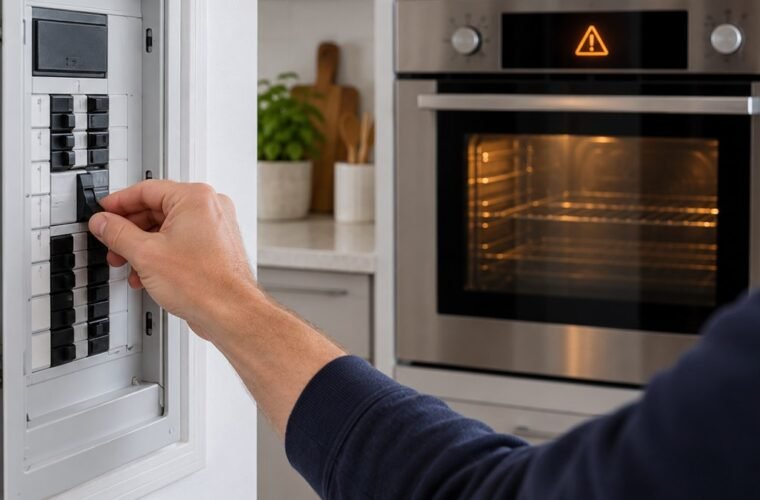
- Turn the oven off at the circuit breaker.
- Wait 45 seconds.
- Turn the breaker back on.
- Open the settings menu, scroll to demo mode and turn it off.
The 45-second wait matters here. It’s longer than the 30 seconds Frigidaire gives for clearing error codes.
F90 to F94 means the lock itself is stuck
Frigidaire groups F90, F91, F92, F93 and F94 as a door lock issue. The first fix is to disconnect power for up to 30 seconds, by unplugging the range or switching the breaker off and back on. Frigidaire’s oven error code guide says that clears most false codes.
A breaker reset also cuts power to everything else on that circuit, so you may need to reset your clocks afterward.
When the code survives a reset, owners describe the same loop. A June post on r/appliancerepair reads:
“For the first time I attempted to use the Self-Cleaning feature. But the oven is now caught in a cycle where it tries to lock the door, but eventually I get Error F-90”
– r/appliancerepair, June 2026
The owner had already unplugged it overnight. One commenter suggested a gentler trick before calling for a part:
“You could also try locking and unlocking with a slight pressure pushing inwards on the door frigidaires are known for binding their locks”
– r/appliancerepair, June 2026
I’d give that one try with the oven cold. Press the door gently shut with one hand while you set and clear the lock with the OFF hold. Don’t pry it. And don’t pull hard on your door while the motor is running, because that’s how a sticky latch becomes a bent one.
If F90 to F94 keeps coming back, the lock assembly needs a technician to test it. Frigidaire’s rule depends on install date. Within 30 days of installation, go back to your installer. After that, contact Frigidaire to book service.
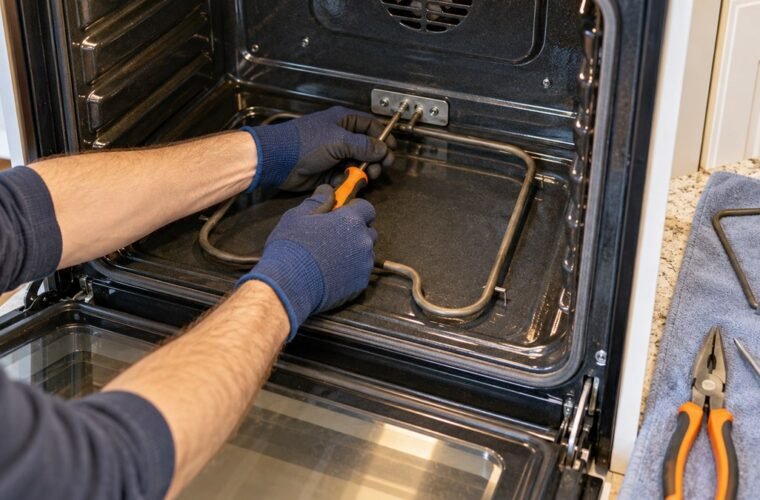
Before you open any panel yourself, switch off the breaker and keep these basic safety tools close by.
If a 6-second hold, a full cool-down and a 30-second power cut haven’t freed the door, the lock has a fault that no button sequence will clear. Write down the model number and the F code before you book service.