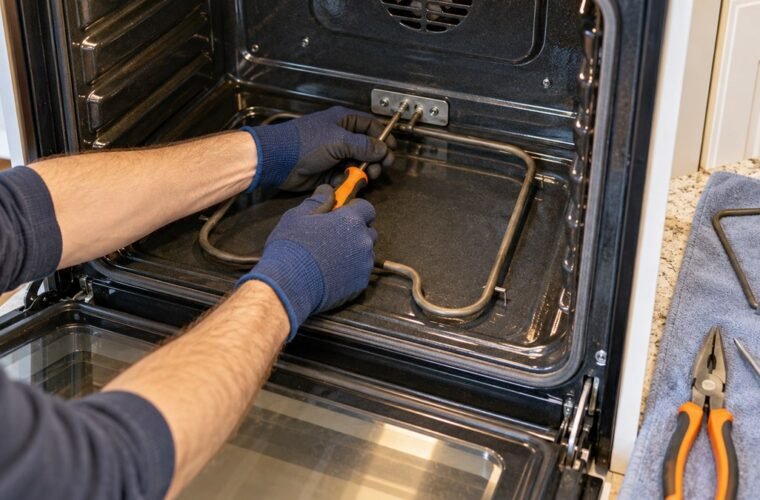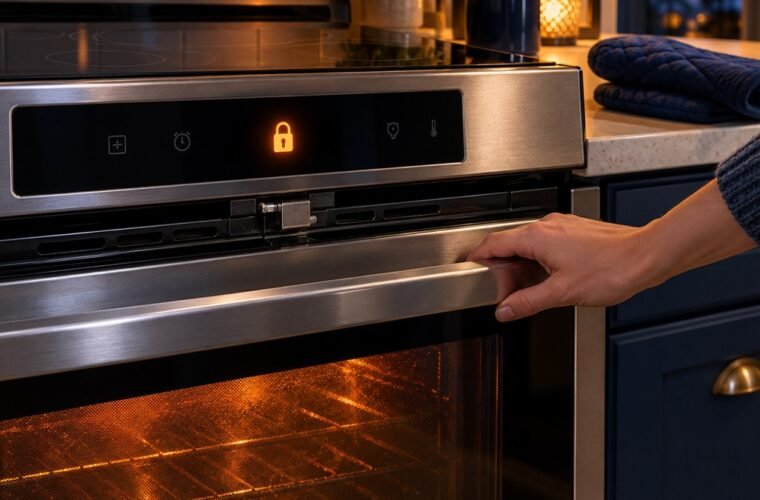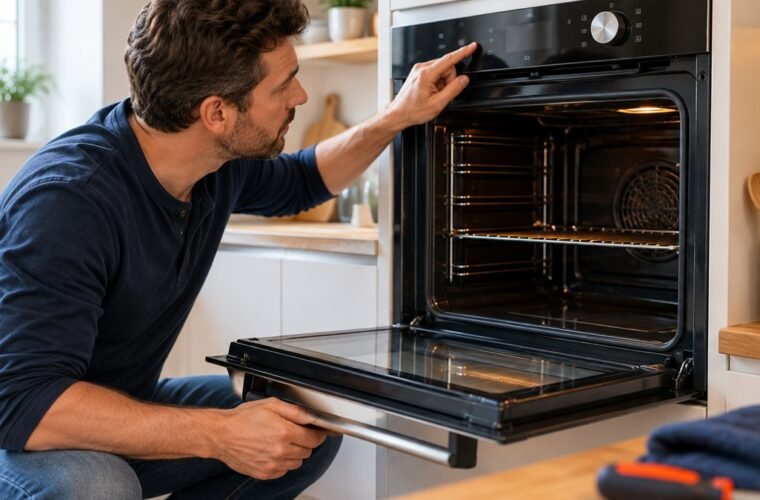
An F2 code on GE oven controls (F20 on some models) means the oven temperature went past a preset limit. GE’s own advice is to turn the breaker off for one to two minutes. If F2 comes back, leave your oven off at the breaker until it’s serviced.
That last part is what most fixes skip, and it matters, because F2 is an overheat code, and an overheat code isn’t one to keep cooking through while you wait for a part.
The good news is that a lot of F2s aren’t real fires. The oven’s temperature sensor or its plug sends the control a bad number, and the control shuts things down to be safe.
Is the oven still heating? Cut the breaker first
Is your GE oven still heating after you press Clear/Off? If you can feel heat building with the controls off, switch off the range’s breaker now.
Don’t open the door to check. Let the oven cool completely before you touch anything.
GE says to leave the range or wall oven off at the breaker until it has been serviced. You can turn the breaker back on briefly to use the surface burners, then switch it off again when you’re done cooking.
When did the F2 code on GE oven controls show up?
When F2 appeared tells you where to look. After a broiler fire or during self-clean, the oven may really have gotten too hot. At a normal baking temperature, the control probably got a wrong reading from the sensor.
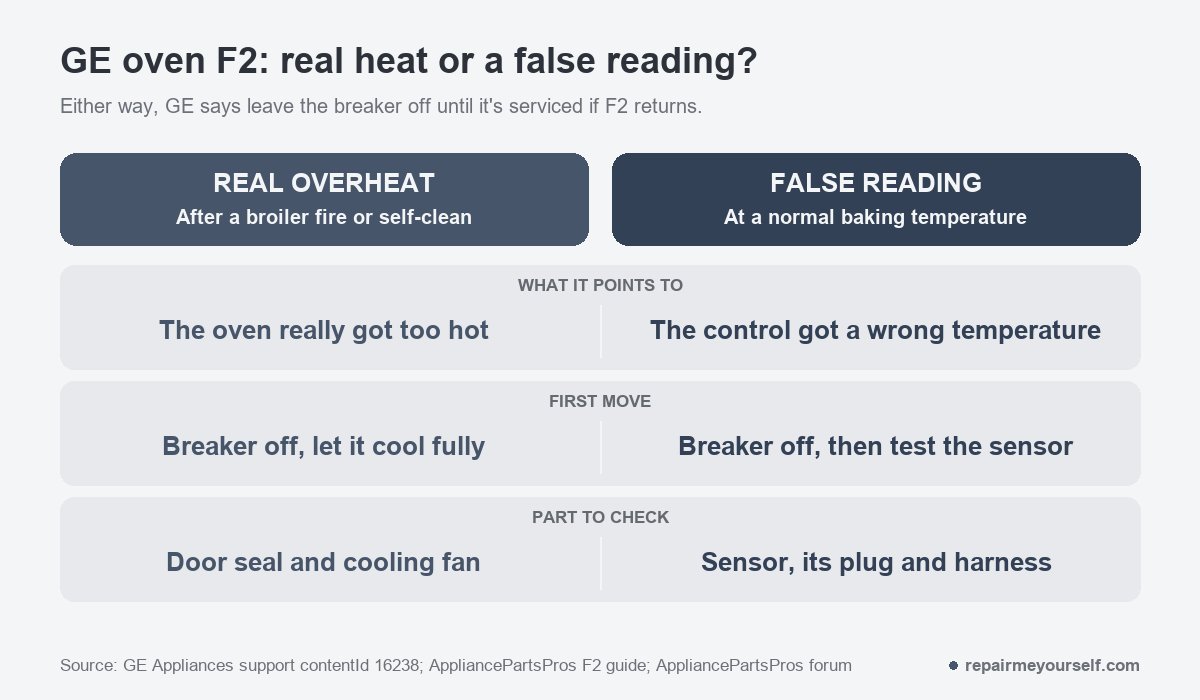
Here’s the real-heat case, posted on r/Appliances in August:
“Oven starts chirping and I see the broiler pan is on fire. I put it out and remove the pan from the oven. F2 20 error keeps chirping.”
– r/Appliances, August 2026
A fire on the broiler pan can push the cavity past that limit, and in that case the code did its job. The owner pressed cancel and the oven reset.
Should you use it again? Only after it has cooled completely and passes a normal bake with no code.
The false-reading case looks different. In an AppliancePartsPros forum thread, a GE Profile owner wrote, “My oven displays F2 when it reaches around 275 degrees.”
That oven was nowhere near an overheat. The technician who answered pointed at the oven temperature sensor and its plug, and the owner later reported the oven fixed.
Self-clean is the third pattern. AppliancePartsPros lists a door that doesn’t seal while it’s locked for cleaning as one cause, because heat escapes where it shouldn’t.
Reset it once, then believe the code
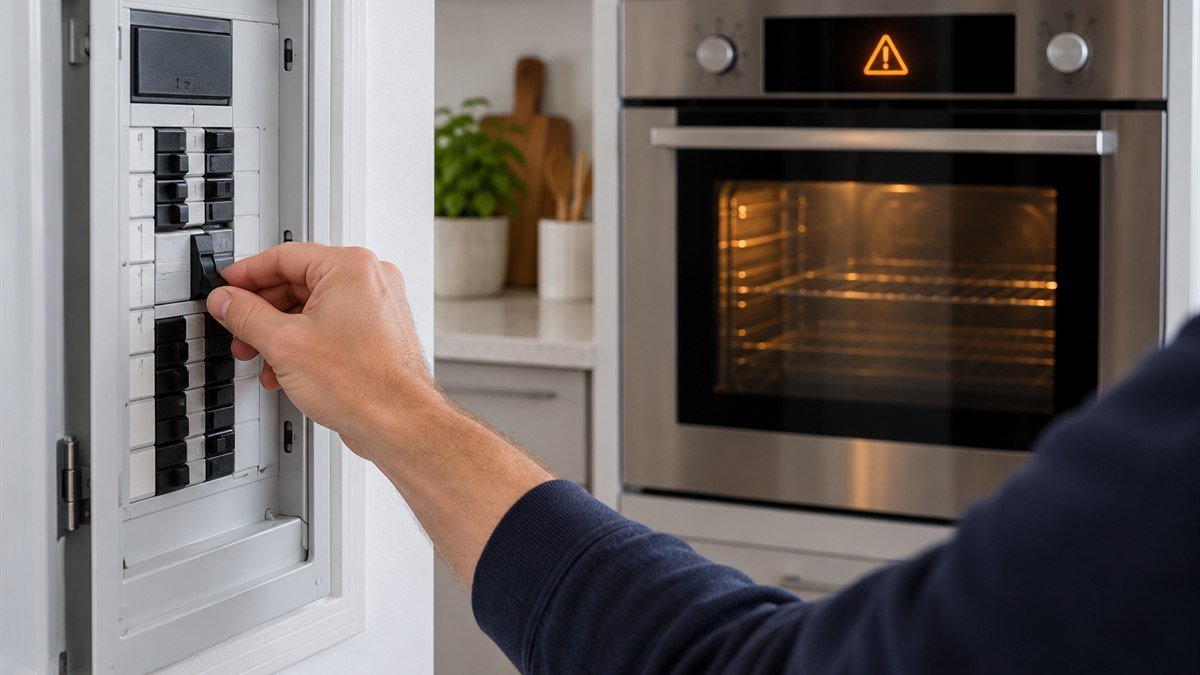
To reset a GE oven after F2, switch off the breaker or pull the fuse for about one to two minutes, then restore power. GE says that clears many codes. If the control doesn’t reset, or F2 returns, it needs service.
- Let the oven cool completely.
- Turn off the range’s breaker for one to two minutes.
- Turn it back on and set a normal bake.
- Watch the display. No code means the first F2 was a one-off. A second F2 means stop.
GE’s oven error code page is plain about the rule. Leave it off at the breaker until serviced.
Test the oven temperature sensor and its plug
If F2 keeps showing up at normal baking temperatures, test the oven temperature sensor first. With the breaker off, unplug the sensor harness and measure across the sensor with a multimeter set to ohms. The AppliancePartsPros F2 guide puts a good reading at about 1,100 ohms at room temperature.
Use that number as a cross-check, not the final word. AppliancePartsPros says its code information comes from general service manuals and may not match every model.
I always pulled the tech sheet first. You’ll find it behind the kick plate, inside the console or on the back panel, and it carries the sensor chart for your exact model.
The sensor is the thin probe at the back of the oven cavity. On many GE ranges you reach its plug by pulling the range out and taking off the rear cover.
Check the plug while you’re back there. A scorched or loose connector can feed the control a bad reading even when your sensor is fine.
In that forum thread, the technician’s fix was to cut out the plug and join the new sensor’s wires with high-temperature porcelain wire nuts.
A reading far from your tech sheet’s value means a new sensor. So does no reading at all. Order the replacement by your model number, not by what the old probe looks like.
Sensor good? The cooling fan, then the control
If the sensor meters correctly, look at the cooling fan. AppliancePartsPros says it runs during preheat and self-clean to keep the electronics from overheating.
Clear any lint or debris from the blades. A fan that doesn’t spin needs replacing.
After the sensor and fan, the control board is last. It decides when the elements run, and it’s a model-specific part, so don’t buy one on a guess.
On a gas range, F2 means the same thing, and the sensor test is the same electrical check. Anything involving the gas valve or the gas supply is a job for a licensed technician. I don’t do gas work, and I won’t walk you through it.
Before you pull the range out, here are the safety tools I’d keep on hand.
Other GE oven F2 questions
How do I stop my GE oven beeping F2?
Press Clear/Off first. The owner in the broiler-fire post stopped the chirping by pressing cancel. If it keeps beeping or the code returns, cut the breaker for one to two minutes. If F2 comes back after that, leave the breaker off.
Is F2 the same as a bad sensor code?
No. GE gives the sensor its own codes: F3 and F4 usually mean the oven sensor needs replacing. F2 only says the temperature passed a limit. A sensor can still cause F2 by reading wrong, which is why you test it, but F2 alone doesn’t name the part.
What are the other common GE oven codes?
GE lists F0, F1, F6 and F7 as usually the keypanel. F5, F8 and FF usually point to the electronic control. F9 and FC mean a part has failed in the door lock circuit. Codes vary by model, so check your owner’s manual. On the Samsung NE59J7630, the matching overheat code is C-21, covered in Samsung oven not heating.
One reset is fair. If F2 comes back, leave the breaker off, cook on the cooktop and get the sensor tested before that oven bakes again.