How to unlock a Whirlpool oven depends on which lock is on. If the display says LOC, turn the oven and timer off and hold START/ENTER for 5 seconds. If the door is locked after self-clean, Whirlpool says it opens once the oven cools to about 200°F.
Those are two different locks. One freezes your buttons, the other holds your door shut while the oven is hot, and the fix for one does nothing for the other.
Whirlpool ranges were the machines I saw most on service visits. A good share of the “broken lock” jobs were owners pressing every pad on the panel while the door was simply waiting to cool.
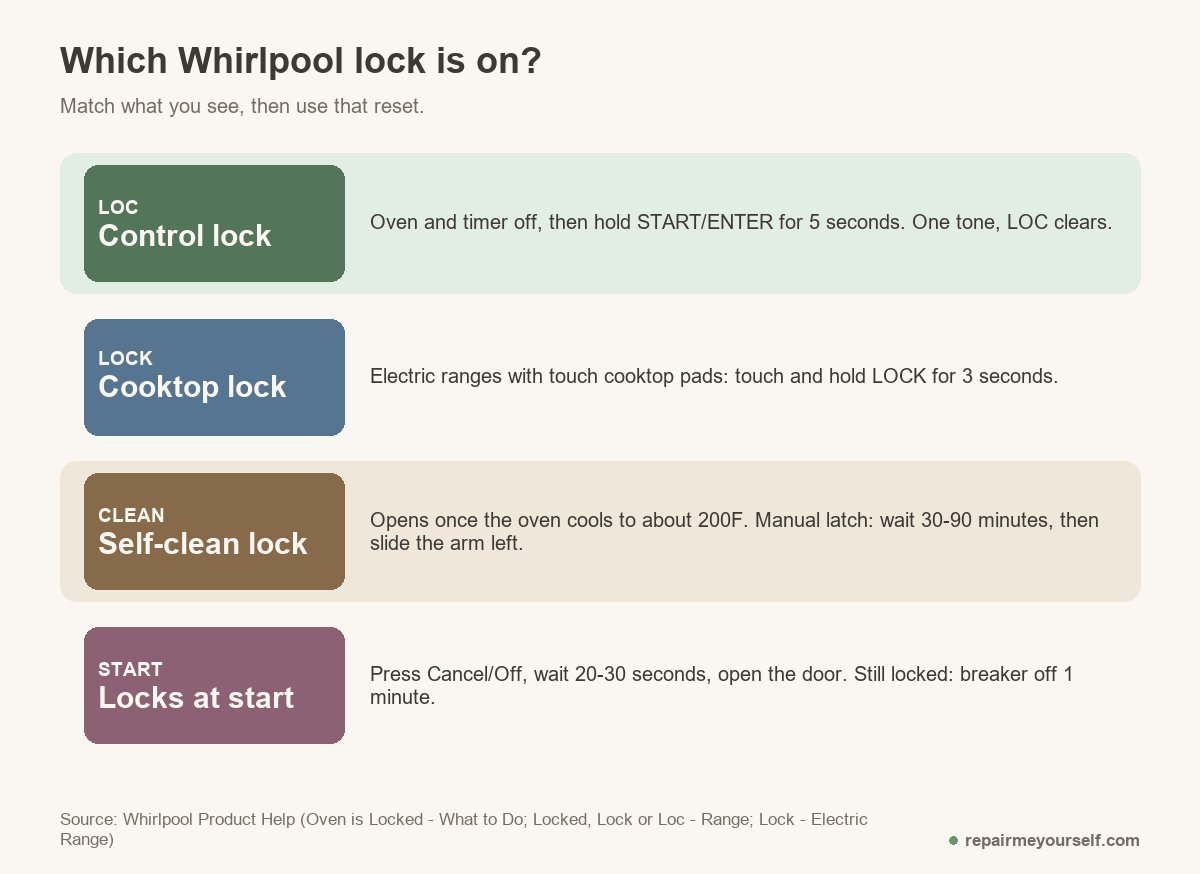
Which lock is on? Look before you press
The display decides your next step. Whirlpool spreads these fixes over several help pages, so here they are sorted by what you can see on the oven right now:
- LOC, Lock or Locked on the display, buttons dead: the control lock. It’s a feature, and you switch it off from the panel.
- A lock light on the cooktop controls: the cooktop lock on electric ranges with touch pads.
- Door won’t open after a self-clean: the heat lock. It releases on its own once the oven cools.
- Door locks as soon as you press Start, or after the power went out: a latch that needs a reset.
- An F5 code: a door latch fault, covered further down.
Check your oven light and the clock too. If the whole display is dark, you’ve got a power problem, not a lock.
LOC on the display: the control lock
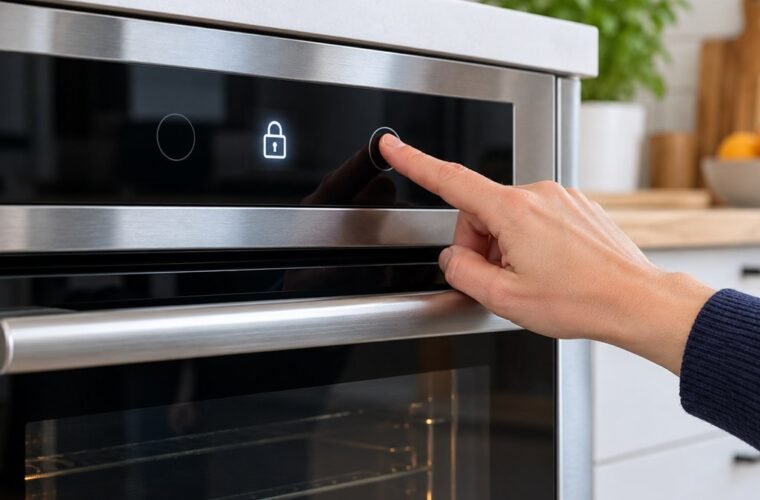
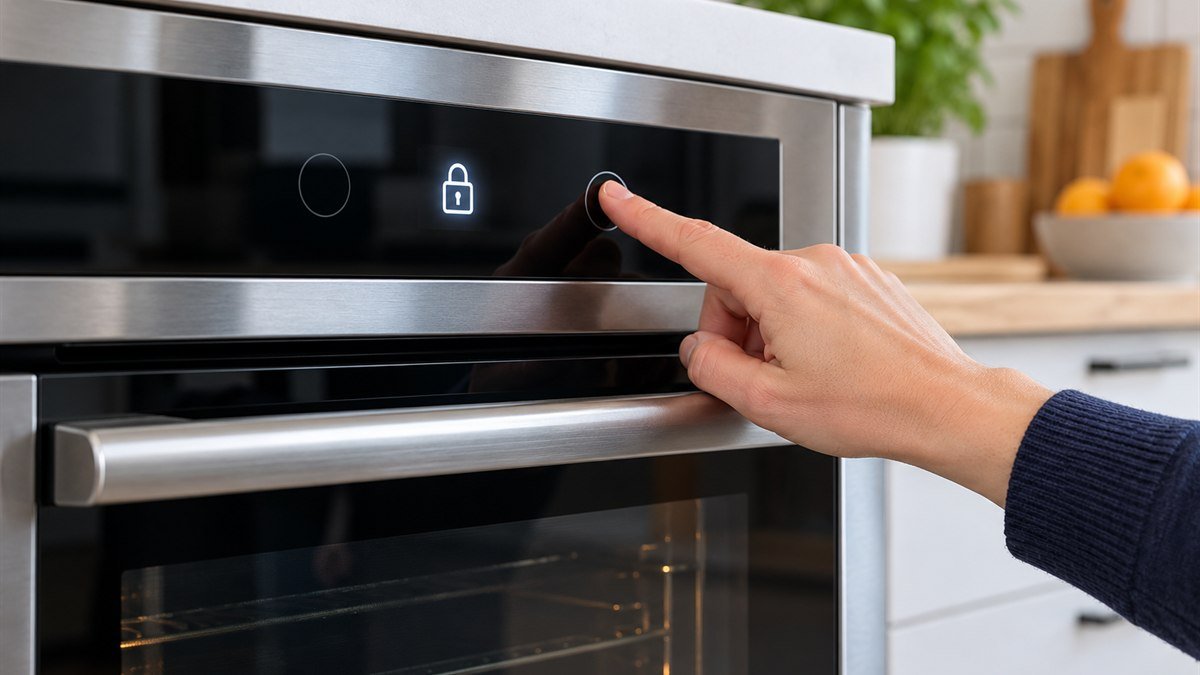
The control lock shuts down the control pads and locks the oven door so nobody starts it by accident. On a Whirlpool range, you turn it off by holding START/ENTER for 5 seconds with the oven and timer off. A tone sounds and LOC disappears from the display.
- Make sure the oven and the timer are both off.
- Touch and hold START/ENTER for 5 seconds.
- Listen for a single tone.
- Check the display. LOC should be gone, and the pads should respond again.
The steps are the same to switch it back on. Whirlpool’s Locked, Lock or Loc page for ranges also says the lock can’t be set while the oven is in use. So if the oven is running and the door still won’t open, it isn’t the control lock.
Some electric ranges have a separate lock for the cooktop. To clear it, touch and hold LOCK for 3 seconds. While it’s on, every keypad except Power and Off is locked out.
Your panel may label these differently. If neither combination works, check the owner’s manual for your model number before you go further. Frigidaire ranges use a different hold, covered in how to unlock a Frigidaire oven.
Door still locked after self-clean
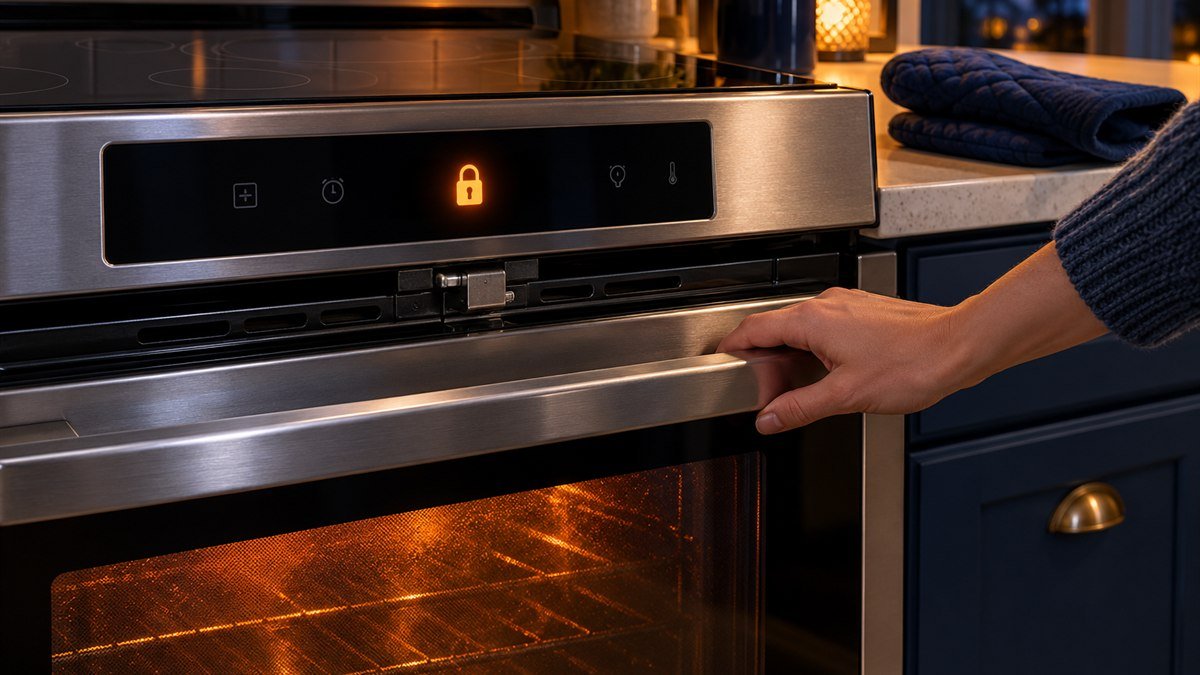
A Whirlpool oven door stays locked after a self-clean until the oven cools to about 200°F (95°C). No button speeds that up. If you started the clean by mistake, press Cancel/Off and let it cool.
This is the lock people fight hardest, and it’s working as designed. The latch holds until the oven is cool enough to open.
If your range is older, it may have a manual latch handle instead of a motor. Give it about 30 to 90 minutes to cool, then slide the latch arm to the left to unlock the door.
One owner on r/Appliances had locked that kind of latch while the oven was still hot, and the arm wouldn’t release a day later. A commenter explained how those ranges work:
“Turn the oven mode knob back to “Clean” and then the lock lever will allow you to unlock it.”
– r/Appliances, December 2025
Their point is that the lever is released by a small solenoid, and it only gets power under certain conditions. Try the knob before you lean on the lever.
Here’s where I’d tell you to stop. Whirlpool says that if the latch arm won’t budge after the oven is back to room temperature, or it’s stuck between the full right and full left positions, schedule service. Forcing it can bend the latch, and then you’re buying one.
How to unlock a Whirlpool oven door that locks at Start or after a power cut
If the door locks when you start the oven, press Cancel/Off to begin a latch reset. Wait 20 to 30 seconds, then open the door. Whirlpool gives that as the first step on its oven is locked help page.
Did the power go out in the middle of a self-clean? The cycle may not resume on its own. Select Self Clean, then select Cancel, wait a couple of minutes and try again.
If neither works, reset the power:
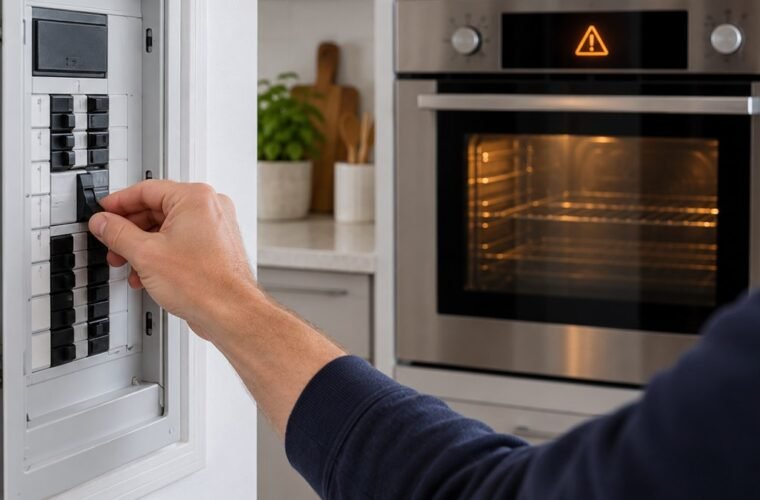
- Turn off the range’s breaker, or pull the fuse, for one minute.
- Turn it back on.
- Check whether the door has unlocked.
Newer touch-screen models can get stuck in a loop after an outage. One owner described it like this:
“When we swipe up to unlock it just brings it back to the Power Loss screen. Tried flipping the breaker for a few minutes.”
– r/appliancerepair, December 2025
A breaker cycle that doesn’t clear a loop like that is a control problem, and the commenter who answered had fixed the ones they’d seen with a new control panel. That’s a model-specific part, so get the model number off the tag before anyone quotes you a price.
When the lock is a part: F5 and a jammed latch
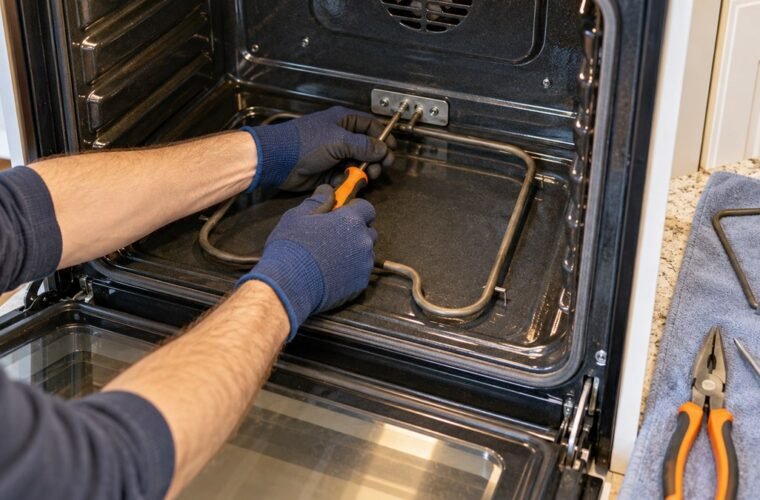
F5 on your Whirlpool range means a door latch fault. Whirlpool’s F5 page names three possible causes: the latch assembly, the latch switches, or the wiring that connects them to the control. First, cut the breaker for a minute. Then restore it and watch.
If F5 comes back, the latch needs a technician or a replacement part. Don’t pry the door. On a hot oven that’s a burn risk, and on a cold one you can bend the latch hook.
Whatever the cause, unplug the range or switch off its breaker before you take off any panel. Here are the safety tools I’d have on hand for that.
More Whirlpool oven lock questions
Can you unlock a Whirlpool oven door without power?
Only on models with a manual latch handle. Once the oven has cooled, you can slide the arm left by hand. A motorized lock needs power to release, so restore power and use the reset steps instead of forcing the door.
How long after self-clean does the door unlock?
Whirlpool ties it to temperature, not a timer. The door unlocks once the oven is down to about 200°F. On manual-latch models, Whirlpool’s estimate is about 30 to 90 minutes of cooling.
Is the child lock the same as the control lock?
Yes. Owners say child lock, and Whirlpool says lock feature. It appears as LOC and clears with the START/ENTER hold, and it can also lock the oven door while it’s on.
If the reset that matches your lock fails twice and a full minute at the breaker doesn’t clear it, stop pressing pads. Write down the model number and the code, if there is one, and book Whirlpool service.