A Samsung oven not heating is most often stuck in demo mode, cut off by a tripped breaker, or shut down because the door was left open. Samsung’s display starts at 150°F during preheat, so a reading that never moves means no heat at all. Parts come last: the bake element or the temperature sensor.
Look at the screen before you pick up a screwdriver. It tells you which of those you’re dealing with, and the first three checks cost nothing.
Samsung ranges were a regular stop on my service calls, and plenty of “dead” ovens weren’t broken. They were in a mode, or half the breaker had tripped, and the owner had already ordered a part.
Is your Samsung oven heating at all?
If the display stays at 150°F long after you press Start, your Samsung oven isn’t heating at all. Samsung says the display shows 150°F when preheat begins and only climbs once the oven gets hotter than that. Older models work the same way from 175°F.
So a Samsung oven that seems to be “not heating over 175” or “over 150” usually isn’t stalling at that temperature.
Nothing shows on the display until the cavity passes its starting number. A frozen 150 or 175 is a no-heat problem.
Samsung’s oven temperature troubleshooting page sets out the 150°F rule. The 175°F version is in the user manual for the NE59J7630 electric range, where the display “will start to change once the oven temperature reaches 175 °F.”
If the number does climb but stops short of your setting, you’ve got a slow or weak oven instead. Jump to the 20-minute test below.
Check for demo mode before anything else
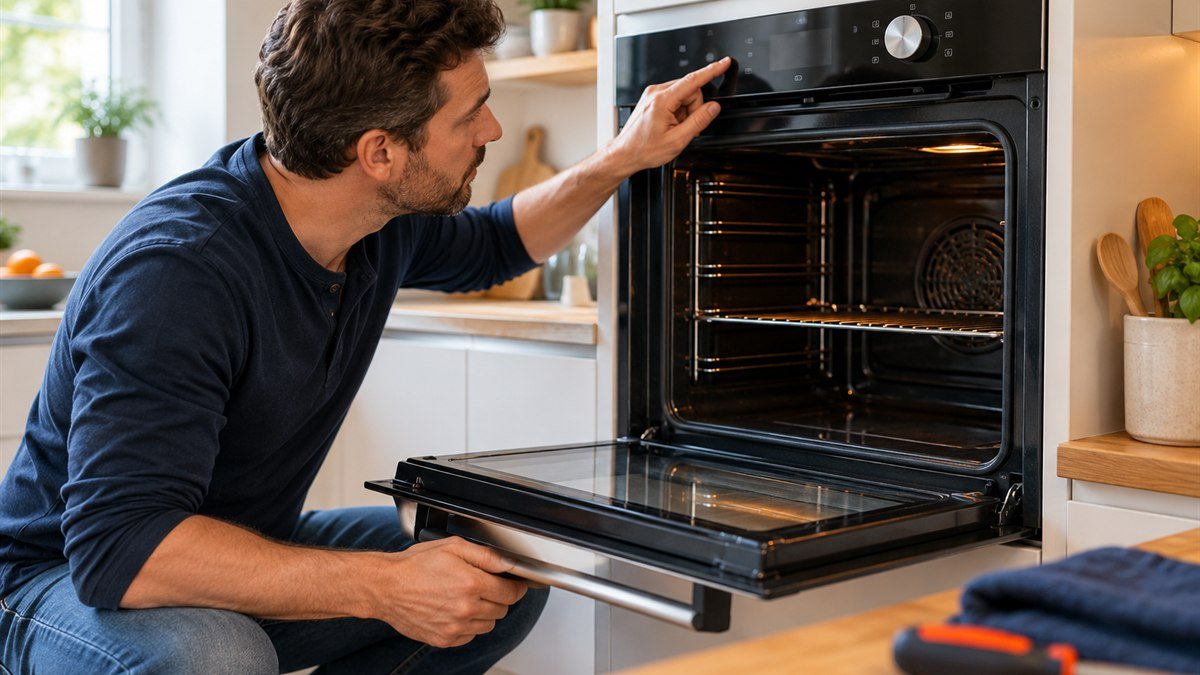
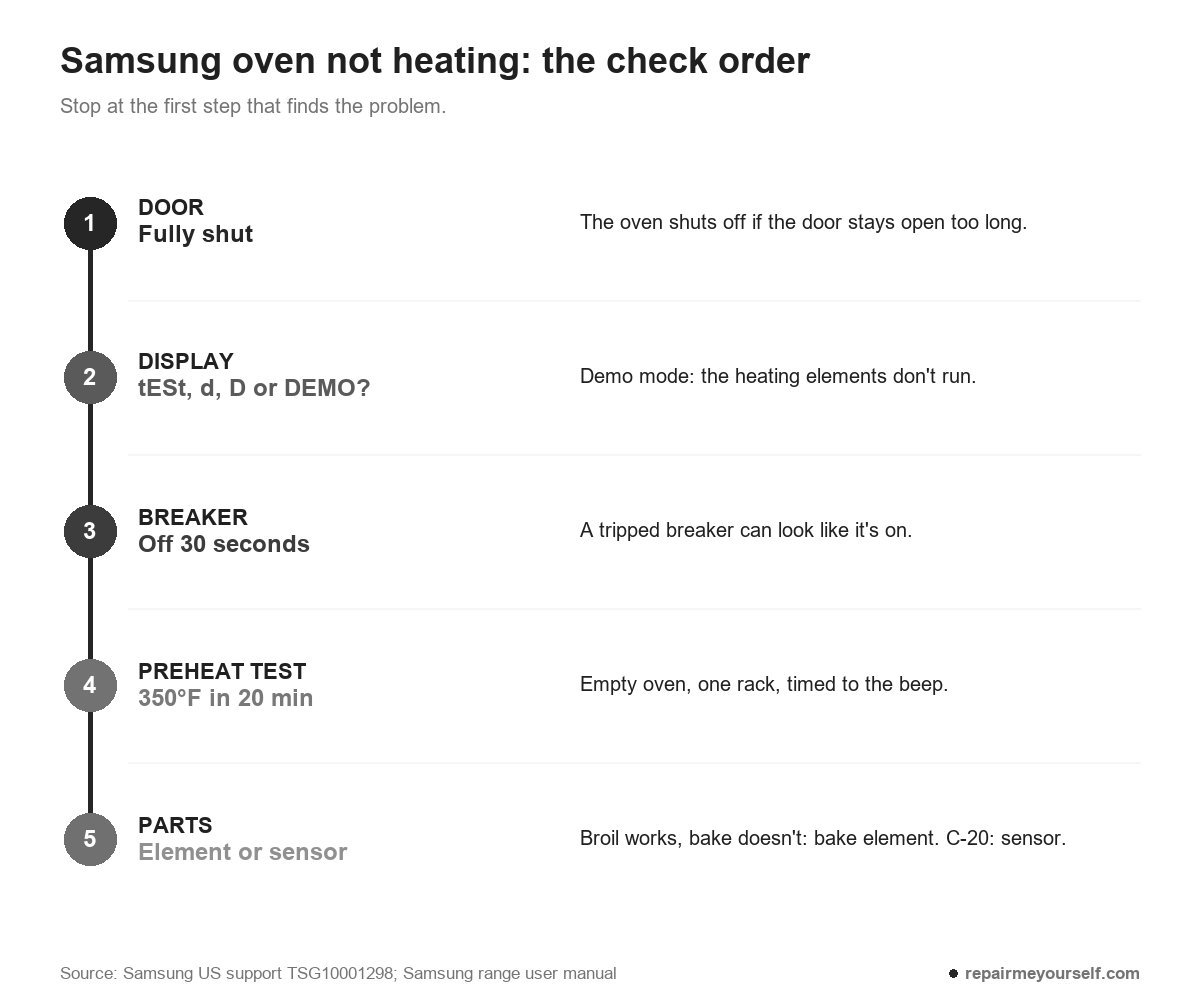
Demo mode is a store setting that lights the panel but keeps the heat off. On a Samsung range, you’ll see tESt or tE 5t on the display, a small d, a D icon, or DEMO across the top on LCD wall ovens. While it’s on, the oven and an electric cooktop won’t heat.
Samsung’s NE59J7630 manual puts it plainly: in demo mode “the heating element does not operate.” It’s meant for showroom floors, and it can come home switched on.
Your model decides the button combination. On the NE59J7630 you press Broil and 7, then 0 to switch it, then START/SET. On NE63 models Samsung lists holding Options for 3 seconds, pressing 0, then 2 to turn it off.
Can’t find it in your manual? Samsung asks you to contact support with your model number.
Door, breaker and a 30-second power reset
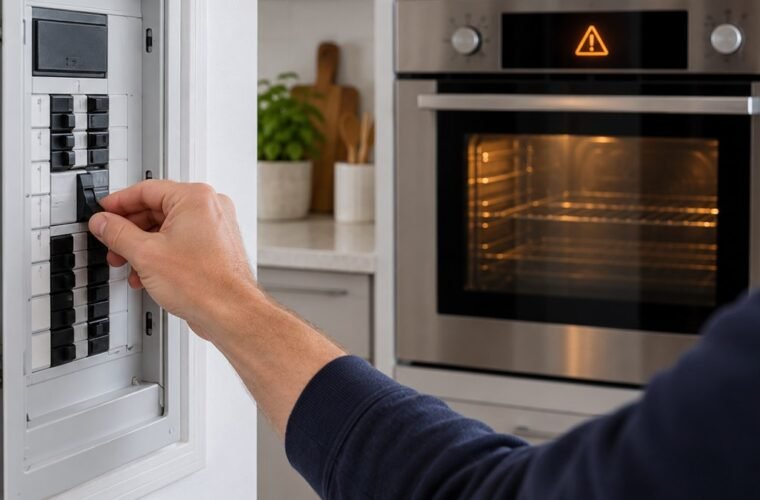
Three quick power checks clear a lot of no-heat calls. First, make sure the door is fully closed, because Samsung shuts the oven off if it’s left open too long. Then turn off the range’s circuit breaker for 30 seconds and switch it back on.
Samsung warns that a tripped breaker can look untripped, so don’t trust a glance at the panel. Cycle it anyway. Take a flashlight if the panel is in a dark basement, and keep to the basic safety tools for anything near live wiring.
I ran into that on a Samsung range where only one half of the double breaker had dropped. With the clock lit and the cooktop working, the owner was sure the oven had died.
One flip of the breaker fixed it.
Did the display go blank or start flashing? The manual links a blank display to a blown fuse or tripped breaker, and a flashing one to a power failure. Reset the clock and try again.
Heats, but slowly: Samsung’s 20-minute preheat test
Samsung’s test for a slow oven is simple: empty the oven, leave one bare rack inside, set it to 350°F and time how long it takes to beep. It should beep within 20 minutes. Don’t open the door, and don’t use a thermometer for this.
If it takes longer than 20 minutes, Samsung says to request service. There’s one exception on electric ranges.
Samsung says an electric range needs 240 volts. A range will still run on less, but preheating takes longer, and Samsung doesn’t count that as a fault in the oven, which means a low supply at your home is an electrician’s fix and not a Samsung service visit.
When a part has failed
If the display never moves, demo mode is off and the breaker has been cycled, you’re down to parts. The two that fail on an electric Samsung oven are the bake element and the oven temperature sensor, and the display often tells you which.
Broiler works but bake doesn’t
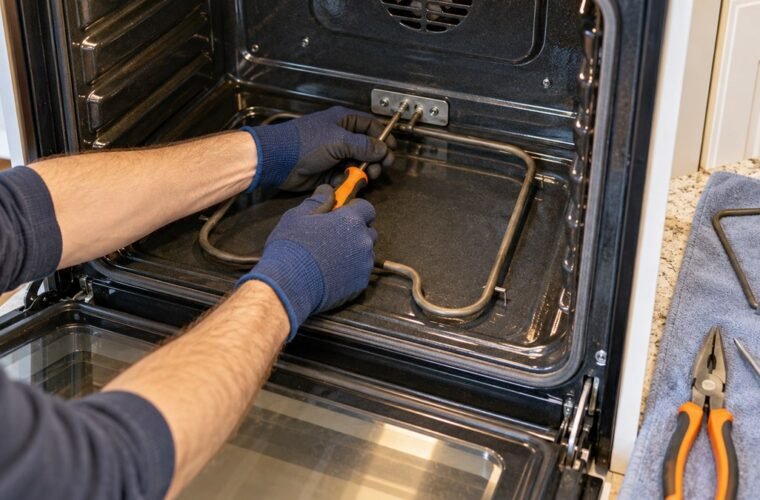
Suspect the bake element, the lower coil, if yours is exposed on the oven floor. Look for a break, a crack or a blistered patch.
Then confirm it. Switch off the breaker, pull both wires off the element and measure across its terminals with a multimeter. OL, or no reading, means the coil has burned through. If it has, follow my steps to replace the oven heating element.
Not every Samsung has a visible bake element. If the oven floor is a smooth panel, the element is hidden underneath, and that’s a job for a technician.
The oven gets warm, but not hot
This is where people buy the wrong part. One owner on r/Appliances described exactly that:
“Set for 350° but only got to about 200°.”
– r/Appliances
They replaced the bake element, and nothing changed.
When the element heats but the oven never reaches its setting, the control isn’t getting a true reading, and the temperature sensor is the next part to test.
Error codes C-20 and C-21
Samsung’s NE59J7630 user manual lists C-20 for an oven sensor that’s open or shorted while the oven runs, and C-21 for an abnormally high internal temperature. GE ranges flag an overheat as F2, and here’s what the F2 code on GE ovens means.
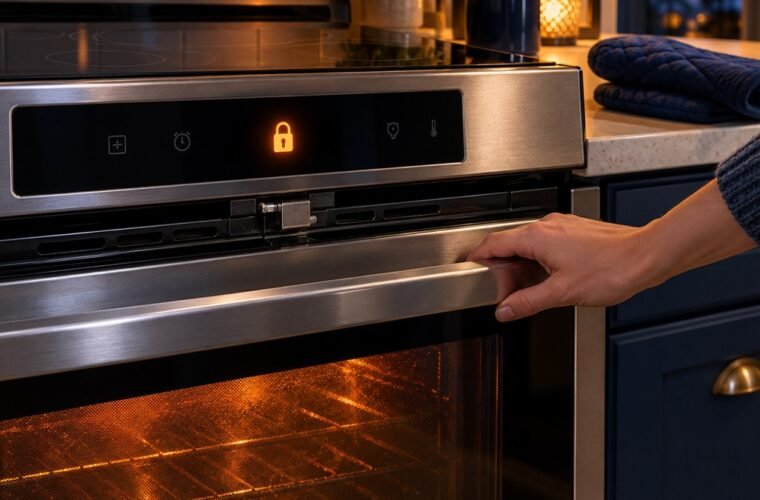
C-d1 means the door lock is out of position. Codes can differ between models, so match yours to your own manual.
Samsung’s fix is the same for all of them. Press OVEN OFF and restart. If the code returns, disconnect all power for at least 30 seconds and reconnect. If it still comes back, book service.
Gas range? Two checks, then a technician
On a gas range, Samsung’s first check is to light a cooktop burner. If the burners won’t light either, check that your home’s gas is on, and contact your gas company if it isn’t.
Past that, the igniter and gas valve are work for a licensed technician. I don’t do gas work, and I won’t walk you through it here.
Other questions about a Samsung oven not heating
How do you hard reset a Samsung oven?
Turn the range’s breaker off for at least 30 seconds, then back on. Samsung’s support page and its range manual both use that 30-second power cut. A reset clears a frozen control, but it won’t take the oven out of demo mode, which needs the button combination.
Where is the temperature sensor in a Samsung oven?
On the Samsung ranges I opened, it was the thin metal probe sticking out of the upper back wall of the oven cavity, held by two screws. Check your model’s parts diagram before you order one, since layouts change between series.
My Samsung oven heats but runs cool. What can I do?
Use the temperature adjustment. Samsung lets you move the oven up to 35°F hotter or cooler, and the change doesn’t affect broil or self-clean. Calibration can fix an oven that bakes a little low, but not one that never heats.
Why doesn’t my oven thermometer match the display?
Ovens cycle on and off to hold a setting. Samsung says an oven set to 350°F swings between roughly 330°F and 370°F, and most oven thermometers can’t keep up with that. Judge it by how your food cooks, not by a dial on the rack.
If the display never leaves 150°F with demo mode off and the breaker cycled, stop buying parts on a guess. Write down the model number and the code, if there is one, and get both to Samsung service.